claude-awesome-video-creation: tutorial videos from code
A Claude Code skill for follow-along tutorial and explainer videos built in Remotion: voice-driven timeline, glass terminals, captions, an optional lip-synced mascot, segmented render and measured QA. Built on cinetic craft; this is a different repo with a tutorial mode on top.
In short: A Claude Code skill for follow-along tutorial and explainer videos built in Remotion: voice-driven timeline, glass terminals, captions, an optional lip-synced mascot, segmented render and measured QA. Built on cinetic craft; this is a different repo with a tutorial mode on top. It is a free skill for people who use Claude Code and want help with motion graphics.
Install command copied from the project README. Check the README for the latest version.
What it does
A Claude Code skill for follow-along tutorial and explainer videos built in Remotion: voice-driven timeline, glass terminals, captions, an optional lip-synced mascot, segmented render and measured QA. Built on cinetic craft; this is a different repo with a tutorial mode on top.
This skill extends cinetic into a tutorial mode for Claude Code. It builds follow-along videos in Remotion: a fixed teaching structure (hook, what it is, problem, how it works, STEP 1/2/3, real run, cheat sheet, call to…
/claude-awesome-video-creation Make a 2-minute tutorial video about installing this project's CLI on macOS and Windows. Follow the tutorial structure, draft the voiceover first, and wait for my OK before rendering.
/claude-awesome-video-creation Make a 2-minute tutorial video about installing this project's CLI on macOS and Windows. Follow the tutorial structure, draft the voiceover first, and wait for my OK before rendering.
Written by us so you can reuse it. Replace each [bracket] with your details.
Step by step
Open the GitHub repo and read the tutorial-mode structure and the honesty rules (original mascot only, measured render times).
In your project ask Claude Code for a short tutorial video about a feature, or call /claude-awesome-video-creation.
Approve the voiceover script first, then let it build the timeline, render in segments and run the QA gates before you share the cut.
Watch out for
Brand-new repo with 0 stars, created today. Heavy local stack (Node 22, Remotion, ffmpeg, Python audio libs). cinetic is already listed separately; do not confuse the two. Mascots must be original characters, not franchise art. Our scan flags an on-screen install string inside the Teach It Once example timeline (Claude's public install line shown as UI copy), not a script this skill pipes into a shell.
A Claude Code skill for follow-along tutorial and explainer videos built in Remotion: voice-driven timeline, glass terminals, captions, an optional lip-synced mascot, segmented render and measured QA. Built on cinetic craft; this is a different repo with a tutorial mode on top.
Which AI agents can use claude-awesome-video-creation?
It works with Claude Code. The code is on GitHub at HaochenSHI66/claude-awesome-video-creation.
Is claude-awesome-video-creation free?
Free & open source (MIT). No paid account required. Needs Node.js 22+, Remotion 4, ffmpeg 6+, and Python 3.11+ with numpy, scipy, soundfile, pyloudnorm and pillow; edge-tts for draft voiceover (optional); Codex CLI image edits for the mascot (optional).
How do I install claude-awesome-video-creation?
Run the install command from the README: “npx skills add HaochenSHI66/claude-awesome-video-creation”. Check the README on GitHub for the latest version, then follow the steps on this page.
Is claude-awesome-video-creation safe to install?
We read 100 instruction and code files in the repo and found no red flags. That is not a guarantee, so review anything that runs commands on your machine. How to check a skill before you install it →
Stageshow: polished product UI stills and animations from your agent
A design skill plus a small React kit that teaches your agent to make convincing faux product UI: still images, feature cards, cursor-driven demos and bento grids. It plans the story in a few beats, builds from solid examples, then films the result and fixes what it finds.
Claude Code +2★ 634
SKILL
teardown: any machine as a 3D simulator you can take apart
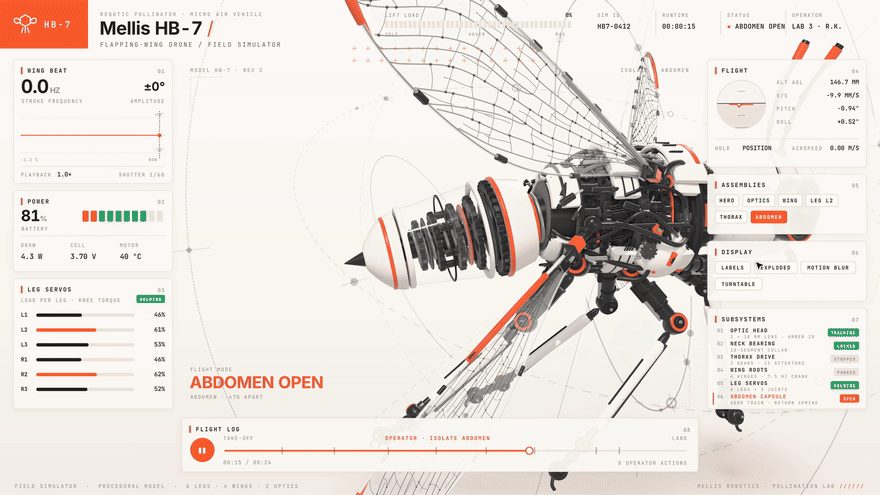
A Claude Code skill that answers "how does this work?" by building the machine as one offline 3D page: it runs in the middle, panels read its live numbers, buttons open the part doing the work, and one click blows it apart. It can also record a short tour video of it.
Claude Code★ 1.1k
SKILL
Motion Prompt: name the motion you want, then hand it to your agent
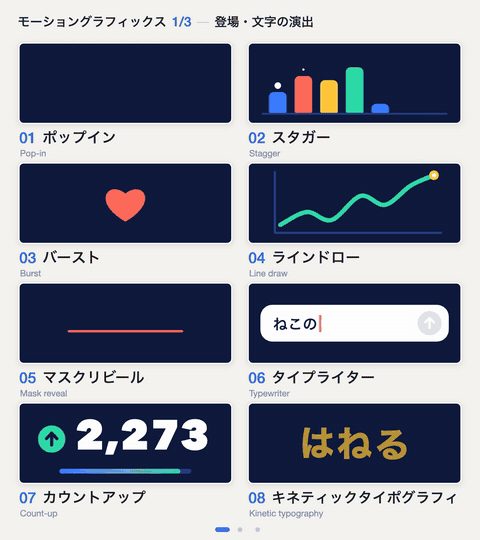
A clickable library of 192 named effects (motion-graphics moves, camera moves and transitions, UI parts, landing-page effects, photo looks), each with a moving sample and an example request. Its skill opens the gallery, lets you tick the ones you like and sends their specs and reference code straight to your agent.
Claude Code +1★ 849
SKILL
pixelfx: 232 pixel-art effects in code, and a skill to make more
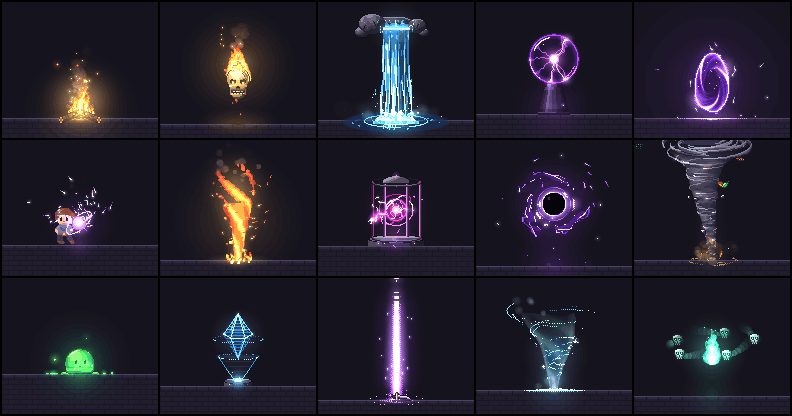
A free library of 232 pixel-art effects written as small code files (fire, explosions, magic, weather, UI pops, pickups, transitions) that you can drop into a browser game or export as sprite sheets, plus a Claude Code skill that drafts, renders, looks at and refines new effects until they hold up.
Claude Code★ 147
SKILL0:56
HyperFrames: write HTML, get a video
Open-source renderer that turns HTML/CSS/JS scenes into frame-exact MP4s; built so coding agents can drive it.
Claude Code +1★ 63.8k
SKILL
ascii-diorama: tiny 3D worlds drawn in text
A Claude Code skill that builds tilt-shift ASCII miniatures: a small Three.js world whose every pixel is redrawn as a coloured text character, with grass that sways, foamy water and a slow camera sweep, running live and looping in the browser.
Claude Code★ 89
Free newsletter
Friday Picks
New AI tools you can use right away, in plain words. Every Friday.
 SKILL


 Claude Code +2★ 634