Motion Prompt: name the motion you want, then hand it to your agent
A clickable library of 192 named effects (motion-graphics moves, camera moves and transitions, UI parts, landing-page effects, photo looks), each with a moving sample and an example request. Its skill opens the gallery, lets you tick the ones you like and sends their specs and reference code straight to your agent.
In short: A clickable library of 192 named effects (motion-graphics moves, camera moves and transitions, UI parts, landing-page effects, photo looks), each with a moving sample and an example request. Its skill opens the gallery, lets you tick the ones you like and sends their specs and reference code straight to your agent. It is a free skill for people who use Claude Code or Codex and want help with motion graphics.
Real videos made with this skill, credited to their creators. Hover to preview.
MOTION0:19
Motion Prompt: a clickable dictionary of moves for your agent
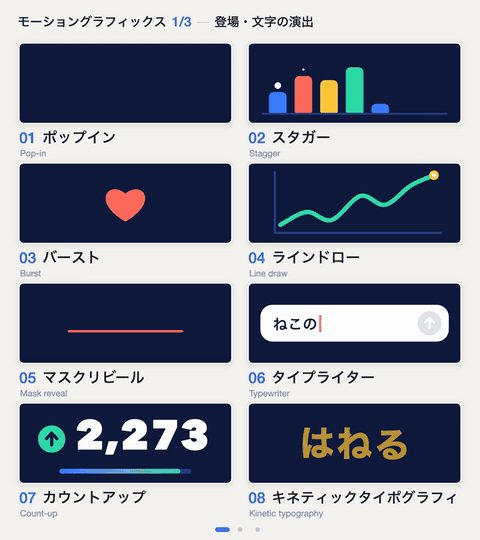
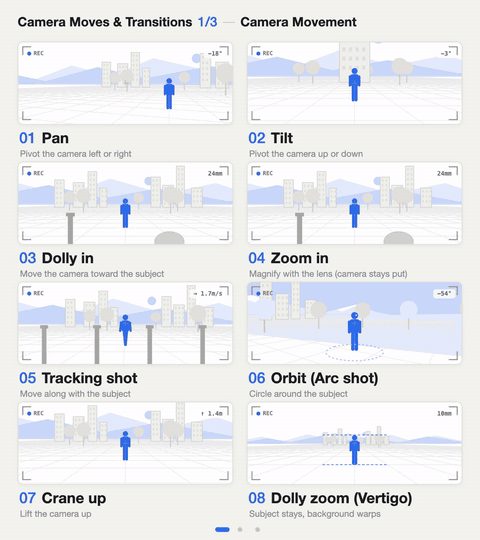
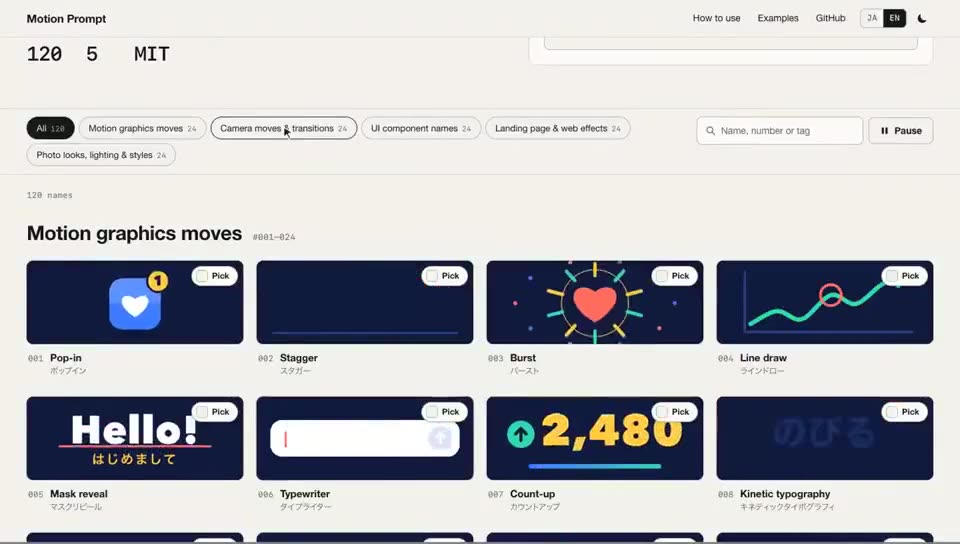
A 20-second scroll through the gallery: motion-graphics moves, camera moves, UI parts, landing-page effects and photo looks play as labelled samples, and picked ones are sent to Claude Code with their specs.
Install command copied from the project README. Check the README for the latest version.
What it does
A clickable library of 192 named effects (motion-graphics moves, camera moves and transitions, UI parts, landing-page effects, photo looks), each with a moving sample and an example request. Its skill opens the gallery, lets you tick the ones you like and sends their specs and reference code straight to your agent.
Motion Prompt solves the 'I can't describe the move I want' problem. It is a library of 192 names in eight packs (motion-graphics moves, camera moves and transitions, UI components, landing-page effects, photo looks),…
Why I made thisThe names in here nowThree ways to use it1. Open the library, pick, and send your picks to 2. Look up the name and say it to your AI3. Make a version for your own field or languageAdd the names of your fieldOriginal postsSkill referenceInstallInstall steps for agentsWhat the agent does
A prompt to try
Open the motion-prompt library.
Open the motion-prompt library.
From the original post, credited below.
Step by step
Browse the moving samples in the online gallery (linked from the GitHub repo).
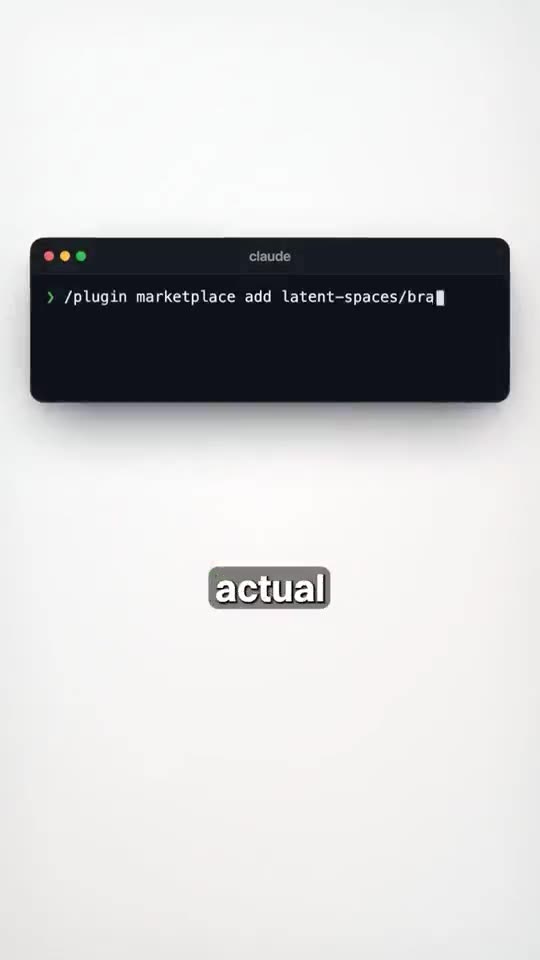
Install with npx skills add showheyohtaki/motion-prompt, or in Claude Code /plugin marketplace add showheyohtaki/motion-prompt then /plugin install motion-prompt@motion-prompt.
Tell your agent: open the motion-prompt library. Tick the samples you want and press Send to AI.
Say what to do with them, e.g. edit the opening of this video like this, or ask by number: use #012 and #045.
Watch out for
The gallery waits in your browser for up to 15 minutes for your picks. Samples are reference motion, so the agent's version will be close rather than identical; adjust one timing or strength at a time if it misses.
A clickable library of 192 named effects (motion-graphics moves, camera moves and transitions, UI parts, landing-page effects, photo looks), each with a moving sample and an example request. Its skill opens the gallery, lets you tick the ones you like and sends their specs and reference code straight to your agent.
Which AI agents can use Motion Prompt?
It works with Claude Code and Codex. The code is on GitHub at showheyohtaki/motion-prompt.
Is Motion Prompt free?
Free & open source (MIT). Needs Node 18+; uses the agent and model you already pay for.
How do I install Motion Prompt?
Run the install command from the README: “npx skills add showheyohtaki/motion-prompt”. Check the README on GitHub for the latest version, then follow the steps on this page.
Is Motion Prompt safe to install?
We read 97 instruction and code files in the repo and found no red flags. That is not a guarantee, so review anything that runs commands on your machine.
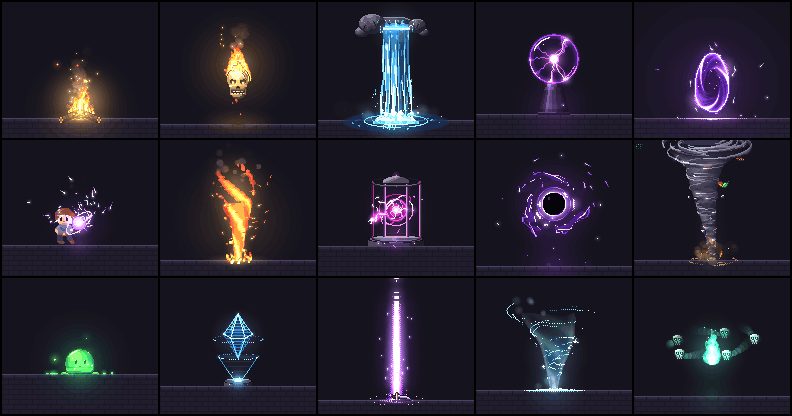
pixelfx: 232 pixel-art effects in code, and a skill to make more
A free library of 232 pixel-art effects written as small code files (fire, explosions, magic, weather, UI pops, pickups, transitions) that you can drop into a browser game or export as sprite sheets, plus a Claude Code skill that drafts, renders, looks at and refines new effects until they hold up.
Claude Code★ 147
SKILL0:56
HyperFrames: write HTML, get a video
Open-source renderer that turns HTML/CSS/JS scenes into frame-exact MP4s; built so coding agents can drive it.
Claude Code +1★ 63.8k
SKILL0:34
/brag: turn a finished project into a launch video
Type /brag in a project; it reads the code and renders a ~20s launch film with music, captions and share copy.
Claude Code +1★ 16k
SKILL0:28
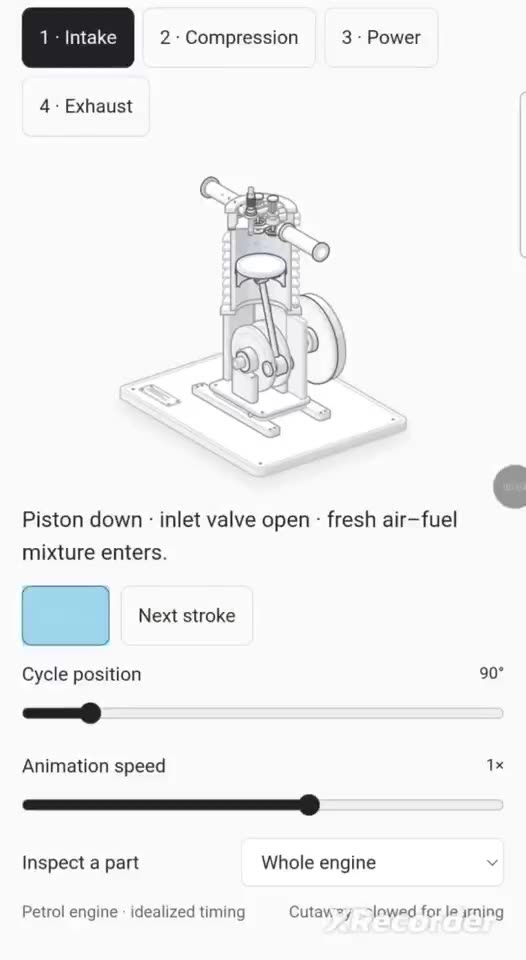
Anatomy: interactive isometric illustrations
Draws detailed, interactive isometric cutaways of real objects as code; a port also runs in ChatGPT/Codex.
Claude Code +1★ 10.6k
SKILL
video-shotcraft: product films from your real screens
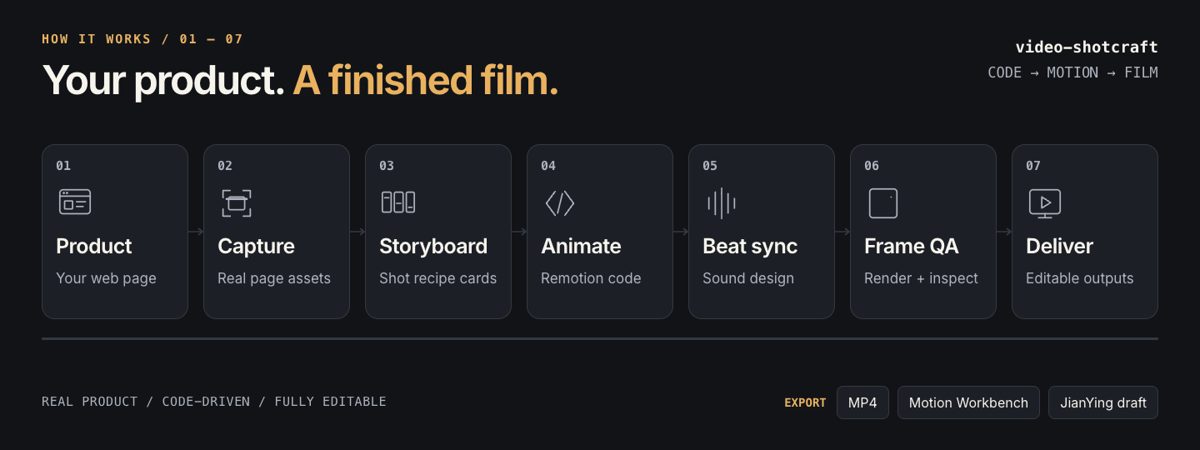
A Remotion video skill that captures your real product pages, picks shots from a library of 150+ tuned motion recipes, storyboards the film, cuts it to the beat with sound design and hands back an MP4 plus the source you can keep editing.
Claude Code +1★ 13.7k
SKILL
img2threejs: one image into an editable Three.js 3D model
Show your agent one picture of an object or character and it rebuilds it as plain Three.js code, pass by pass, checking its own renders against the picture, so you get a 3D model you can rotate, animate and keep editing instead of a mesh file.
Claude Code +1★ 18.8k
Free newsletter
Friday Picks
New AI tools you can use right away, in plain words. Every Friday.


 MOTION0:19