 MOTION0:18
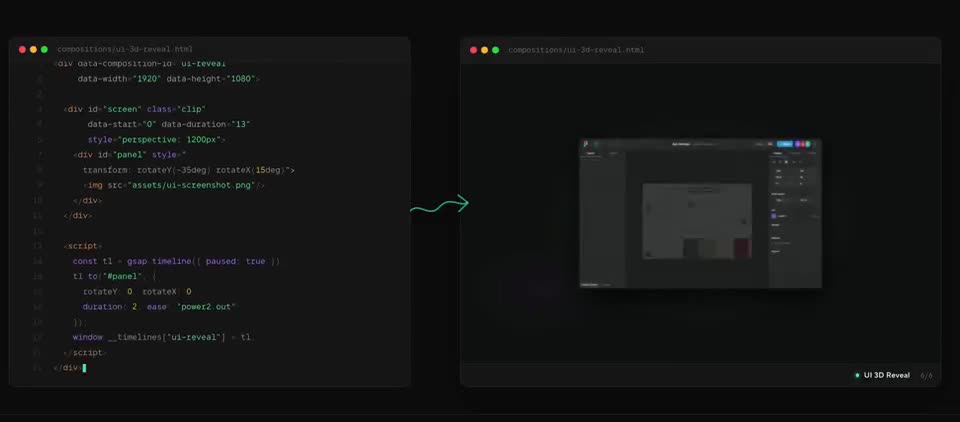
HyperFrames demo: animated video from HTML, CSS and JS
A short tour of what HyperFrames renders, plus its built-in editor. Works in Claude Code, Cursor, Codex and Gemini.
HyperFrames and Remotion both turn code into video, and both have official skills for Claude Code and Codex. We gave the same brief to the same coding agent for each engine and rendered both on our own machine. Here is what we saw.
Tested and checked on
Short answer: pick HyperFrames if you want an open licence that is free for any company and scenes written as plain web pages. Pick Remotion if your team already works in React or you want to reuse your app's React components, and read its licence first if your company is not very small. In our test, both made the same title card from one brief, with no fixes needed.
| Your situation | Pick |
|---|---|
| You want to write scenes as plain web pages: HTML, CSS and a timeline | HyperFrames |
| You make videos for a company of any size and want no licence fee | HyperFrames (Apache licence) |
| Your product is built in React and you want its real components in the video | Remotion |
| You want type checks on the video code | Remotion (TypeScript) |
| You want a built-in check for layout, motion and contrast before rendering | HyperFrames (its check command) |
| You already have Remotion videos | Remotion, or move them over with the HyperFrames migration skill |
How we tested: we wrote one brief and gave it to the same coding agent for both engines. Each engine's official agent skill was installed, and the agent followed it. Both videos were rendered on our own Linux machine with free tools only: no account, no API key and no cloud render. We then compared both videos frame by frame.
The brief:
| HyperFrames | Remotion | |
|---|---|---|
| Start a project | npx hyperframes init made a ready project with one HTML file and instruction files for the agent. | npx create-video@latest with the blank template installed the npm packages and made a small React project. |
| What the agent wrote | One HTML page with CSS and a GSAP timeline. | One React component in TypeScript, animated frame by frame with interpolate(). |
| Checks before rendering | npx hyperframes check passed with no errors. It warned that the first frame is empty, which matters because social players use it as the thumbnail. | The TypeScript check passed with no errors. |
| Time to the first render | A few minutes from an empty folder. The render itself took a few seconds. | A few minutes from an empty folder, most of it installing packages. The render itself took a few seconds. |
| Fixes needed | None. | None to the animation. The blank template starts at a smaller frame size and a shorter length, so we set both to match the brief. |
| Result | A sharp HD video. Same layout and timing as the Remotion one. | A sharp HD video. Same layout and timing as the HyperFrames one. |
This is one small test with a simple title card. Longer films, footage, sound and captions may go differently, so treat it as a first look, not a full review.
The same headline animation, as each engine wants it. Short extracts from our test.
<h1 id="title" class="clip" data-start="0" data-duration="5">Ship it today</h1>
...
tl.fromTo("#title", { opacity: 0, y: 60 }, { opacity: 1, y: 0, duration: 0.8 }, 0.3);<h1 style={{
opacity: interpolate(frame, [0.3 * fps, 1.1 * fps], [0, 1], clamp),
translate: interpolate(frame, [0.3 * fps, 1.1 * fps], ["0px 60px", "0px 0px"], clamp),
}}>Ship it today</h1>Both are deterministic: every frame comes from the timeline or the frame number, so the same code gives the same video each time.
| HyperFrames | Remotion | |
|---|---|---|
| What the agent writes | Web pages: HTML, CSS and JavaScript animation such as GSAP | React components, usually in TypeScript |
| Licence | Apache licence: free for anyone, companies included | Its own licence: free for individuals, non-profits and very small companies, even for paid work. Larger for-profit companies need a paid company licence. |
| Renders on your computer | Yes. It used our installed Chrome and FFmpeg. | Yes. No account was needed. |
| Official agent skills | Yes: npx skills add heygen-com/hyperframes, or the Claude Code plugin | Yes: npx skills add remotion-dev/skills |
| Preview and editing | A Studio preview in the browser, plus a desktop app | Remotion Studio in the browser |
| Needs | A recent Node.js (the README gives the version) and FFmpeg | Node.js (the project we made also lists support for older versions) |
| Cloud rendering, if you want it | Optional: HeyGen's cloud, AWS Lambda or Google Cloud Run | Optional: Remotion Lambda (see the Remotion docs) |
Sources: our test, the HyperFrames README, the Remotion skills README and the Remotion licence. No sponsored entries on this page.
Both work with any coding agent that reads skills. The HyperFrames README names Claude Code, Codex, Cursor and Gemini CLI, among others. The Remotion skills README names Claude Code, Codex, Kimi Code and Cursor. For step-by-step setup in Claude Code and in Codex, see How to make a video with Claude Code or Codex.
From Remotion to HyperFrames: HyperFrames has an on-demand skill for this, called remotion-to-hyperframes. Its README says it brings existing video code into HyperFrames and checks the result frame by frame against the original.
From HyperFrames to Remotion: we know of no tool for this. Ask your agent to rebuild each scene as a React component, then compare stills from both versions. In our test the same design moved across easily: a GSAP tween became an interpolate() call.
Made and posted by the people credited on each video, not by us. Hover to preview, or open one to watch with sound.
MOTION0:18A short tour of what HyperFrames renders, plus its built-in editor. Works in Claude Code, Cursor, Codex and Gemini.
 MOTION1:35
Made with Claude Code + Remotion. Remotion is free and open source: the main button takes you to it.
 MOTION0:22
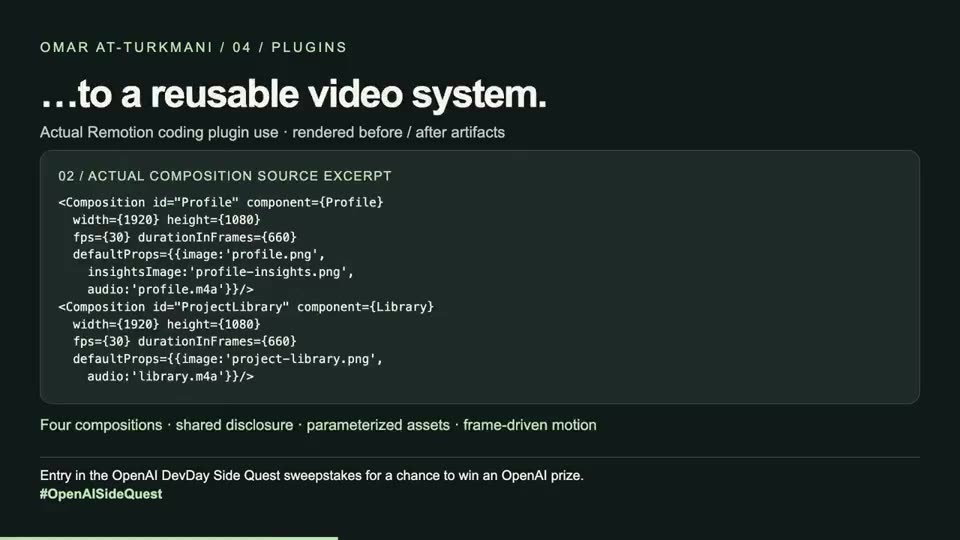
The Remotion skills turned a pile of assets into reusable video compositions; the post shows the process and the result.
 MOTION1:20
Made with HyperFrames. HyperFrames is free and open source: the main button takes you to it.
 MOTION0:10
Made with Claude Code + HyperFrames. HyperFrames is free and open source: the main button takes you to it.
 MOTION1:04
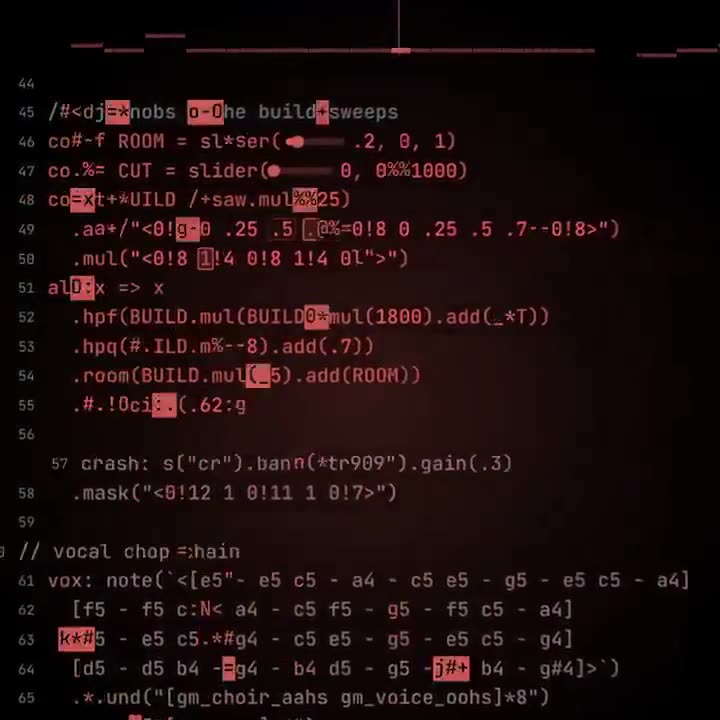
A custom skill pairs Strudel beats with HyperFrames visuals, so the agent composes the track and the video together.
Free newsletter
New AI tools you can use right away, in plain words. Every Friday.