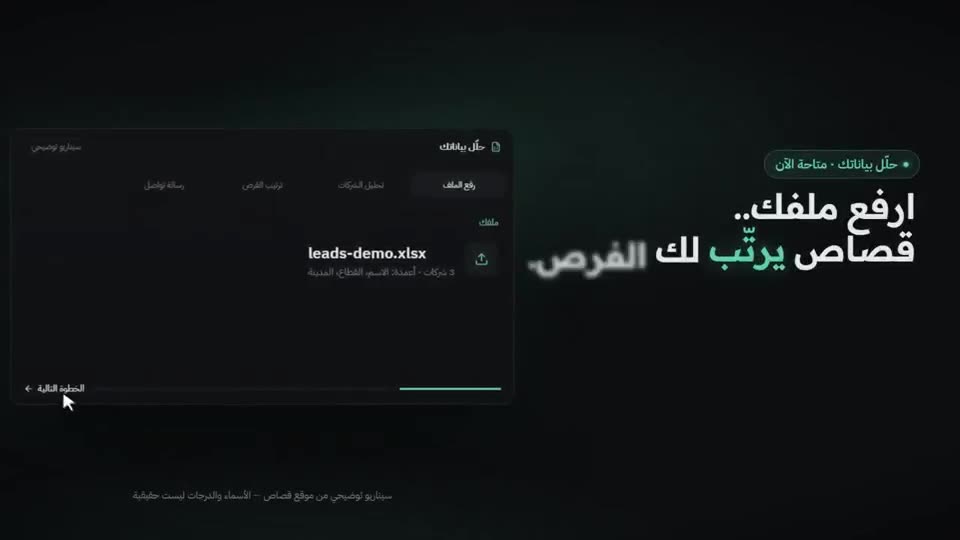
 LAUNCH0:21
Launch video for an app, made with /brag
The agent turned a project into a polished launch clip with music and motion, with no manual editing.
You built something. Now you need a short video to show it. These free, open-source skills let your coding agent make that video from your own project.
Checked on
Short answer: install the free brag skill, open your project in Claude Code or Codex, and type /brag. It reads your code, plans a short film and renders it with music, motion and text to share. Then you watch it, ask for changes, and render again.
All of these are free and open source, and each links to its GitHub repo from its page.
| Start from | Skill | What it does |
|---|---|---|
| Your codebase | brag | Reads the project, writes the story and renders the film with HyperFrames. |
| Your codebase, for an update | guizang product video | Tell it what changed. It builds a promo from your real components, with copy, music and sound effects. AGPL licence. |
| Your live product or site | huashu-motion | Reads the product, offers a few directions, writes the music and opens an editor where you fix single frames. |
| Your live product or site | product-launch-motion | Writes the script, voiceover, camera moves and colour grade for a launch film. |
| Your real app screens | product-film | Studies your design system and builds the film in Remotion with your real components. |
| A recording of your real app | video-demo | Your agent clicks through your web app, records it with zoom-ins and adds a voiceover, all on your machine. |
| One sentence | cinetic | Plans, designs, scores and renders a short cinematic film from a short prompt. |
We wrote these steps from the brag README and checked them against the repo. We have not filmed our own run yet, so the result videos further down come from people who did.
npx hyperframes doctor.# Claude Code /plugin marketplace add latent-spaces/brag /plugin install brag@brag # Codex codex plugin marketplace add latent-spaces/brag codex plugin add brag@brag # Other agents that read skills npx skills add https://github.com/latent-spaces/brag --skill brag
let's /brag. Or paste this prompt, which adds a mood and a review step:--voice.brag-output folder with the plan, a brief, the share copy and the video file. Read the plan first, then watch the video. Ask for changes in plain words, such as slower pacing, a different screen or shorter text, and let it render again.Each video was made by the person credited on it and posted with a link to the skill. Hover to preview, or open one to watch with sound.
LAUNCH0:21The agent turned a project into a polished launch clip with music and motion, with no manual editing.
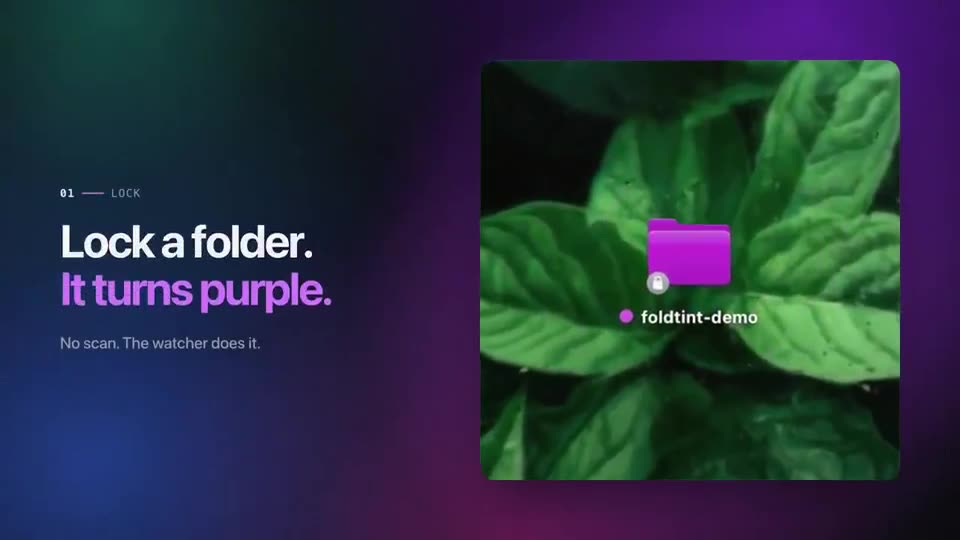 LAUNCH0:25
A launch video for a small app, built with the brag skill.
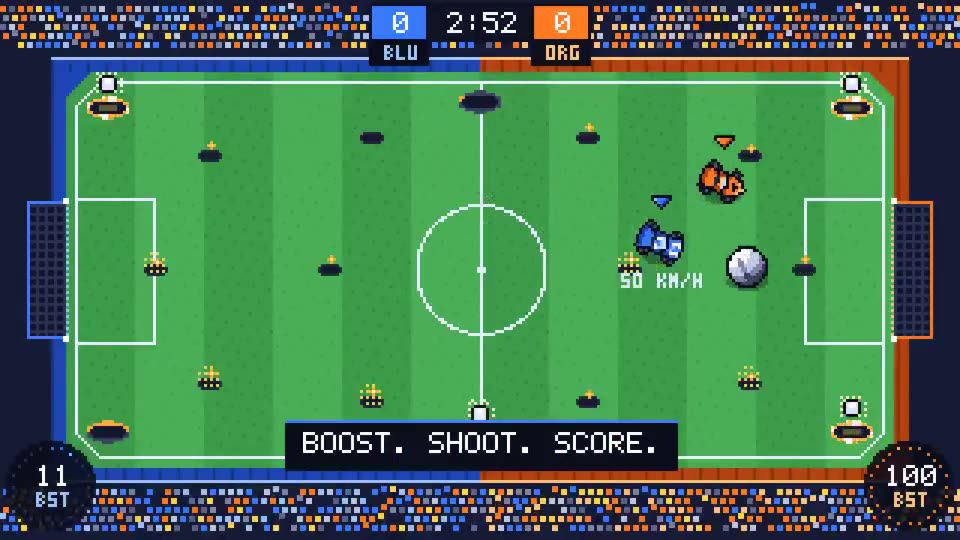 LAUNCH0:21
The agent built a pixel Rocket League-style game and then used brag to make its intro video.
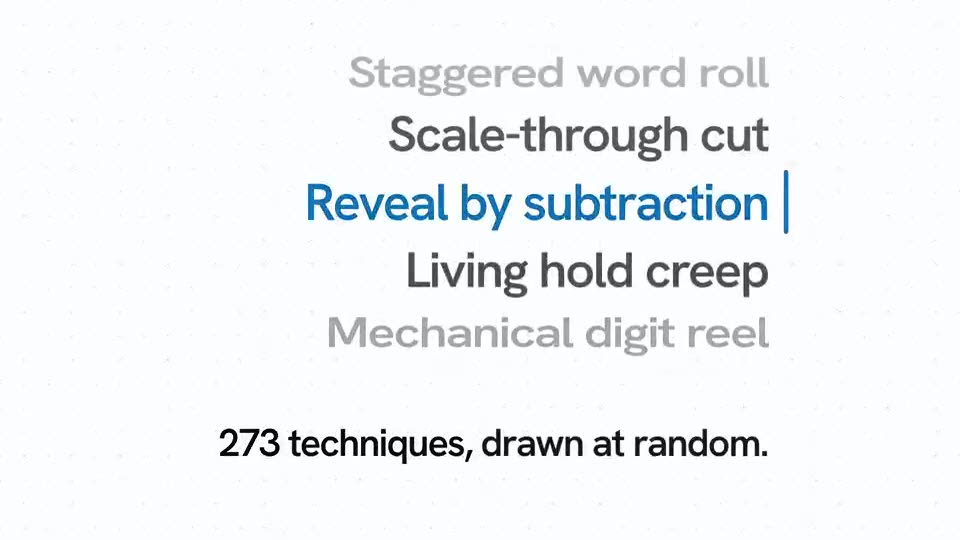 LAUNCH0:30
The release video for cinetic was produced with the skill from one short prompt.
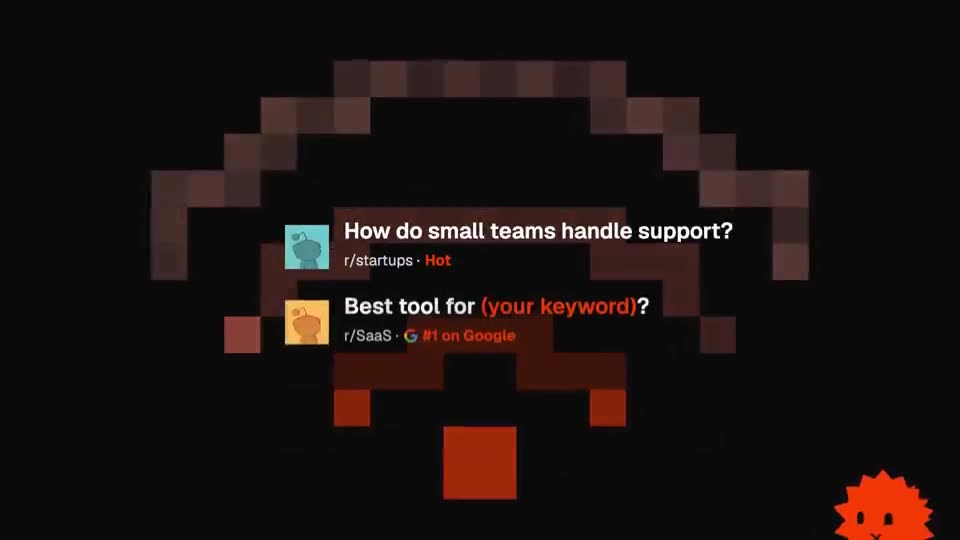 LAUNCH0:52
The author turned the workflow behind this launch video into the product-film skill and linked it in the first reply.
 LAUNCH0:40
The skill author fed in a few charts from a usage report and got back a beat-timed release film for it.
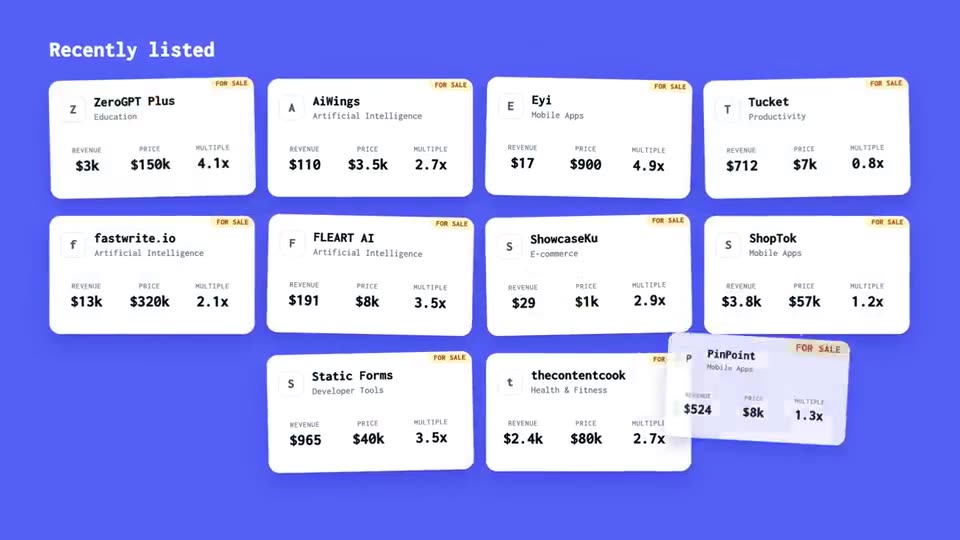 LAUNCH0:35
The only input was the site URL: the agent turned a startup revenue database into a short promo film.
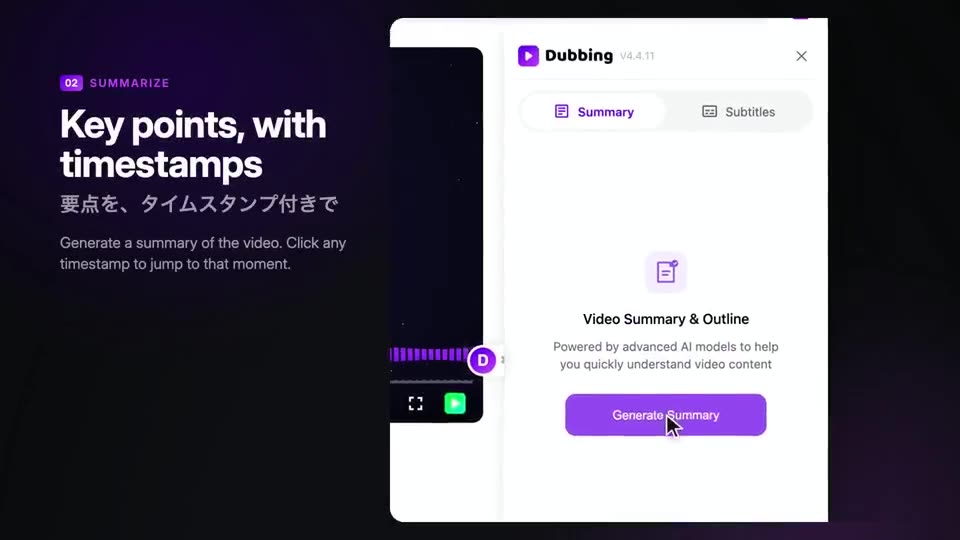 LAUNCH1:10
A product promo for a dubbing tool, built from its real UI with the guizang skill.
A launch video skill has to read your project to tell its story. Treat it like any tool you give access to your code.
Free newsletter
New AI tools you can use right away, in plain words. Every Friday.