 MOTION0:10
Japanese product promo made in Claude Code
Made with Claude Code + HyperFrames. HyperFrames is free and open source: the main button takes you to it.
Claude Code and Codex can make real videos when you give them a video engine and its skill. This guide covers both agents and both main engines, with prompts you can copy.
Checked on
Short answer: yes. Install the official skill for a video engine, HyperFrames or Remotion, describe the video in plain words, look at the preview, then render an MP4 on your own computer. The agent writes the video as code, so you can ask for changes and render again.
| HyperFrames | Remotion | |
|---|---|---|
| Your agent writes | Web pages: HTML, CSS and JavaScript | React components |
| Licence | Apache: free for anyone | Free for individuals and very small companies; larger companies pay |
| Good for | Fast motion pieces, launch videos, anything web-like | Teams that use React, video built from real app components |
We tested both with the same brief. Read HyperFrames vs Remotion for the results and both videos. Not sure? Start with HyperFrames: its licence is free for anyone, companies included.
HyperFrames, as a Claude Code plugin (from its README):
claude plugin marketplace add heygen-com/hyperframes
claude plugin install hyperframes@hyperframes
Or as standalone skills: npx skills add heygen-com/hyperframes. To start a project by hand, run npx hyperframes init my-video: it also writes a CLAUDE.md file that tells the agent to use the skills.
Remotion, from its skills README:
npx skills add remotion-dev/skills
New projects made with npx create-video@latest also offer to add the skills. Start a new Claude Code session afterwards so it loads them.
Codex looks for skills in a .agents/skills folder in your project, and in ~/.agents/skills for skills you want everywhere. OpenAI's skills docs list every place it checks.
Remotion: run npx skills add remotion-dev/skills and pick Codex when it asks. In our test this put the skill in the project's .agents/skills folder.
HyperFrames: run npx skills add heygen-com/hyperframes and pick Codex, or run npx hyperframes init my-video. In our test, init linked its core skills into ~/.agents/skills and wrote an AGENTS.md file into the project.
In Codex, type $ or run /skills to call a skill by name. If a new skill does not show up, restart Codex. Some skills are also sold as Codex plugins, with codex plugin marketplace add and codex plugin add: brag works this way, see the launch video guide.
Written by us. Replace each [bracket] with your details. Each one asks the agent to show you something before the final render.
For a real example of the music video route, see Music video coded in Codex with Remotion + Suno.
| HyperFrames | Remotion | |
|---|---|---|
| Preview in the browser | npx hyperframes preview | npx remotion studio |
| Check before rendering | npx hyperframes check | npx tsc --noEmit for type errors |
| Render an MP4 | npx hyperframes render -o out.mp4 | npx remotion render [CompositionId] out.mp4 |
These are the commands we ran in our own test. Both skills tell the agent to show you a preview first and to render only when you ask for the file.
assets/fonts folder and load it with @font-face. The Remotion skill has guides for Google Fonts and local fonts.useCurrentFrame() and interpolate(). In HyperFrames, avoid timers, Date.now() and endless repeats.npx hyperframes doctor lists what is missing.Made and posted by the people credited on each video, not by us. Hover to preview, or open one to watch with sound.
MOTION0:10Made with Claude Code + HyperFrames. HyperFrames is free and open source: the main button takes you to it.
 MOTION1:35
Made with Claude Code + Remotion. Remotion is free and open source: the main button takes you to it.
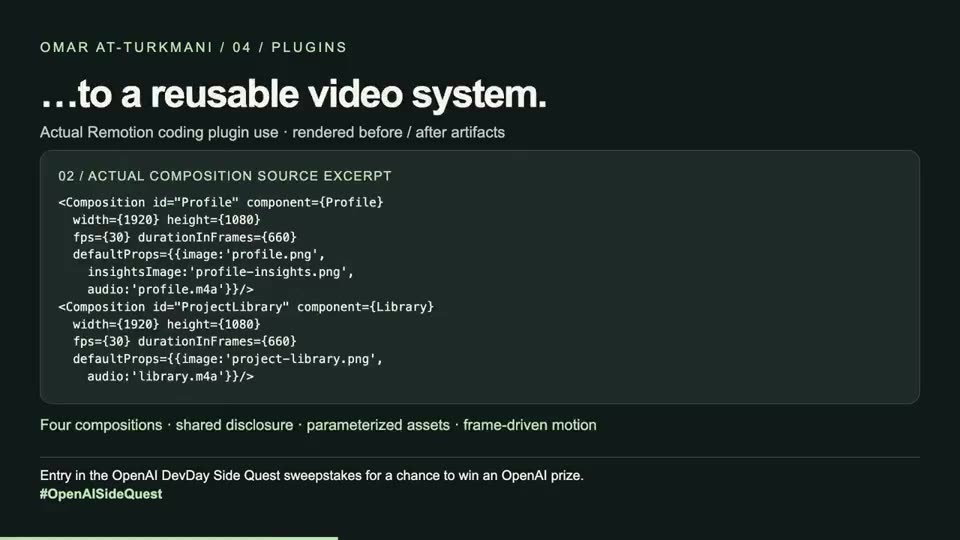 MOTION0:22
The Remotion skills turned a pile of assets into reusable video compositions; the post shows the process and the result.
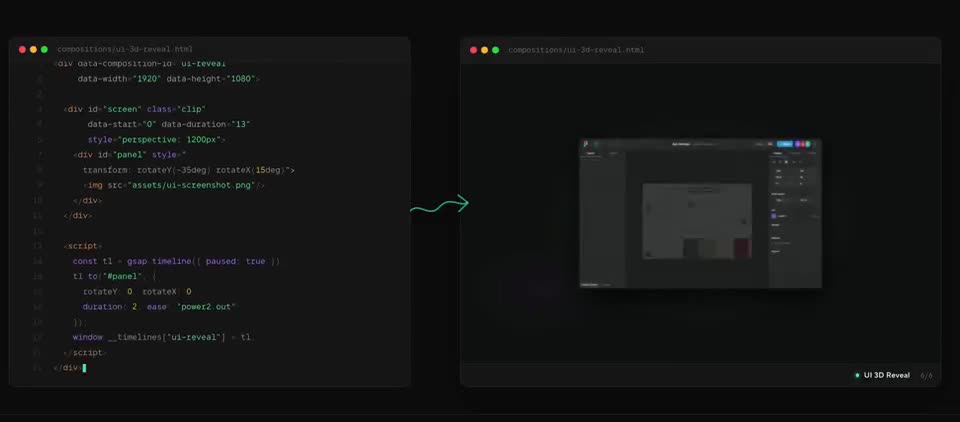 MOTION0:18
A short tour of what HyperFrames renders, plus its built-in editor. Works in Claude Code, Cursor, Codex and Gemini.
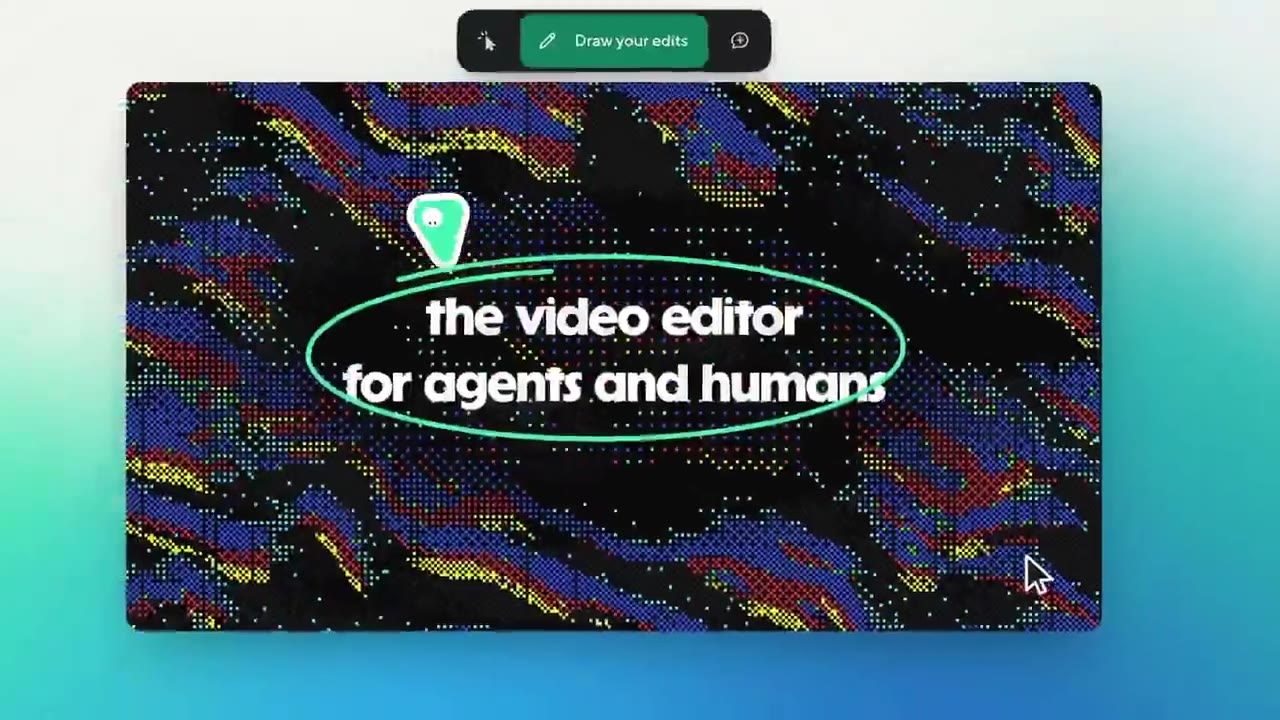 MOTION1:20
Made with HyperFrames. HyperFrames is free and open source: the main button takes you to it.
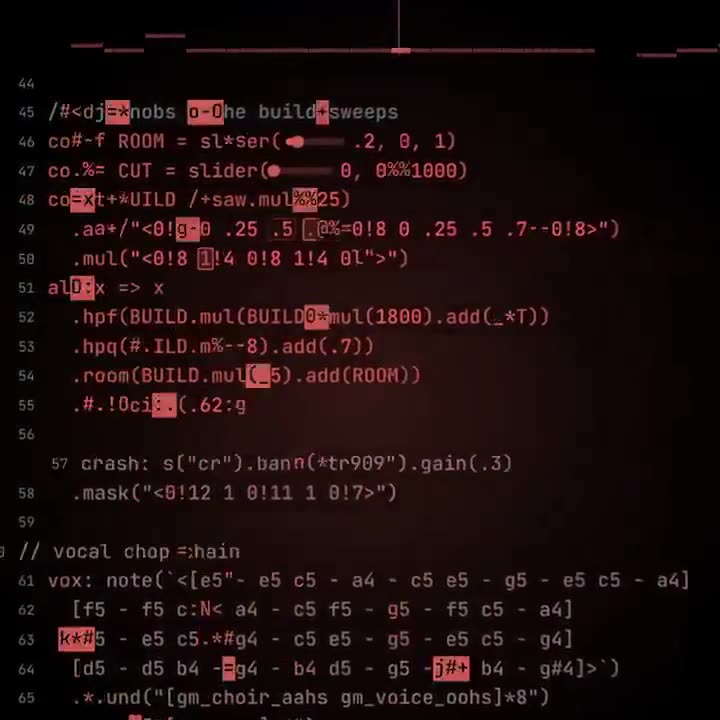 MOTION1:04
A custom skill pairs Strudel beats with HyperFrames visuals, so the agent composes the track and the video together.
Our own test videos are on the HyperFrames vs Remotion page.
Free newsletter
New AI tools you can use right away, in plain words. Every Friday.