Stageshow: polished product UI stills and animations from your agent
A design skill plus a small React kit that teaches your agent to make convincing faux product UI: still images, feature cards, cursor-driven demos and bento grids. It plans the story in a few beats, builds from solid examples, then films the result and fixes what it finds.
In short: A design skill plus a small React kit that teaches your agent to make convincing faux product UI: still images, feature cards, cursor-driven demos and bento grids. It plans the story in a few beats, builds from solid examples, then films the result and fixes what it finds. It is a free skill for people who use Claude Code, Codex or Cursor and want help with motion graphics.
Real videos made with this skill, credited to their creators. Hover to preview.
APP DEMO0:24
Stageshow: one product UI scene, built and animated by an agent
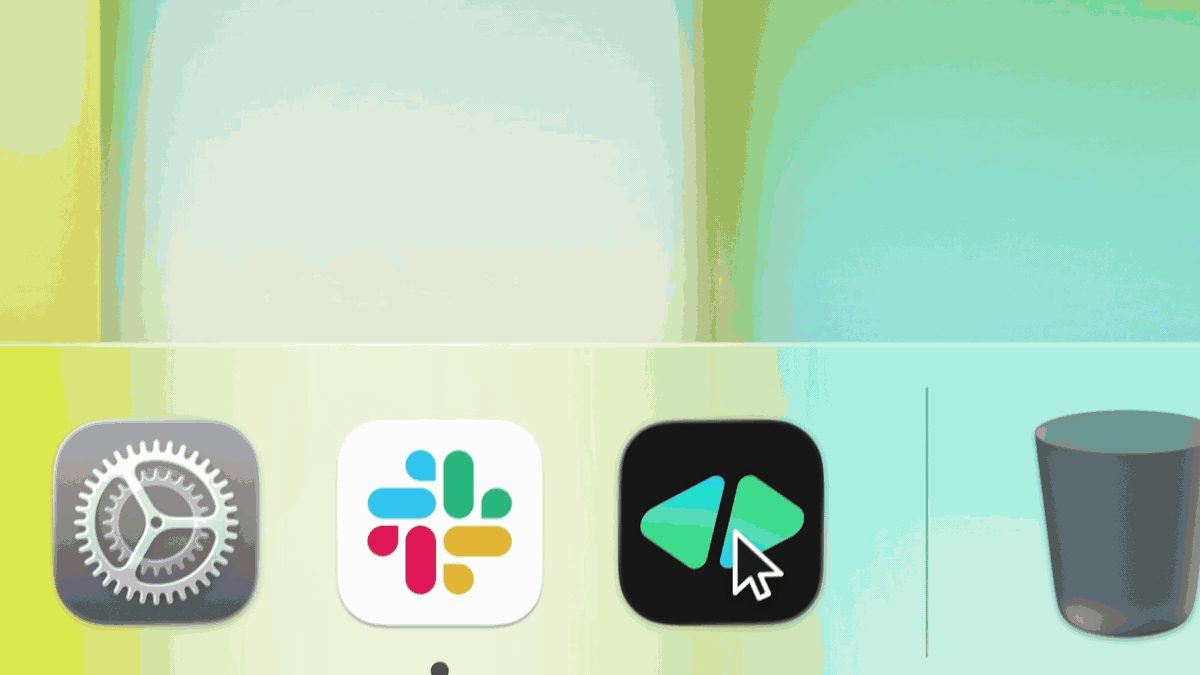
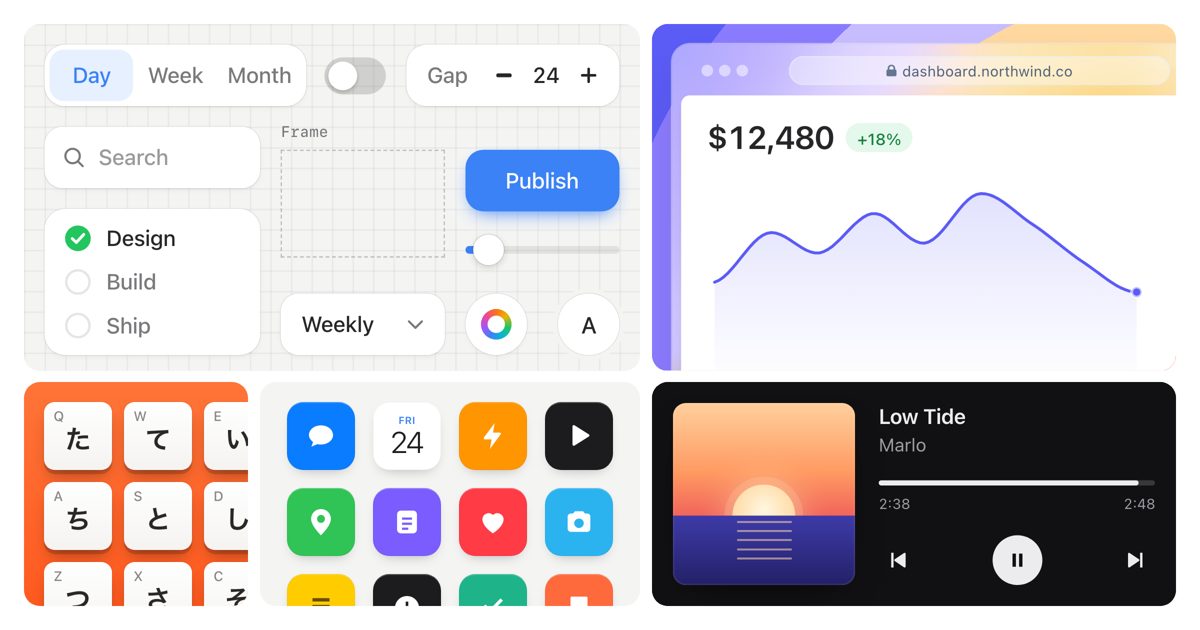
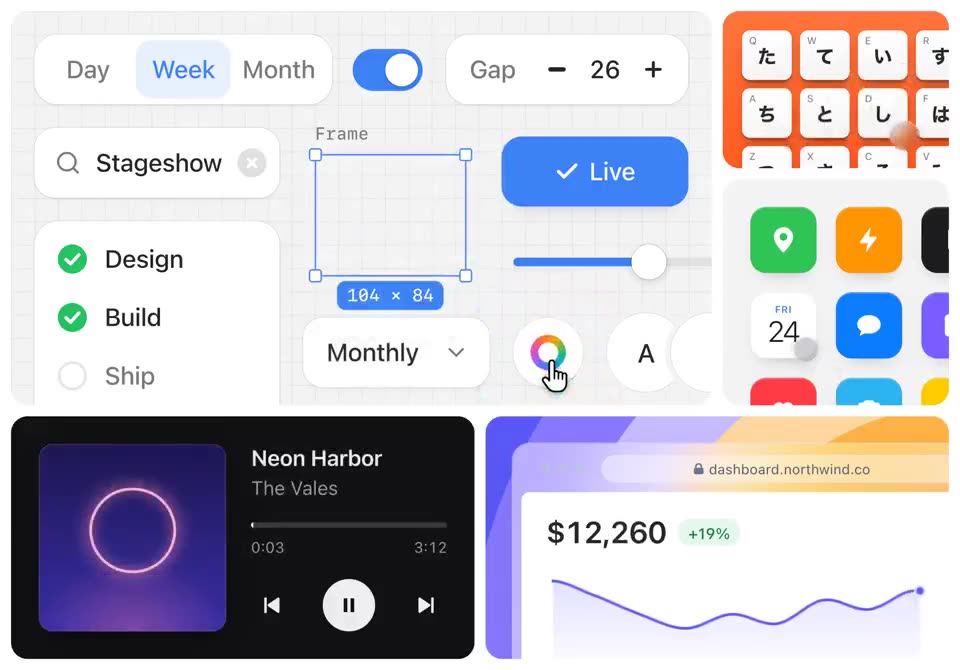
The author's 24-second demo: a grid of small app moments (a scheduler with Day/Week/Month tabs, a search box, a music player, a revenue chart, app icons) is clicked through by a cursor, with settings changing, tracks switching and numbers updating, all made as faux UI with the skill.
Install command copied from the project README. Check the README for the latest version.
What it does
A design skill plus a small React kit that teaches your agent to make convincing faux product UI: still images, feature cards, cursor-driven demos and bento grids. It plans the story in a few beats, builds from solid examples, then films the result and fixes what it finds.
Stageshow walks the agent through making a product illustration the way a designer would by hand: pick a look, plan the story in a few short beats, start from a well-built example, then build it in React. It covers…
Use Stageshow to make a bento grid of four small animated cards that show our product's main features, then film it at desktop and phone width and fix anything that looks off.
Use Stageshow to make a bento grid of four small animated cards that show our product's main features, then film it at desktop and phone width and fix anything that looks off.
Written by us so you can reuse it. Replace each [bracket] with your details.
Step by step
Open the GitHub repo and read the Stageshow section, or the author's "How it works" page.
Install it with npx skills add benjitaylor/skills --skill stageshow.
Ask your agent for the illustration you need, for example: make a 6-second cursor demo of our new scheduling screen for the landing page.
To browse the examples, run npm install and npm run dev inside the stageshow folder (Node 20.19 or newer) and open the local playground.
Watch out for
The scenes are illustrations of a product, not your real app, so keep them honest to what the product does. Some bundled app icons and brand logos are not covered by the MIT licence; the NOTICE file lists them, so swap in your own before publishing. Output is React, so it fits best in a React project.
A design skill plus a small React kit that teaches your agent to make convincing faux product UI: still images, feature cards, cursor-driven demos and bento grids. It plans the story in a few beats, builds from solid examples, then films the result and fixes what it finds.
Which AI agents can use Stageshow?
It works with Claude Code, Codex and Cursor. The code is on GitHub at benjitaylor/skills.
Is Stageshow free?
Free & open source (MIT for the skill folder). No account or API key. Runs with the agent plan you already pay for; filming uses Playwright with Chrome on your machine.
How do I install Stageshow?
Run the install command from the README: “npx skills add benjitaylor/skills --skill stageshow”. Check the README on GitHub for the latest version, then follow the steps on this page.
Is Stageshow safe to install?
We read 55 instruction and code files in the repo and found no red flags. That is not a guarantee, so review anything that runs commands on your machine. How to check a skill before you install it →
teardown: any machine as a 3D simulator you can take apart
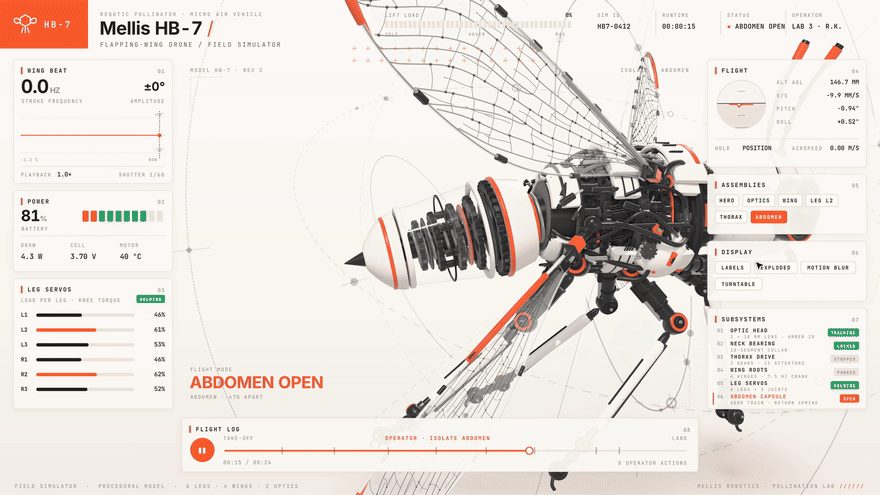
A Claude Code skill that answers "how does this work?" by building the machine as one offline 3D page: it runs in the middle, panels read its live numbers, buttons open the part doing the work, and one click blows it apart. It can also record a short tour video of it.
Claude Code★ 1.1k
SKILL
Motion Prompt: name the motion you want, then hand it to your agent
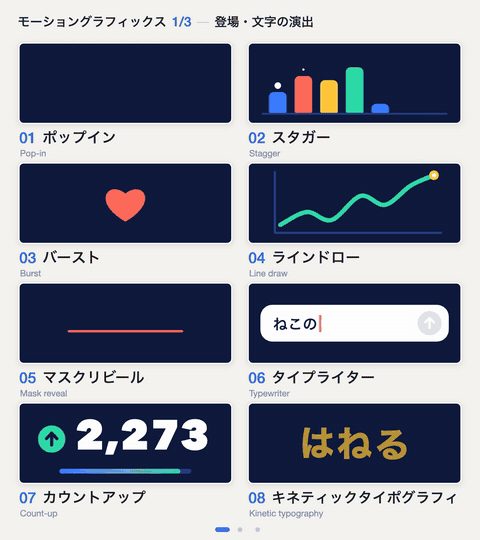
A clickable library of 192 named effects (motion-graphics moves, camera moves and transitions, UI parts, landing-page effects, photo looks), each with a moving sample and an example request. Its skill opens the gallery, lets you tick the ones you like and sends their specs and reference code straight to your agent.
Claude Code +1★ 849
SKILL
pixelfx: 232 pixel-art effects in code, and a skill to make more
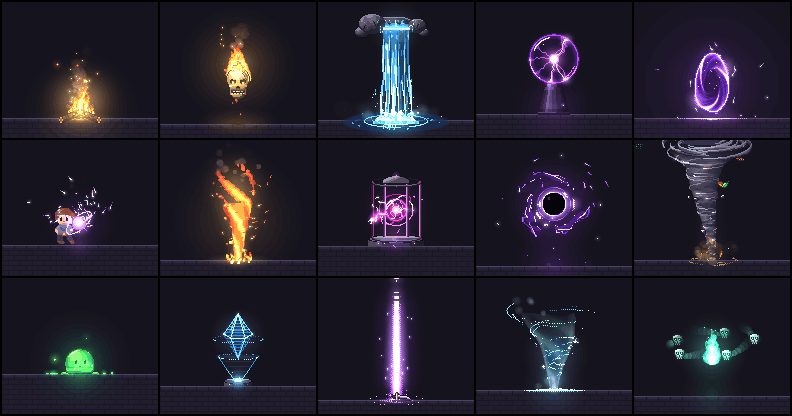
A free library of 232 pixel-art effects written as small code files (fire, explosions, magic, weather, UI pops, pickups, transitions) that you can drop into a browser game or export as sprite sheets, plus a Claude Code skill that drafts, renders, looks at and refines new effects until they hold up.
Claude Code★ 147
SKILL0:56
HyperFrames: write HTML, get a video
Open-source renderer that turns HTML/CSS/JS scenes into frame-exact MP4s; built so coding agents can drive it.
Claude Code +1★ 63.8k
SKILL0:34
/brag: turn a finished project into a launch video
Type /brag in a project; it reads the code and renders a ~20s launch film with music, captions and share copy.
Claude Code +1★ 16k
SKILL0:28
Anatomy: interactive isometric illustrations
Draws detailed, interactive isometric cutaways of real objects as code; a port also runs in ChatGPT/Codex.
Claude Code +1★ 10.6k
Free newsletter
Friday Picks
New AI tools you can use right away, in plain words. Every Friday.


 APP DEMO0:24