VibeWise: learn to build while the AI writes the code
A learning plugin that changes how your agent works with you: it asks for your approach first, talks through trade-offs and explains new ideas, lets you decide when the plan is ready, then writes the code and explains what it changed and why.
In short: A learning plugin that changes how your agent works with you: it asks for your approach first, talks through trade-offs and explains new ideas, lets you decide when the plan is ready, then writes the code and explains what it changed and why. It is a free skill for people who use Claude Code or Codex and want help with coding agent skills.
Install command copied from the project README. Check the README for the latest version.
What it does
A learning plugin that changes how your agent works with you: it asks for your approach first, talks through trade-offs and explains new ideas, lets you decide when the plan is ready, then writes the code and explains what it changed and why.
A plugin for Claude Code and Codex that puts learning first and keeps you in control while AI writes the code you designed. The AI asks for your approach first, helps you examine tradeoffs, and explains unfamiliar…
Table of ContentsGet startedClaude CodeCodexWhat it feels likeMake it yoursUpdatingLicense
A prompt to try
/vibe-wise:learn I want to add login to this app. Ask me how I would approach it first, then walk me through the trade-offs before you write any code.
/vibe-wise:learn I want to add login to this app. Ask me how I would approach it first, then walk me through the trade-offs before you write any code.
Written by us so you can reuse it. Replace each [bracket] with your details.
Step by step
Claude Code: run /plugin install vibe-wise@anthropic-plugin-directory (or add the nykooi1/vibe-wise marketplace).
Codex: run codex plugin marketplace add nykooi1/vibe-wise, then codex plugin add vibe-wise@vibe-wise.
Restart your agent in the project and run /vibe-wise:learn (or $vibe-wise:learn in Codex).
Answer the short setup questions, then ask it to build something.
Watch out for
It is slower on purpose: you answer questions before code appears, so switch it off for quick fixes. In Codex, run $vibe-wise:learn again at the start of each session. It keeps learning notes in a .vibe-wise/ folder in your project.
A learning plugin that changes how your agent works with you: it asks for your approach first, talks through trade-offs and explains new ideas, lets you decide when the plan is ready, then writes the code and explains what it changed and why.
Which AI agents can use VibeWise?
It works with Claude Code and Codex. The code is on GitHub at nykooi1/vibe-wise.
Is VibeWise free?
Free & open source (MIT). Needs Python 3 (no extra packages) and the agent you already use.
How do I install VibeWise?
Run the install command from the README: “/plugin install vibe-wise@anthropic-plugin-directory”. Check the README on GitHub for the latest version, then follow the steps on this page.
Is VibeWise safe to install?
We read 17 instruction and code files in the repo and found no red flags. That is not a guarantee, so review anything that runs commands on your machine.
CleanYourTV: your agent removes the ads from your TV
Your coding agent connects to an Android or Google TV over Wi-Fi, switches off the ad and tracking apps, and puts in a clean, Apple TV-style home screen. Nothing is uninstalled.
Claude Code +2★ 14.8k
SKILL
ECC: a full work system for your coding agent
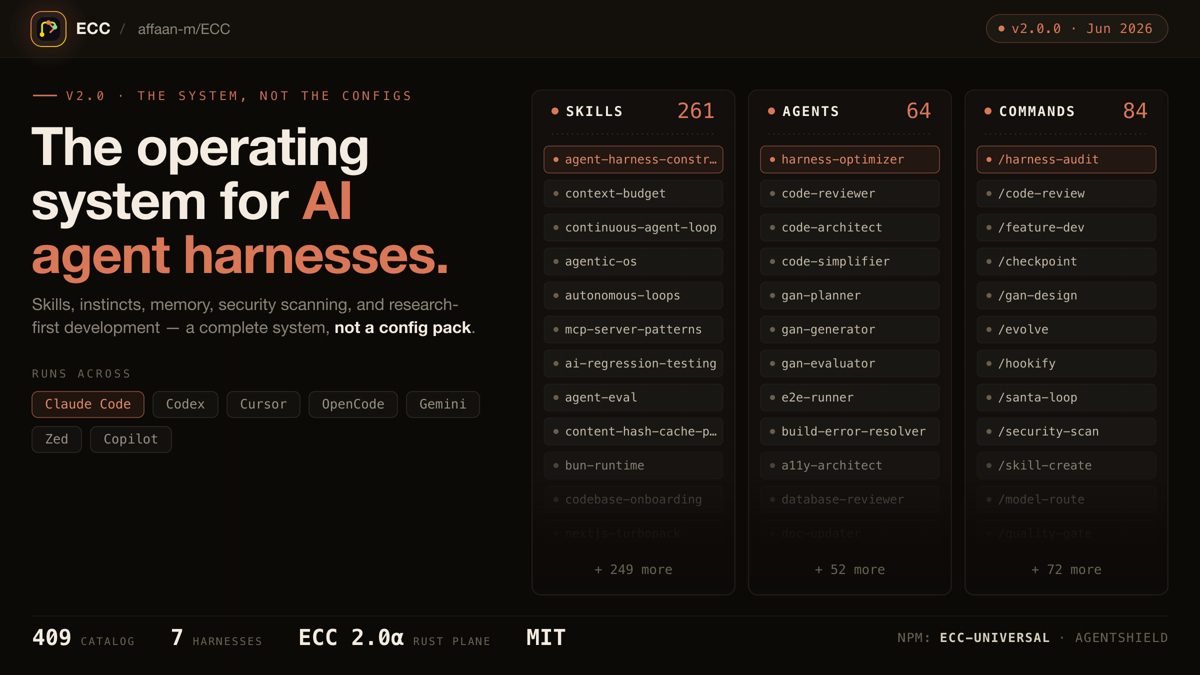
One install gives your agent a plan, test, build, review and remember routine, with 71 helper agents, about 300 skills, memory between sessions and a built-in scanner for risky agent settings.
Claude Code +3★ 285.3k
SKILL
Superpowers: plan, test and debug before coding
A skills framework that makes agents brainstorm, plan, test and debug systematically.
Claude Code +1★ 299.2k
SKILL
Matt Pocock's engineering skills
Real engineering skills from a well-known TypeScript educator's own .agents folder.
Claude Code +1★ 291.4k
SKILL
Ponytail: make your agent write less code
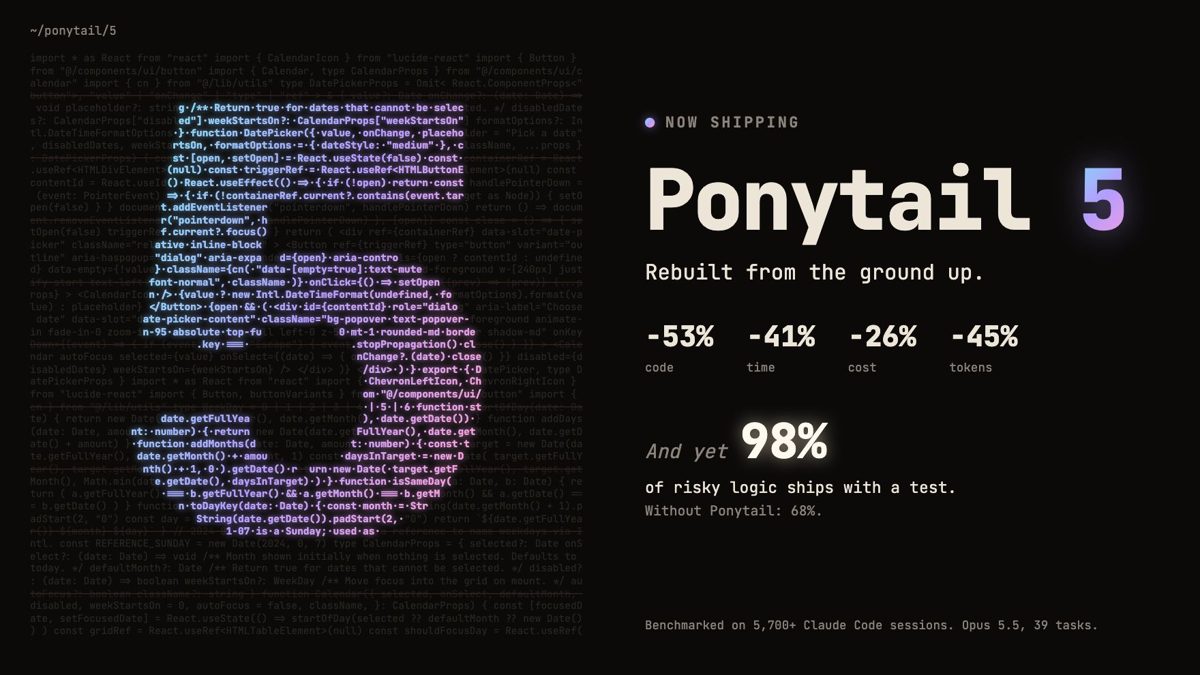
A skill that pushes coding agents to act like a lazy senior: fewer lines, more tests, lower cost — without skipping the hard checks.
Claude Code +2★ 164.8k
SKILL
Agency Agents: a full AI agency roster
Specialist agent personas for engineering, design, marketing, sales and support you can drop into Claude Code, Codex or Cursor.
Claude Code +2★ 160.4k
Free newsletter
Friday Picks
New AI tools you can use right away, in plain words. Every Friday.
 SKILL
SKILL

 Claude Code +2★ 14.8k