 APP DEMO0:09
An ad-free Android TV home, set up by a coding agent
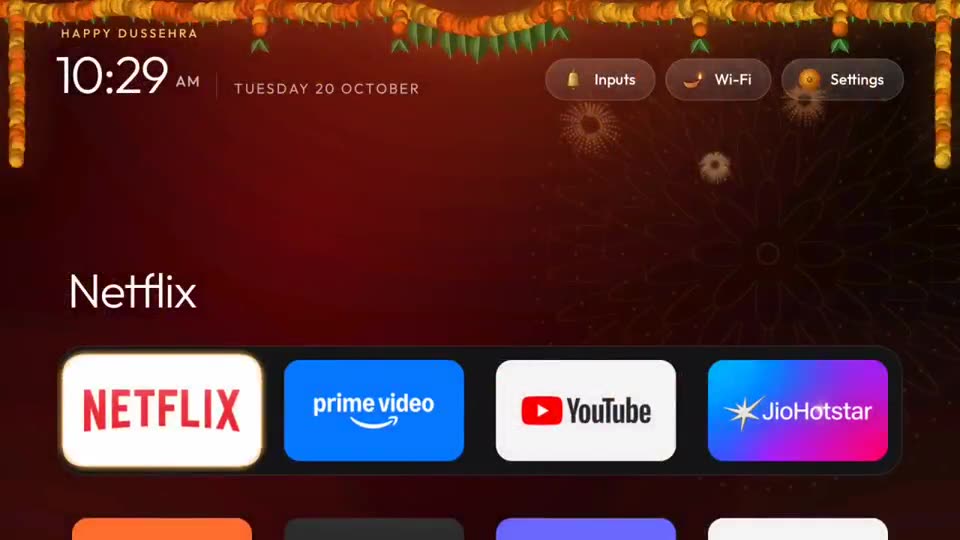
A short screen recording of the finished CleanYourTV home screen: a dock of four streaming apps, a big clock and app names that change as the highlight moves.
Your coding agent connects to an Android or Google TV over Wi-Fi, switches off the ad and tracking apps, and puts in a clean, Apple TV-style home screen. Nothing is uninstalled.
In short: Your coding agent connects to an Android or Google TV over Wi-Fi, switches off the ad and tracking apps, and puts in a clean, Apple TV-style home screen. Nothing is uninstalled. It is a free skill for people who use Claude Code, Codex or Gemini and want help with coding agent skills.
Checked on · Added
| Agent / tool | Access / cost | Link |
|---|---|---|
| Claude Code | Paid Claude plan or API | claude.com/claude-code |
| Codex | ChatGPT plan or API | openai.com/codex |
| Gemini | Free tier + paid | gemini.google.com |
| GitHub repo | Open source · ★ 14.8k | Gathin23/cleanyourtv |
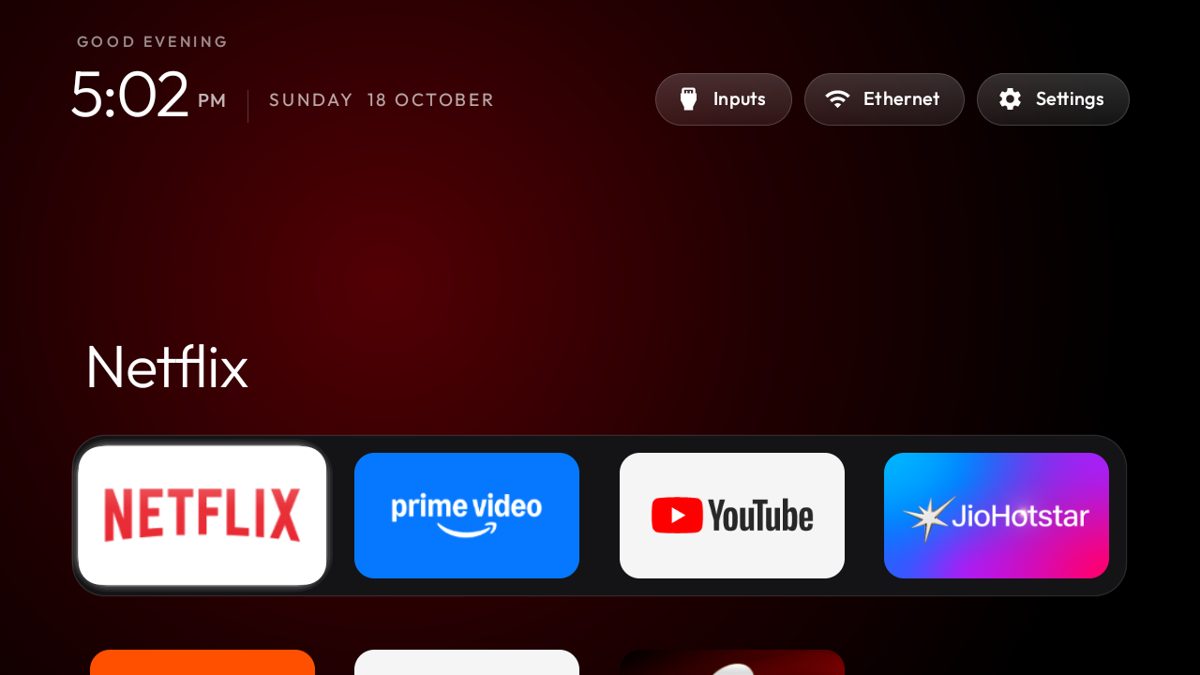
Image: from the GitHub README, shown with credit.
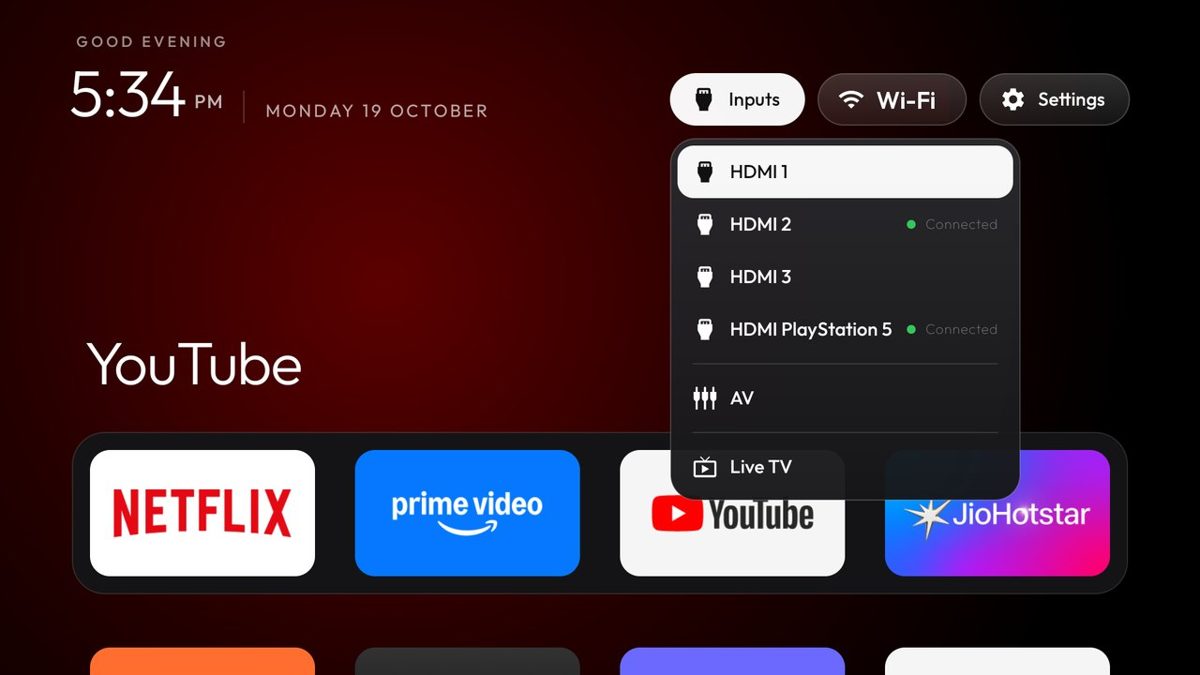
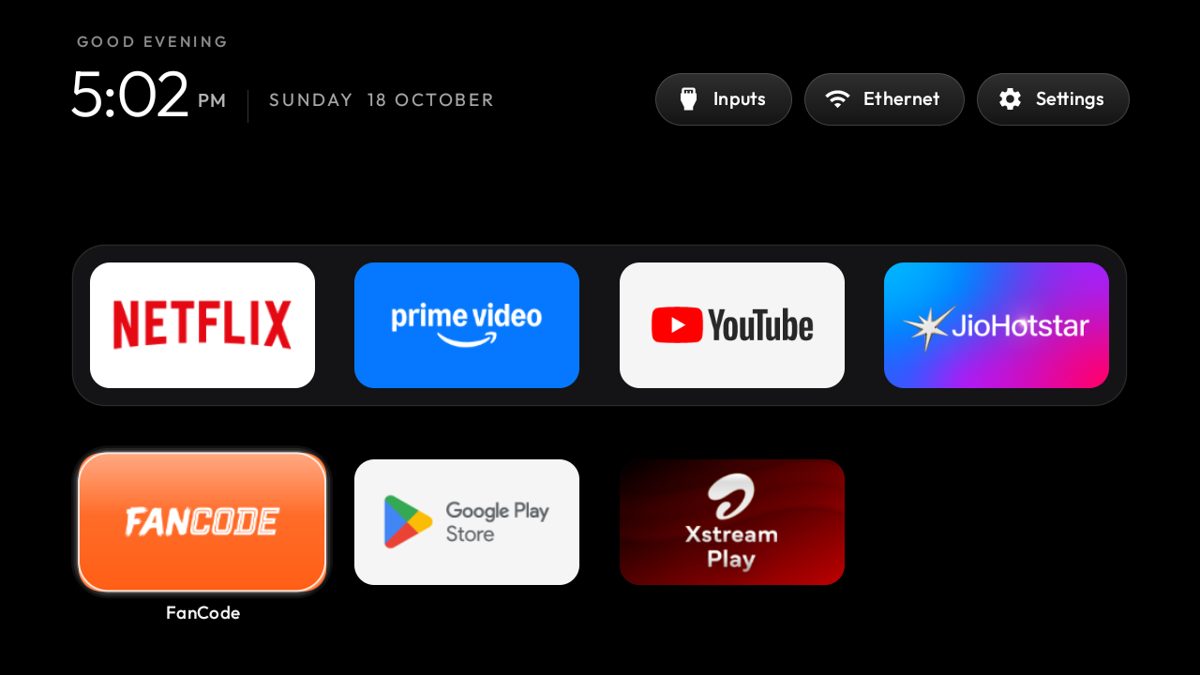
Images from the project README on GitHub.
Real videos made with this skill, credited to their creators. Hover to preview.
git clone https://github.com/Gathin23/cleanyourtv
Install command copied from the project README. Check the README for the latest version.
Your coding agent connects to an Android or Google TV over Wi-Fi, switches off the ad and tracking apps, and puts in a clean, Apple TV-style home screen. Nothing is uninstalled.
Android TVs have the same debug bridge as Android phones. Switch on USB debugging in the TV's developer options, allow your computer once, and the rest is standard Android tooling:
Short excerpt from the README of Gathin23/cleanyourtv. Read the full README on GitHub.
Only for Android TV and Google TV sets (the repo lists 147 tested models). It switches off system apps, so read the agent's list before you say yes; tools/restore.sh puts everything back. Leaving USB debugging on lets anyone on your Wi-Fi control the TV, so switch it off afterwards. Started from a viral post by the author, @gathint, on 17 Oct 2026.
Your coding agent connects to an Android or Google TV over Wi-Fi, switches off the ad and tracking apps, and puts in a clean, Apple TV-style home screen. Nothing is uninstalled.
It works with Claude Code, Codex and Gemini. The code is on GitHub at Gathin23/cleanyourtv.
Free & open source (MIT). You need a coding agent with shell access (Claude Code, Codex or Gemini CLI) and a computer on the same Wi-Fi as the TV.
Run the install command from the README: “git clone https://github.com/Gathin23/cleanyourtv”. Check the README on GitHub for the latest version, then follow the steps on this page.
We read 57 instruction and code files in the repo and found no red flags. That is not a guarantee, so review anything that runs commands on your machine.
All credit to the original authors. We rewrite in our own words and link back. Something wrong? Report it.
 SKILL
SKILLA skills framework that makes agents brainstorm, plan, test and debug systematically.

 Claude Code +1★ 299.2k
 SKILL
SKILLReal engineering skills from a well-known TypeScript educator's own .agents folder.
Claude Code +1★ 291.4k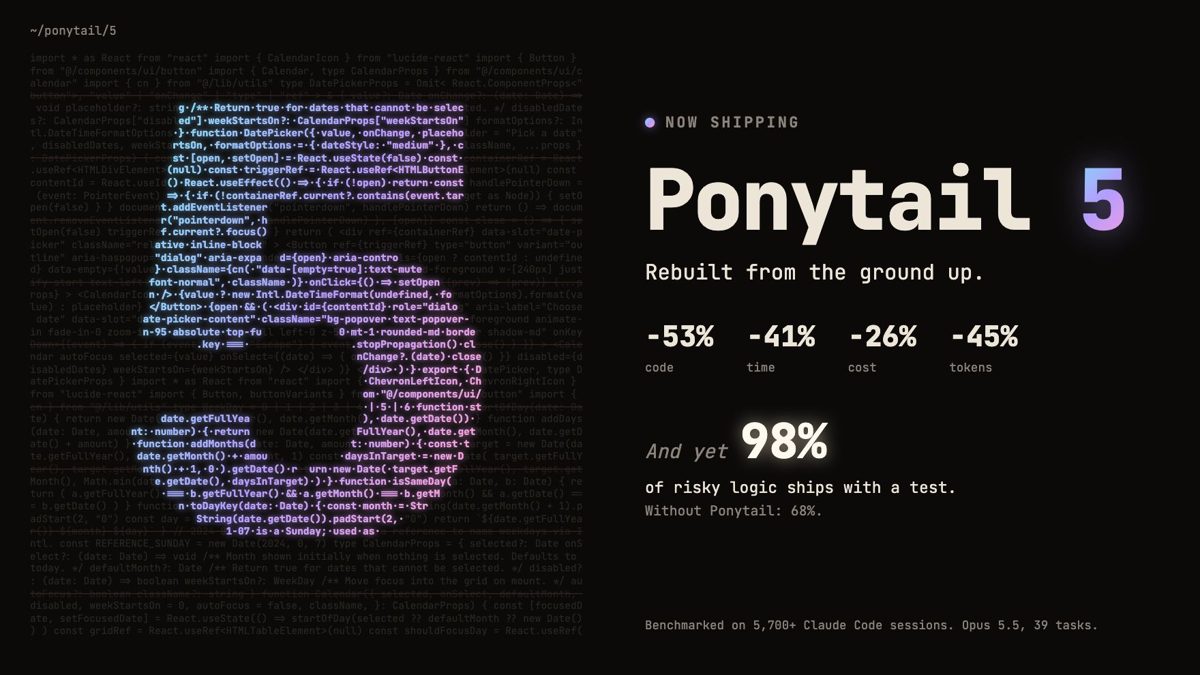 SKILL
SKILLA skill that pushes coding agents to act like a lazy senior: fewer lines, more tests, lower cost — without skipping the hard checks.
 Claude Code +2★ 164.8k
 SKILL
SKILLSpecialist agent personas for engineering, design, marketing, sales and support you can drop into Claude Code, Codex or Cursor.
Claude Code +2★ 160.4k SKILL
SKILLThe official skills repo: frontend-design, docx, pptx, xlsx and more.
Claude Code★ 181.2k SKILL
SKILLTwenty-three opinionated skills that cover planning, design, review, QA and shipping — the same setup Garry Tan uses with Claude Code.
Claude Code +1★ 136.6kFree newsletter
New AI tools you can use right away, in plain words. Every Friday.