Open 3D Skills: 3D websites, scroll films and 60 fps recordings
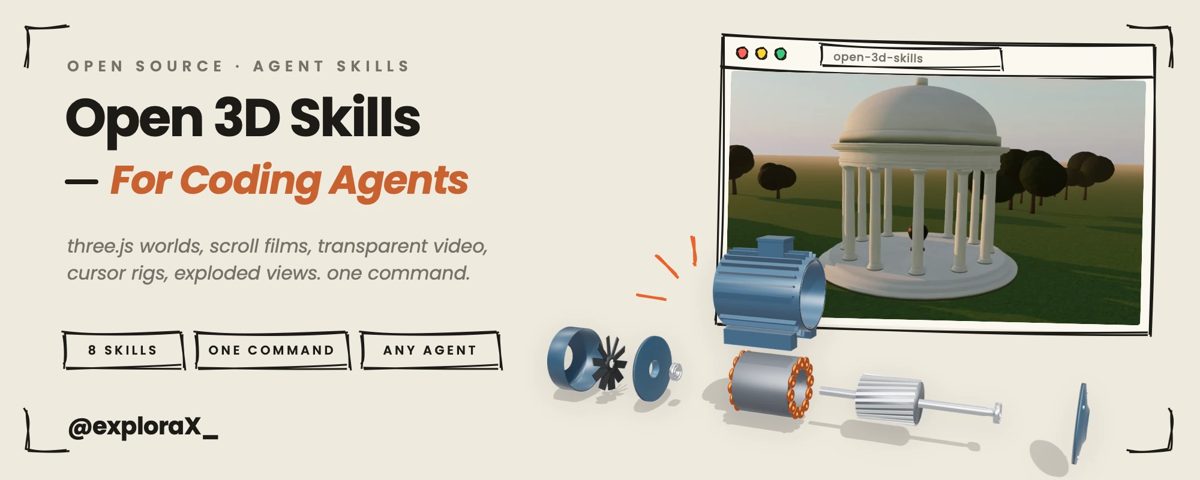
Eight skills that teach your agent to build 3D and animated websites from code: three.js scenes, scroll-scrubbed films, exploded views of machines, cursor-following characters and transparent video, then check the page in real browsers and record it as smooth 60 fps video.
In short: Eight skills that teach your agent to build 3D and animated websites from code: three.js scenes, scroll-scrubbed films, exploded views of machines, cursor-following characters and transparent video, then check the page in real browsers and record it as smooth 60 fps video. It is a free skill for people who use Claude Code, Codex, Cursor or Gemini and want help with motion graphics.
Install command copied from the project README. Check the README for the latest version.
What it does
Eight skills that teach your agent to build 3D and animated websites from code: three.js scenes, scroll-scrubbed films, exploded views of machines, cursor-following characters and transparent video, then check the page in real browsers and record it as smooth 60 fps video.
Open 3D Skills is a set of eight skills written by a developer who built real 3D sites first and then wrote down how. threejs-scene makes real-time scenes from code alone (sky and sun presets, soft shadows, bloom,…
InstallThe skillsHow they work togetherRequirementsCommon questionsWorks well withFeedbackLicense
A prompt to try
Use threejs-scene to build a hero section with a lighthouse on a cliff at dusk, then run site-check at phone and desktop sizes and fix anything that fails.
Use threejs-scene to build a hero section with a lighthouse on a cliff at dusk, then run site-check at phone and desktop sizes and fix anything that fails.
Written by us so you can reuse it. Replace each [bracket] with your details.
Step by step
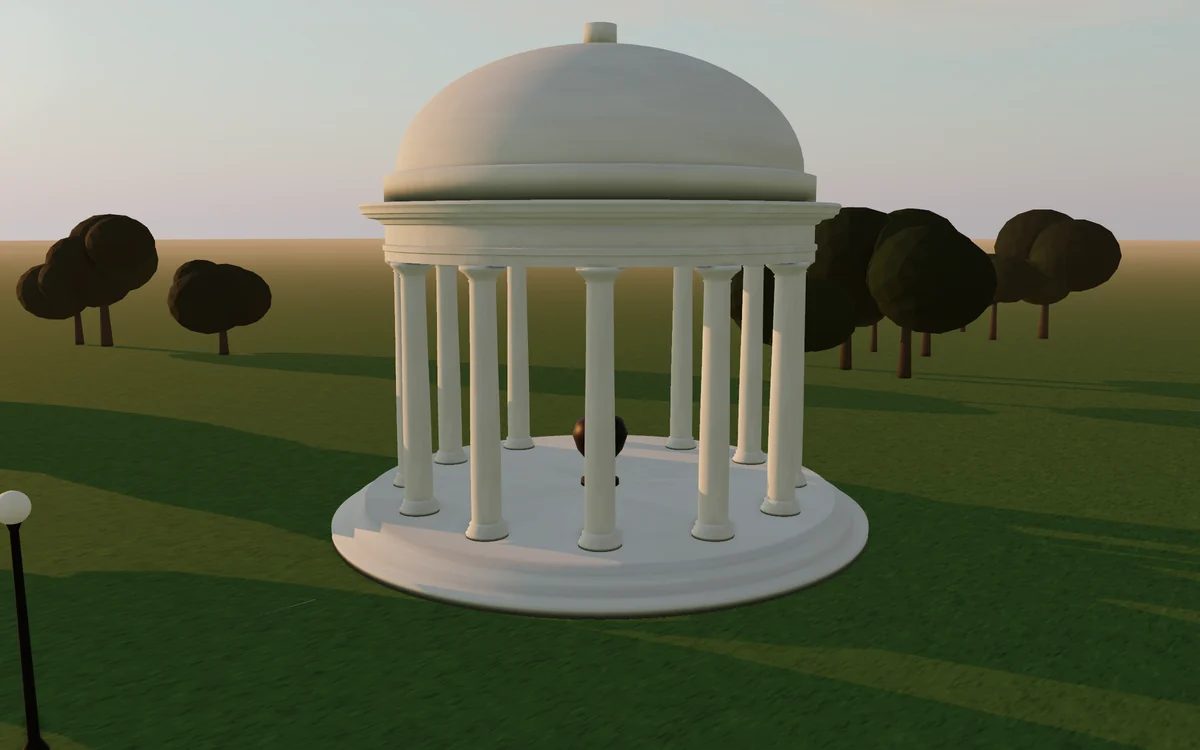
Open the GitHub repo and look at the motor and pavilion examples to see what the skills make.
Install them with npx skills add Moh4696/open-3d-skills (or in Claude Code: /plugin marketplace add Moh4696/open-3d-skills then /plugin install open-3d-skills@open-3d-skills).
For the browser checks and recordings, run pip install -r requirements.txt and python3 -m playwright install chromium webkit; you also need ffmpeg and Node 22.20 or newer.
Ask for a page, e.g. use exploded-view to build an interactive page that takes apart a bicycle hub, then site-check it and frame-capture a 15-second video.
Watch out for
The skills that turn generated clips into page motion need a paid image or video generator; let motion-assets show the cost first. The README also offers a curl | bash installer as an option: the npx skills or plugin route avoids it. Heavy 3D pages can be slow on old phones, so run site-check before you ship.
Eight skills that teach your agent to build 3D and animated websites from code: three.js scenes, scroll-scrubbed films, exploded views of machines, cursor-following characters and transparent video, then check the page in real browsers and record it as smooth 60 fps video.
Which AI agents can use Open 3D Skills?
It works with Claude Code, Codex, Cursor and Gemini. The code is on GitHub at Moh4696/open-3d-skills.
Is Open 3D Skills free?
Free & open source (MIT). threejs-scene, exploded-view, site-check and frame-capture need no paid service. scroll-film, alpha-cutout, cursor-rig and motion-assets use an AI image/video generator you pay for separately; motion-assets lists every prompt and its cost and waits for your yes first.
How do I install Open 3D Skills?
Run the install command from the README: “npx skills add Moh4696/open-3d-skills”. Check the README on GitHub for the latest version, then follow the steps on this page.
Is Open 3D Skills safe to install?
We read 40 instruction and code files in the repo and found no red flags. That is not a guarantee, so review anything that runs commands on your machine. How to check a skill before you install it →
Stageshow: polished product UI stills and animations from your agent
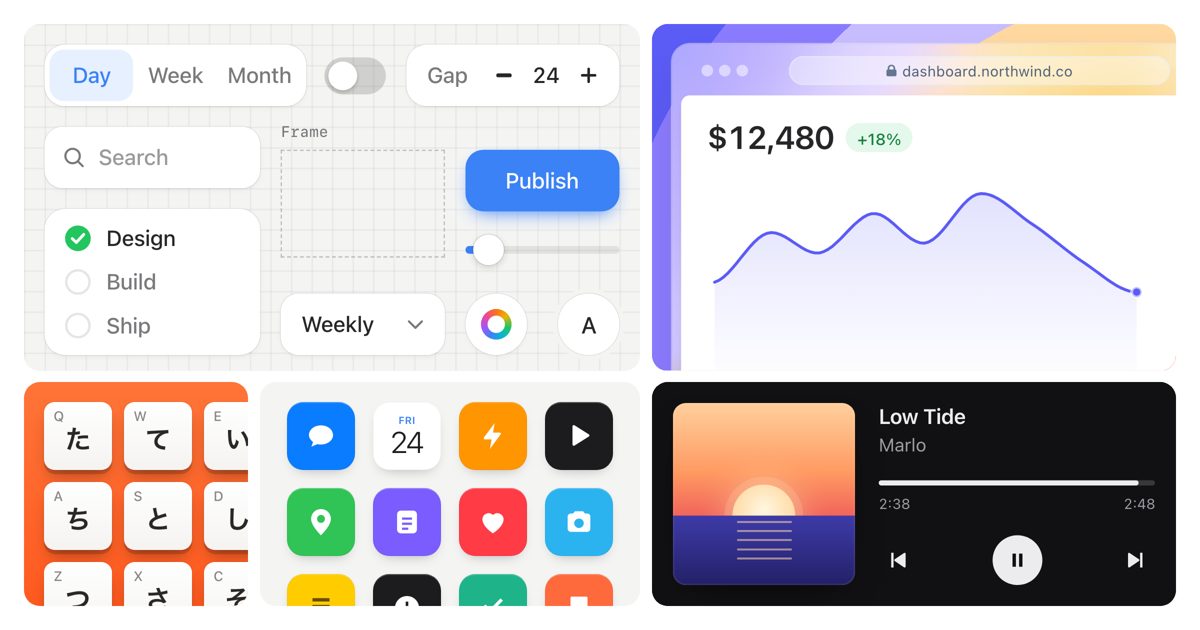
A design skill plus a small React kit that teaches your agent to make convincing faux product UI: still images, feature cards, cursor-driven demos and bento grids. It plans the story in a few beats, builds from solid examples, then films the result and fixes what it finds.
Claude Code +2★ 634
SKILL
teardown: any machine as a 3D simulator you can take apart
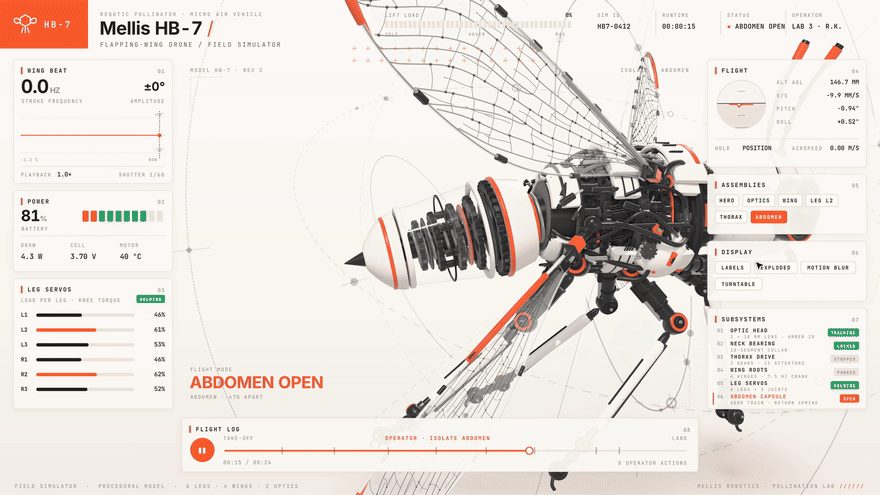
A Claude Code skill that answers "how does this work?" by building the machine as one offline 3D page: it runs in the middle, panels read its live numbers, buttons open the part doing the work, and one click blows it apart. It can also record a short tour video of it.
Claude Code★ 1.1k
SKILL
Motion Prompt: name the motion you want, then hand it to your agent
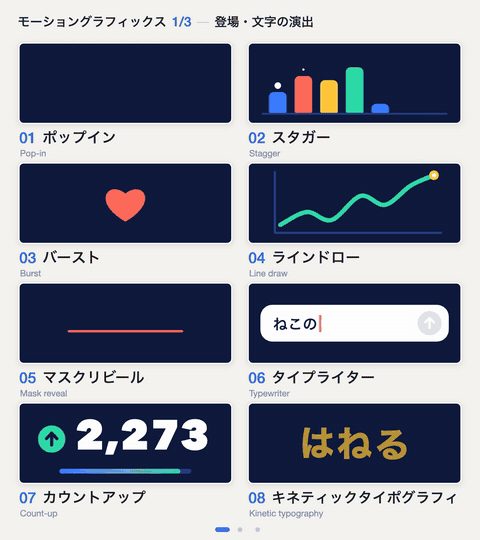
A clickable library of 192 named effects (motion-graphics moves, camera moves and transitions, UI parts, landing-page effects, photo looks), each with a moving sample and an example request. Its skill opens the gallery, lets you tick the ones you like and sends their specs and reference code straight to your agent.
Claude Code +1★ 849
SKILL
pixelfx: 232 pixel-art effects in code, and a skill to make more
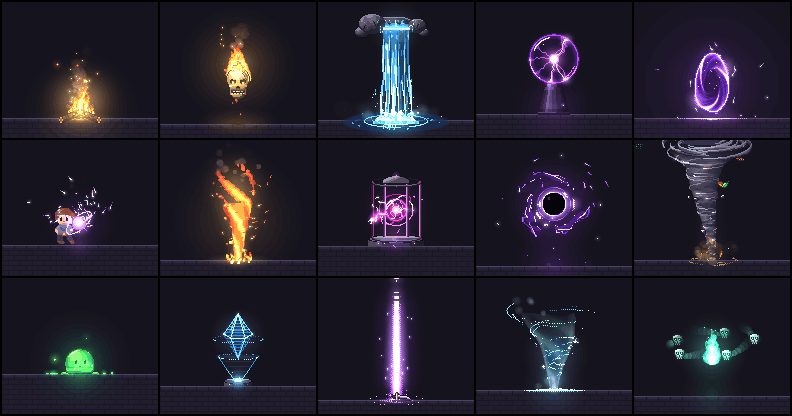
A free library of 232 pixel-art effects written as small code files (fire, explosions, magic, weather, UI pops, pickups, transitions) that you can drop into a browser game or export as sprite sheets, plus a Claude Code skill that drafts, renders, looks at and refines new effects until they hold up.
Claude Code★ 147
SKILL0:56
HyperFrames: write HTML, get a video
Open-source renderer that turns HTML/CSS/JS scenes into frame-exact MP4s; built so coding agents can drive it.
Claude Code +1★ 63.8k
SKILL0:34
/brag: turn a finished project into a launch video
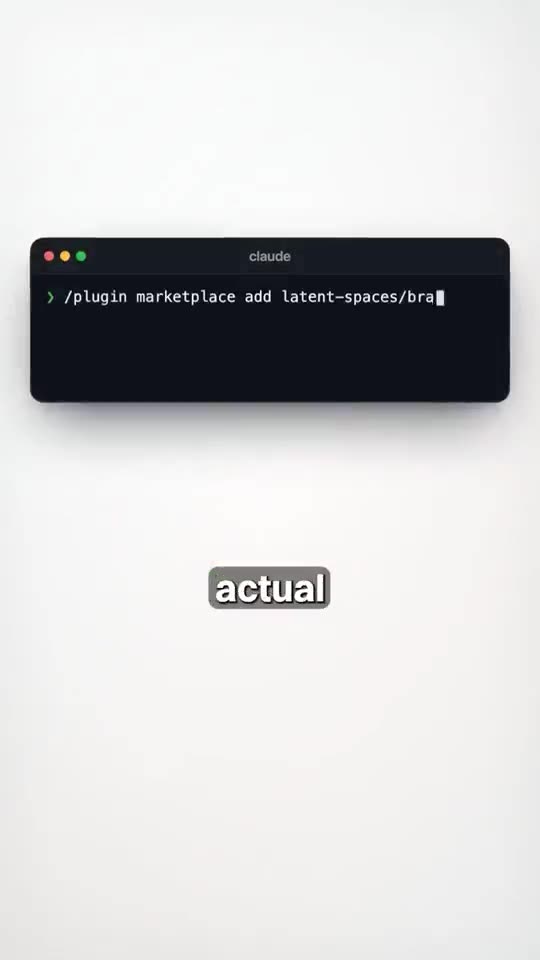
Type /brag in a project; it reads the code and renders a ~20s launch film with music, captions and share copy.
Claude Code +1★ 16k
Free newsletter
Friday Picks
New AI tools you can use right away, in plain words. Every Friday.


 SKILL


 Claude Code +2★ 634