Beacon: one shared memory for all your coding agents
Keeps one log of what all your coding agents did (Claude Code, Codex, Cursor and more) and pulls out the lessons, so a fix found in one tool is ready for the next agent, even in another tool.
In short: Keeps one log of what all your coding agents did (Claude Code, Codex, Cursor and more) and pulls out the lessons, so a fix found in one tool is ready for the next agent, even in another tool. It is a free skill for people who use Claude Code, Codex, Cursor or Gemini and want help with coding agent skills.
brew tap asymptote-labs/tap
brew install beacon
beacon endpoint install
Install command copied from the project README. Check the README for the latest version.
What it does
Keeps one log of what all your coding agents did (Claude Code, Codex, Cursor and more) and pulls out the lessons, so a fix found in one tool is ready for the next agent, even in another tool.
Beacon captures agent session history across Claude Code, Cursor, Codex, OpenCode, and 20+ other harnesses, then turns useful workflows, corrections, and debugging patterns into reusable knowledge for future agents.
Beacon Overview🎬 Demo🚀 Quick Start1. Install Beacon2. Use your agents normally3. Explore your history🧠 Turn Session History Into Memory🔀 Cross-Harness by Design🔎 One Trace Format for Every Agent🖥️ Local DashboardSupported AgentsLocal Agent Coverage
Step by step
Open the GitHub repo and read the README.
Install it: on macOS brew tap asymptote-labs/tap then brew install beacon; on Linux use the .deb/.rpm installer from the releases page.
Run beacon endpoint install. When it asks where to send data, pick Local to keep everything on your machine.
Work as usual, then open the local dashboard to see sessions and the knowledge your agents can reuse through MCP or skills.
Watch out for
Setup pre-selects Beacon Cloud; choose Local unless you want your session history uploaded. It keeps full prompts, commands and edits, so treat the log like source code and keep secrets out of chats. The Linux one-line installer pipes a script into bash; read it first or use the package files. Different from claude-mem, which remembers Claude Code sessions only; Beacon collects sessions from many agents in one place.
Keeps one log of what all your coding agents did (Claude Code, Codex, Cursor and more) and pulls out the lessons, so a fix found in one tool is ready for the next agent, even in another tool.
Which AI agents can use Beacon?
It works with Claude Code, Codex, Cursor and Gemini. The code is on GitHub at Asymptote-Labs/agent-beacon.
Is Beacon free?
Free & open source (MIT). Local mode needs no account. A hosted Beacon Cloud is offered during setup; you don't need it.
How do I install Beacon?
Run the install command from the README: “brew tap asymptote-labs/tap”. Check the README on GitHub for the latest version, then follow the steps on this page.
Is Beacon safe to install?
We read 234 instruction and code files and flagged 2 patterns worth a look before installing (often normal for installers). They are listed on this page.
CleanYourTV: your agent removes the ads from your TV
Your coding agent connects to an Android or Google TV over Wi-Fi, switches off the ad and tracking apps, and puts in a clean, Apple TV-style home screen. Nothing is uninstalled.
Claude Code +2★ 14.8k
SKILL
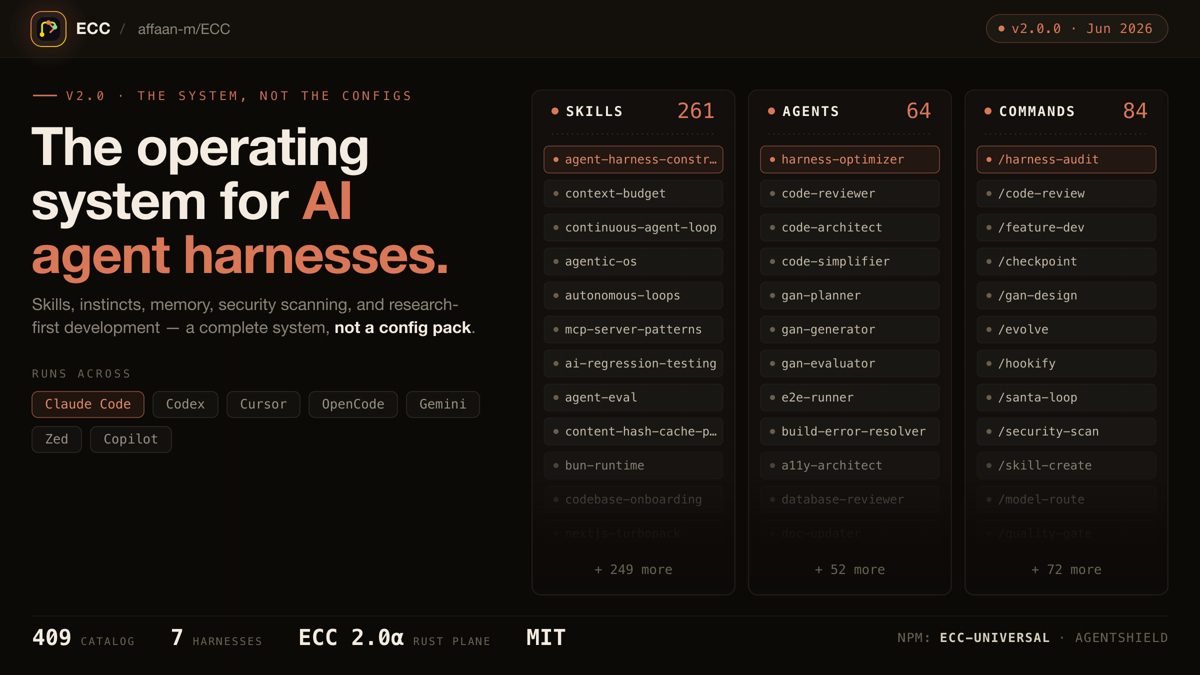
ECC: a full work system for your coding agent
One install gives your agent a plan, test, build, review and remember routine, with 71 helper agents, about 300 skills, memory between sessions and a built-in scanner for risky agent settings.
Claude Code +3★ 285.3k
SKILL
Superpowers: plan, test and debug before coding
A skills framework that makes agents brainstorm, plan, test and debug systematically.
Claude Code +1★ 299.2k
SKILL
Matt Pocock's engineering skills
Real engineering skills from a well-known TypeScript educator's own .agents folder.
Claude Code +1★ 291.4k
SKILL
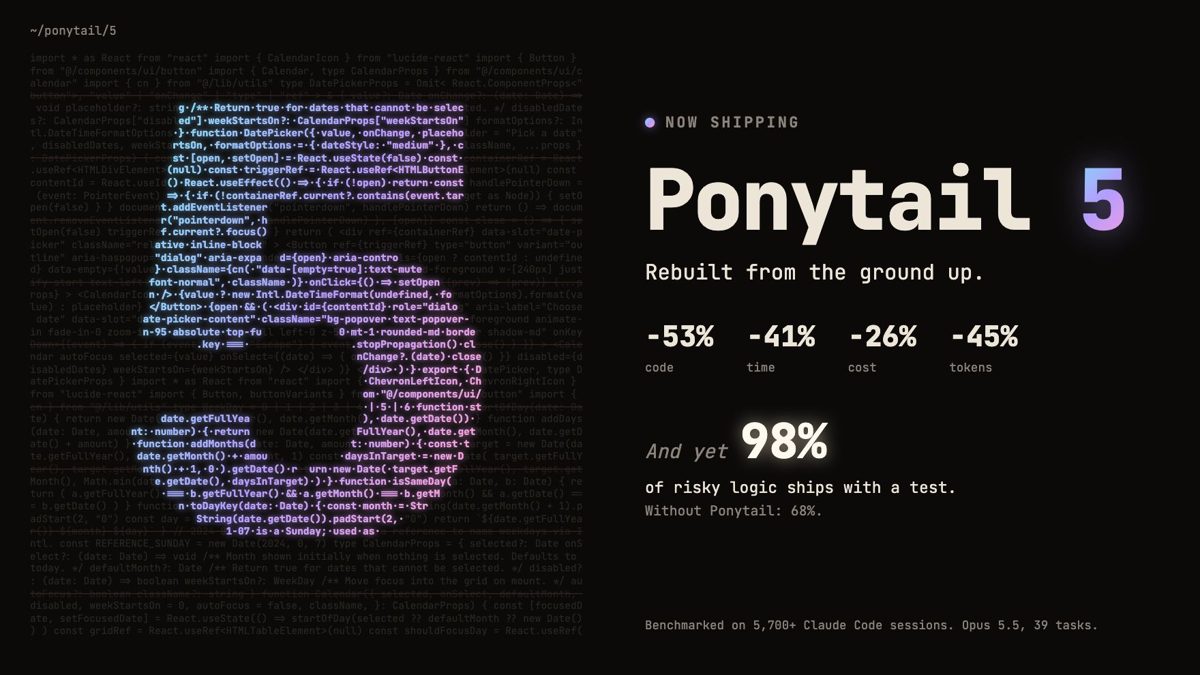
Ponytail: make your agent write less code
A skill that pushes coding agents to act like a lazy senior: fewer lines, more tests, lower cost — without skipping the hard checks.
Claude Code +2★ 164.8k
SKILL
Agency Agents: a full AI agency roster
Specialist agent personas for engineering, design, marketing, sales and support you can drop into Claude Code, Codex or Cursor.
Claude Code +2★ 160.4k
Free newsletter
Friday Picks
New AI tools you can use right away, in plain words. Every Friday.

 SKILL
SKILL

 Claude Code +2★ 14.8k