An open-source virtual Mac for computer-use agents: it runs a real macOS guest on your Apple silicon Mac, shows its screen inside your terminal, and lets your agent click and type in it through MCP tools and a skill, without touching your own desktop.
In short: An open-source virtual Mac for computer-use agents: it runs a real macOS guest on your Apple silicon Mac, shows its screen inside your terminal, and lets your agent click and type in it through MCP tools and a skill, without touching your own desktop. It is a free skill for people who use Claude Code, Codex or Cursor and want help with coding agent skills.
Real videos made with this skill, credited to their creators. Hover to preview.
APP DEMO1:28
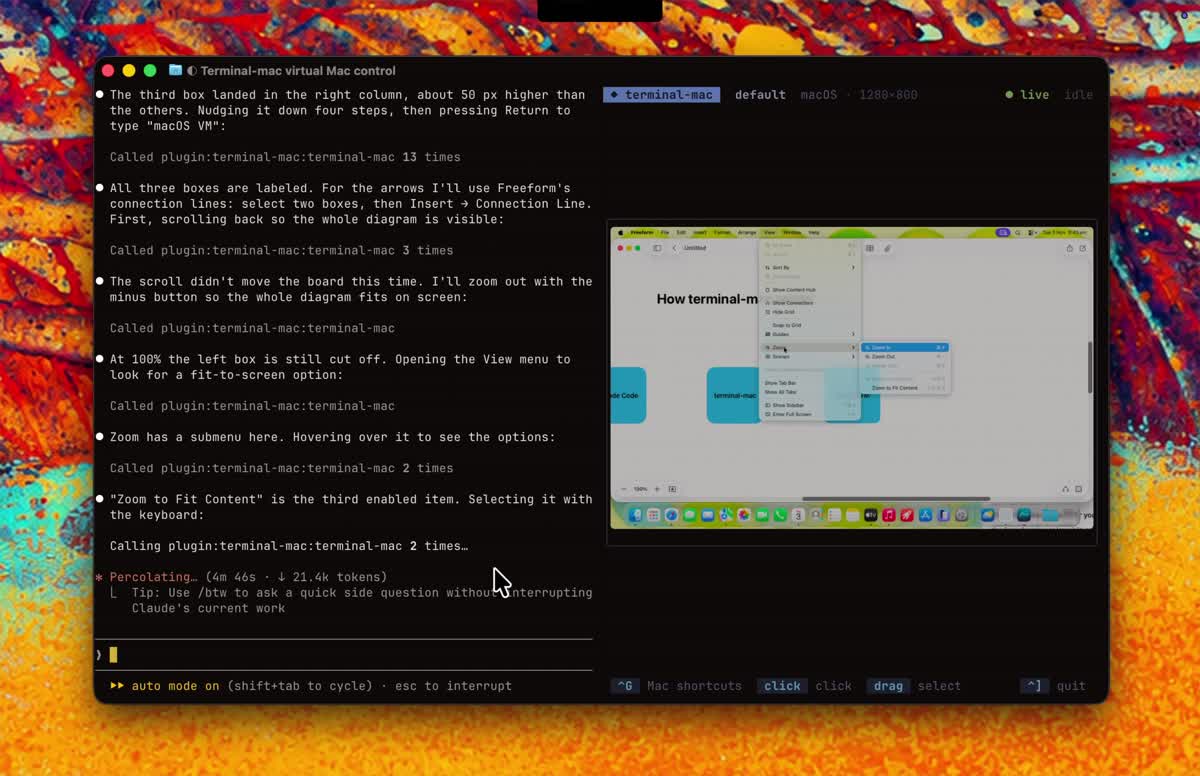
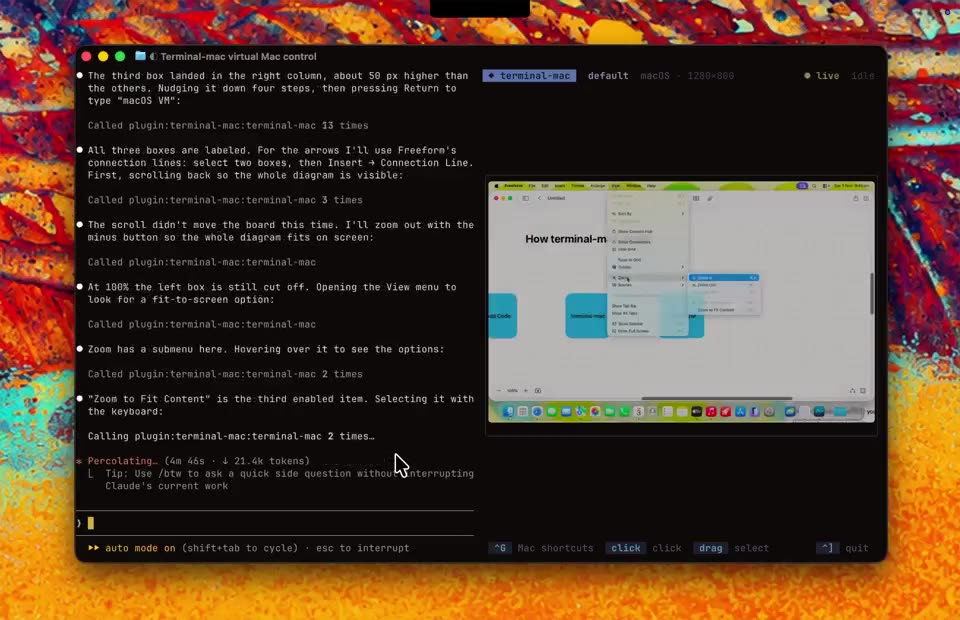
terminal-mac: Claude draws a diagram on its own Mac
The author's 89-second screen recording: Claude Code works in the left half of the terminal while the virtual Mac streams on the right. It opens Freeform, places and labels three boxes, finds Zoom to Fit in the View menu and joins the boxes with connection lines, narrating each click, without ever touching the real desktop.
Install command copied from the project README. Check the README for the latest version.
What it does
An open-source virtual Mac for computer-use agents: it runs a real macOS guest on your Apple silicon Mac, shows its screen inside your terminal, and lets your agent click and type in it through MCP tools and a skill, without touching your own desktop.
terminal-mac boots a real macOS guest with Apple's own Virtualization framework on an Apple silicon Mac and streams its screen into Ghostty, Kitty or iTerm2. Your agent gets its own Mac to click, type, drag and scroll…
RequirementsInstall and runUse with agentsOne-time guest setupBuild from sourceCreate your first MacGive an agent computer controlLifecycle and resourcesIsolation modelDevelopment and validation
A prompt to try
Use terminal-mac to open Freeform in the virtual Mac and draw three labelled boxes joined by arrows: Claude Code, terminal-mac, macOS VM. Take a screenshot when it is done.
Use terminal-mac to open Freeform in the virtual Mac and draw three labelled boxes joined by arrows: Claude Code, terminal-mac, macOS VM. Take a screenshot when it is done.
Written by us so you can reuse it. Replace each [bracket] with your details.
Step by step
Open the GitHub repo and read the requirements and the isolation model.
Install it (the README offers a release installer and a ZIP with install.sh), then run terminal-mac to download macOS from Apple and set up the virtual Mac.
Finish macOS setup inside the guest once, open TerminalMacGuest.app and grant it Screen Recording and Accessibility (inside the guest only).
Add it to your agent: in Claude Code /plugin install terminal-mac --marketplace govijr/terminal-mac, or npx skills add govijr/terminal-mac --skill terminal-mac plus the MCP config for other clients, then ask for a task in the virtual Mac.
Watch out for
Early release candidate: binaries are self-signed and not notarized by Apple, and the main installer pipes a script into bash, so read it or use the release ZIP. The guest has internet through NAT by default and may reach services on your machine or network; it is not a sandbox for untrusted code (use --offline to cut the network). Apple silicon only.
An open-source virtual Mac for computer-use agents: it runs a real macOS guest on your Apple silicon Mac, shows its screen inside your terminal, and lets your agent click and type in it through MCP tools and a skill, without touching your own desktop.
Which AI agents can use terminal-mac?
It works with Claude Code, Codex and Cursor. The code is on GitHub at govijr/terminal-mac.
Is terminal-mac free?
Free & open source (MIT). No account or API key. Needs an Apple silicon Mac on macOS 14 or later, a one-time macOS download from Apple and disk space for the virtual Mac (64 GB logical size by default).
How do I install terminal-mac?
Run the install command from the README: “/plugin install terminal-mac --marketplace govijr/terminal-mac”. Check the README on GitHub for the latest version, then follow the steps on this page.
Is terminal-mac safe to install?
We read 13 instruction and code files in the repo and found no red flags. That is not a guarantee, so review anything that runs commands on your machine. How to check a skill before you install it →
CleanYourTV: your agent removes the ads from your TV
Your coding agent connects to an Android or Google TV over Wi-Fi, switches off the ad and tracking apps, and puts in a clean, Apple TV-style home screen. Nothing is uninstalled.
Claude Code +2★ 14.8k
SKILL
Interfaces skills: 14 design-engineering skills for your agent
A pack of 14 skills from a design engineer that make your agent review and polish interfaces with exact rules: ranked UI reviews, typography, colour, accessibility, layout and product writing, plus tools that stress-test components and draw technical illustrations.
Claude Code +2★ 10.3k
SKILL
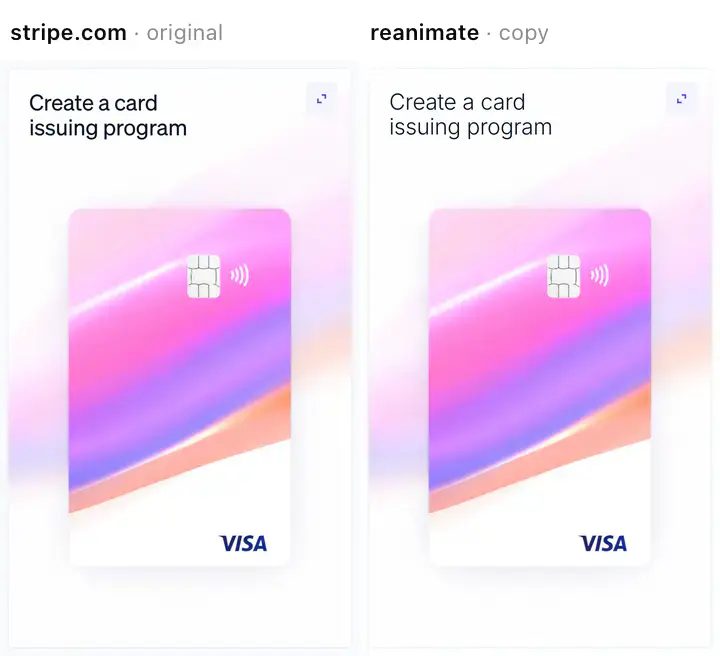
reanimate: copy an animation you like and prove the copy matches
A Claude Code skill that records an animation from a live site, a screen recording, a gif or a Lottie file, rebuilds it in your own code, then films the copy the same way and compares the two, round after round, until timing and motion match.
Claude Code★ 809
SKILL
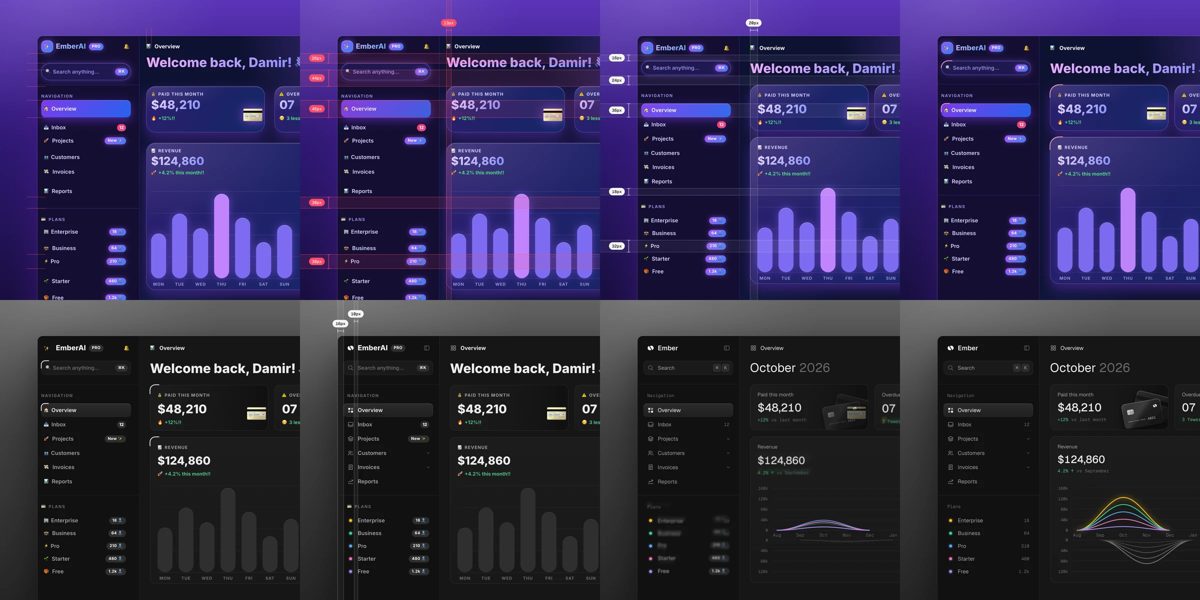
unslop: turn AI-looking UI into a designed interface
A Claude skill that reviews a vibecoded screen like a designer: it lists the tell-tale AI touches, proposes a direction from your own product, then fixes spacing, colour, icons, copy, type and layout pass by pass. Works on dashboards, apps, landing pages, or a live site from a link.
Claude Code★ 540
SKILL
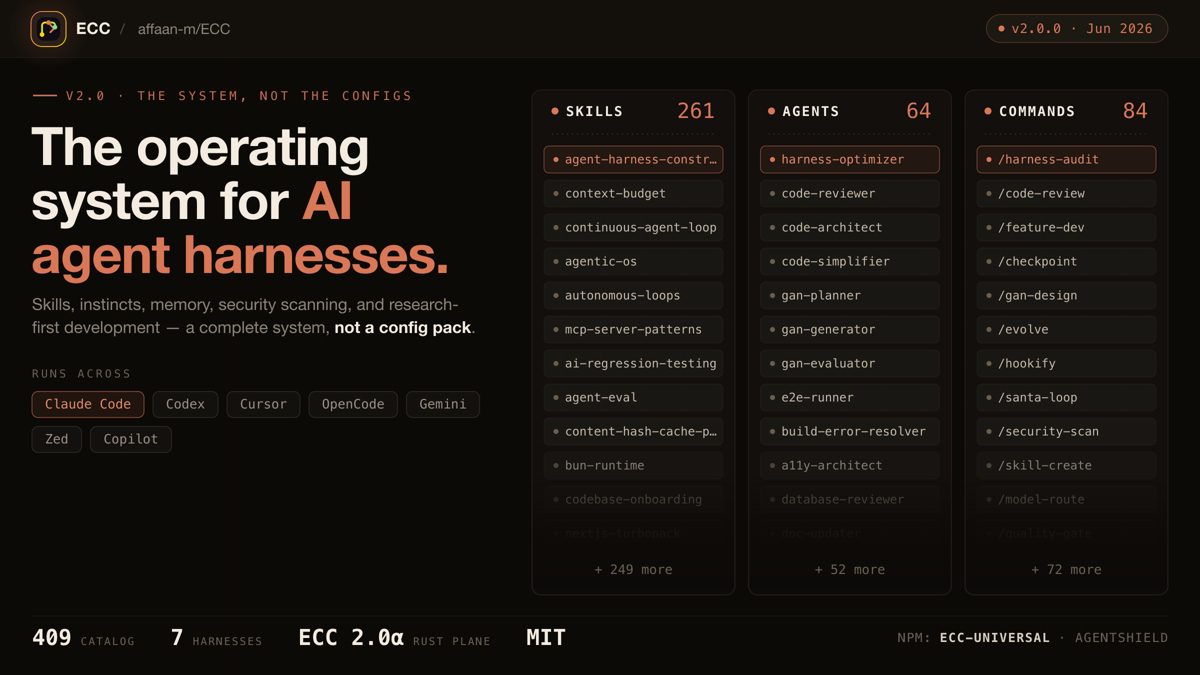
ECC: a full work system for your coding agent
One install gives your agent a plan, test, build, review and remember routine, with 71 helper agents, about 300 skills, memory between sessions and a built-in scanner for risky agent settings.
Claude Code +3★ 285.3k
SKILL
Superpowers: plan, test and debug before coding
A skills framework that makes agents brainstorm, plan, test and debug systematically.
Claude Code +1★ 299.2k
Free newsletter
Friday Picks
New AI tools you can use right away, in plain words. Every Friday.


 APP DEMO1:28