dimensional-drawing: Apple-style spec sheets of your UI
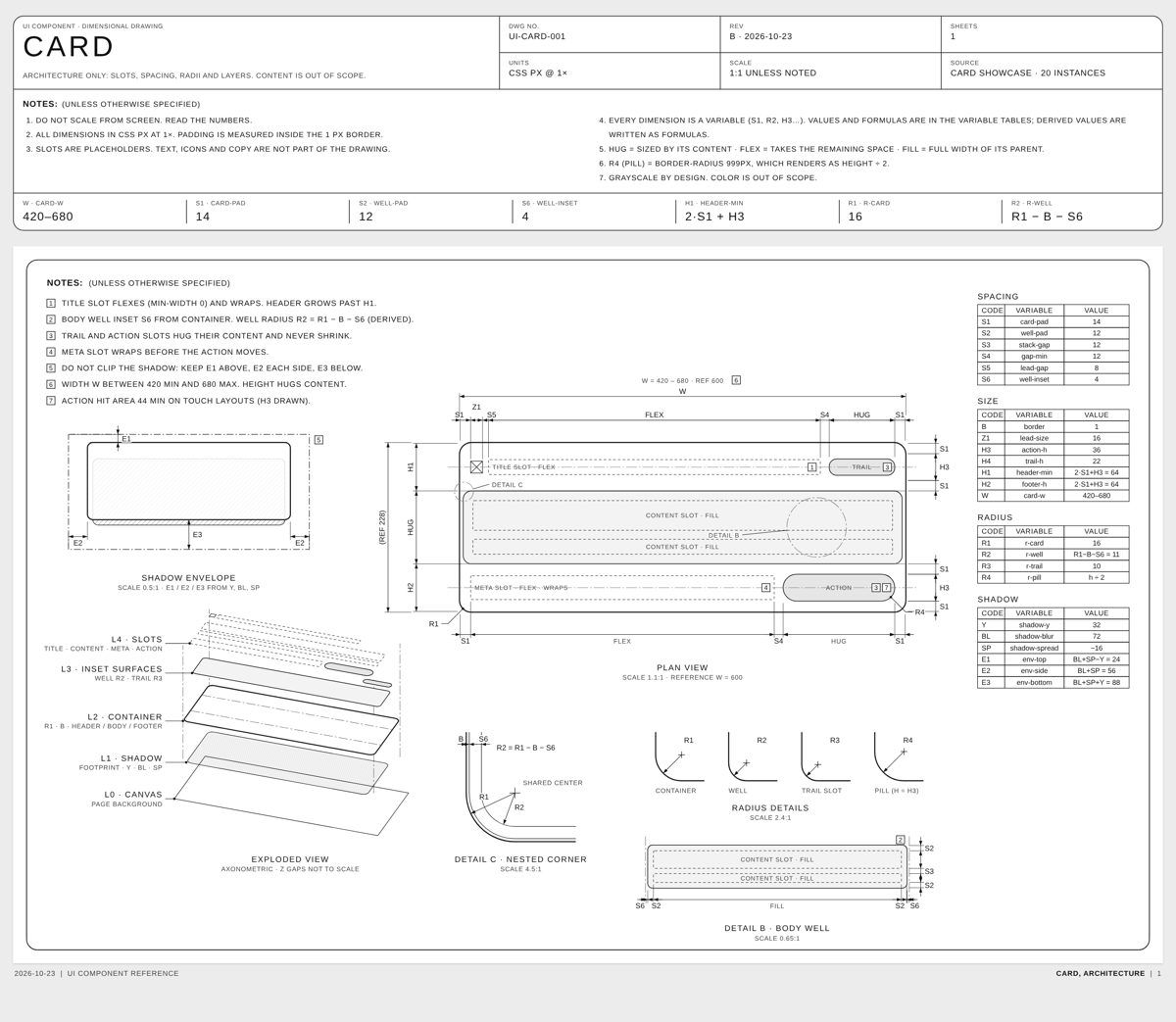
Point your agent at a card, dialog or other component and get a one-page technical drawing of it, like Apple's accessory drawings: plan view, exploded layers, detail circles and tables of paddings, gaps and radii. A second skill animates the sheet drawing itself.
In short: Point your agent at a card, dialog or other component and get a one-page technical drawing of it, like Apple's accessory drawings: plan view, exploded layers, detail circles and tables of paddings, gaps and radii. A second skill animates the sheet drawing itself. It is a free skill for people who use Claude Code, Codex, Cursor or Claude and want help with coding agent skills.
Real videos made with this skill, credited to their creators. Hover to preview.
APP DEMO0:11
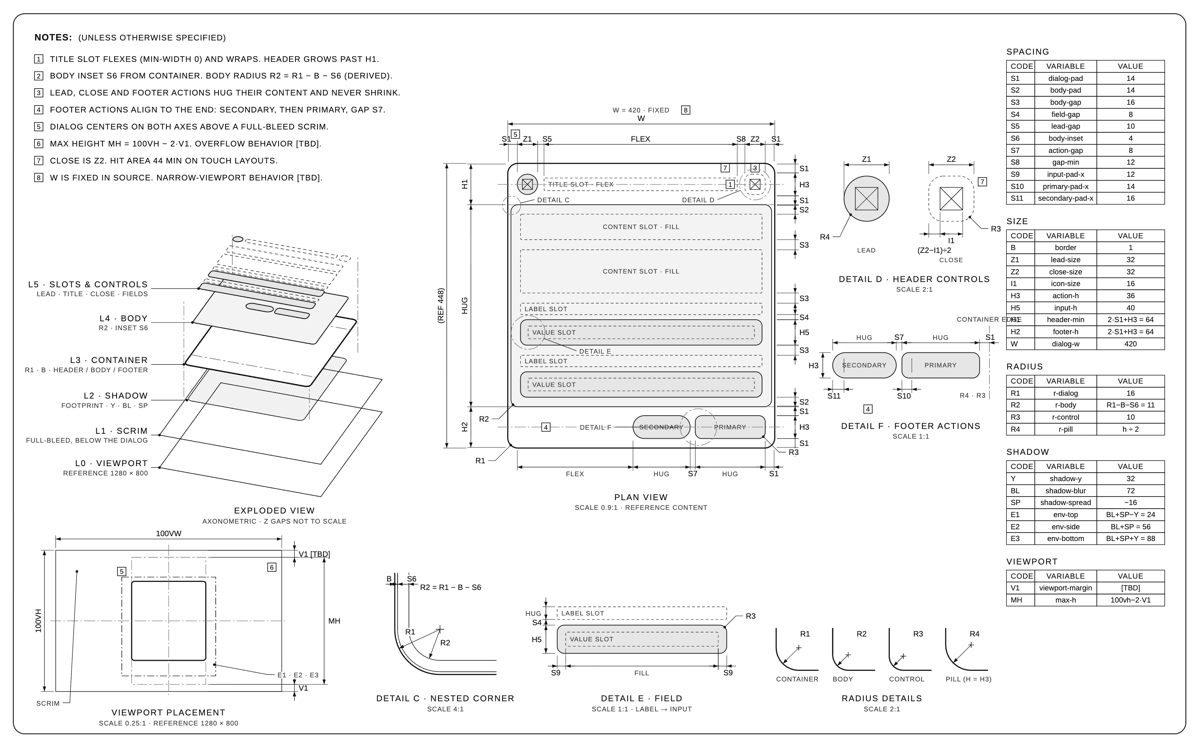
A dialog component drawn as an Apple-style spec sheet
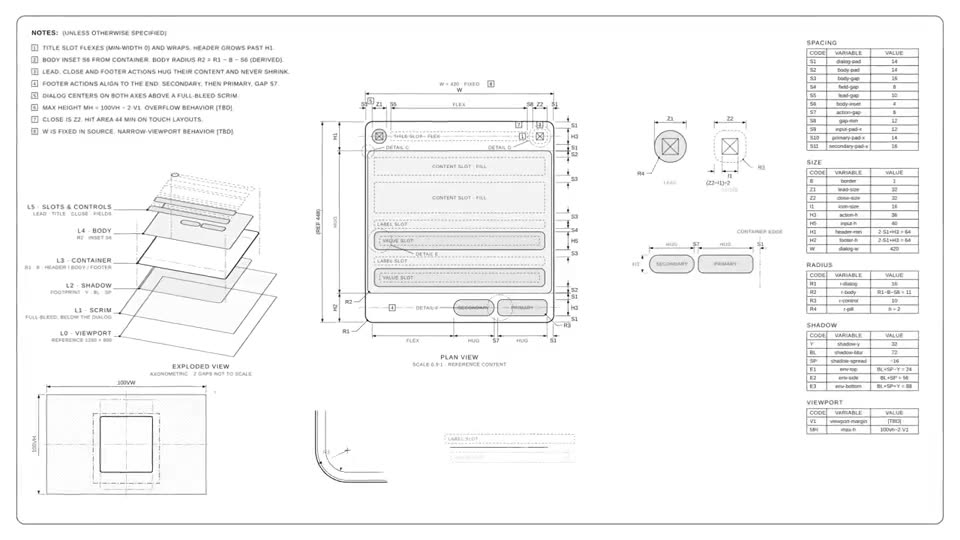
The author's 11-second demo of dimensional-drawing: the sheet draws itself line by line, starting on the header close-up, pulling back to the plan view, lifting the layers into an exploded view and ending on the full page of measurements.
dimensional-drawing@enesozturkdev♥ 3.3k
MOTION0:13
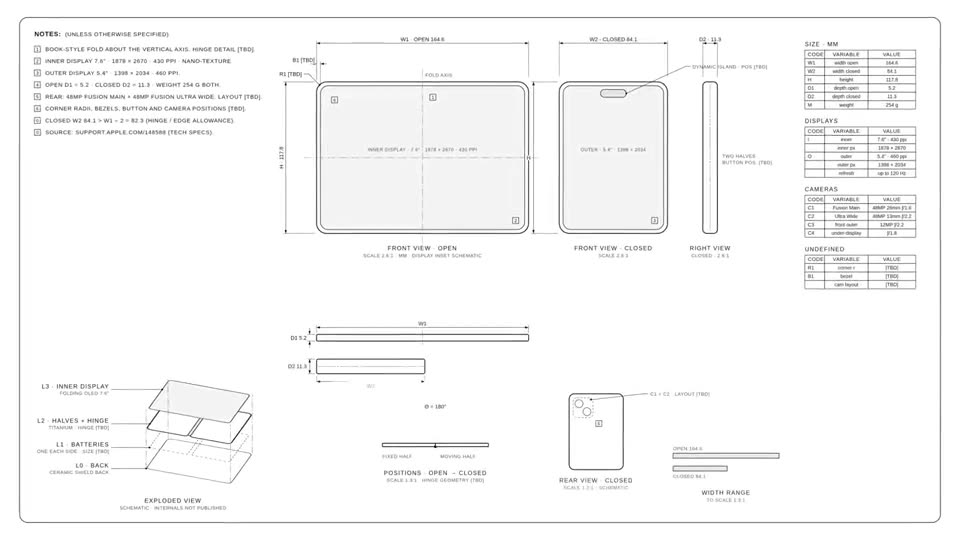
A foldable iPhone drawn as an animated spec sheet
A 13-second film a user made with dimensional-drawing: a concept foldable iPhone appears as clean line drawings with front, side, top and exploded views, measurements and labels building up one by one.
Install command copied from the project README. Check the README for the latest version.
What it does
Point your agent at a card, dialog or other component and get a one-page technical drawing of it, like Apple's accessory drawings: plan view, exploded layers, detail circles and tables of paddings, gaps and radii. A second skill animates the sheet drawing itself.
dimensional-drawing teaches your agent to document a card, dialog or any other component as a spec sheet: plan view, exploded layers, close-up detail circles and tables of paddings, gaps, corner radii and layers, all in…
What's inside 🎁The house rulesInstallUse itMake it move 🎬ExamplesThanks 💌License
A prompt to try
Make a dimensional drawing of our settings dialog in the same style as the examples.
Make a dimensional drawing of our settings dialog in the same style as the examples.
From the original post, credited below.
Step by step
Open the GitHub repo and look at the card and dialog examples.
Install: npx skills add enesozturk/dimensional-drawing (or copy the skills folder into ~/.claude/skills/).
Ask: make a dimensional drawing of the Card component in src/components/Card.tsx.
Optional: ask it to animate the drawing, or render the film headless with the included script.
Watch out for
Documents structure, not content: text and branding are left out on purpose, and unknown values stay marked TBD. The animation was tuned for Claude's Motion artifact; other animation libraries are not tested. Young repo with few commits so far.
Point your agent at a card, dialog or other component and get a one-page technical drawing of it, like Apple's accessory drawings: plan view, exploded layers, detail circles and tables of paddings, gaps and radii. A second skill animates the sheet drawing itself.
Which AI agents can use dimensional-drawing?
It works with Claude Code, Codex, Cursor and Claude. The code is on GitHub at enesozturk/dimensional-drawing.
Is dimensional-drawing free?
Free & open source (MIT). The motion skill targets Claude's Motion artifact; the headless renderer needs Node 18+, Playwright and ffmpeg.
How do I install dimensional-drawing?
Run the install command from the README: “npx skills add enesozturk/dimensional-drawing”. Check the README on GitHub for the latest version, then follow the steps on this page.
Is dimensional-drawing safe to install?
We read 8 instruction and code files in the repo and found no red flags. That is not a guarantee, so review anything that runs commands on your machine.
CleanYourTV: your agent removes the ads from your TV
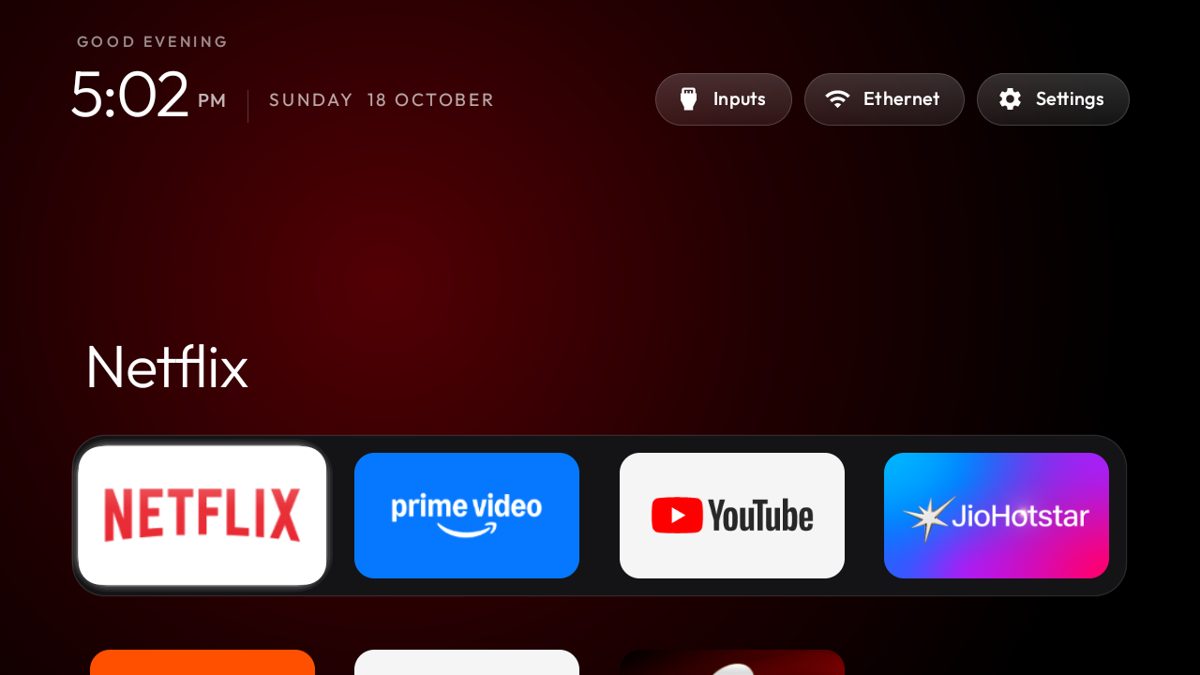
Your coding agent connects to an Android or Google TV over Wi-Fi, switches off the ad and tracking apps, and puts in a clean, Apple TV-style home screen. Nothing is uninstalled.
Claude Code +2★ 14.8k
SKILL
unslop: turn AI-looking UI into a designed interface
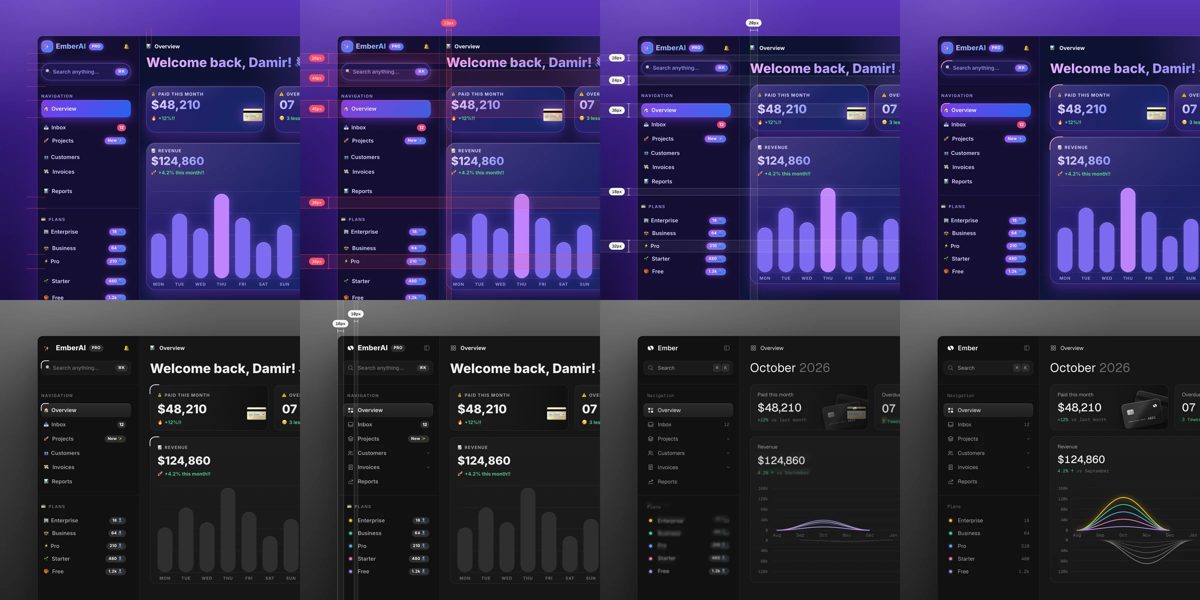
A Claude skill that reviews a vibecoded screen like a designer: it lists the tell-tale AI touches, proposes a direction from your own product, then fixes spacing, colour, icons, copy, type and layout pass by pass. Works on dashboards, apps, landing pages, or a live site from a link.
Claude Code★ 540
SKILL
ECC: a full work system for your coding agent
One install gives your agent a plan, test, build, review and remember routine, with 71 helper agents, about 300 skills, memory between sessions and a built-in scanner for risky agent settings.
Claude Code +3★ 285.3k
SKILL
Superpowers: plan, test and debug before coding
A skills framework that makes agents brainstorm, plan, test and debug systematically.
Claude Code +1★ 299.2k
SKILL
Matt Pocock's engineering skills
Real engineering skills from a well-known TypeScript educator's own .agents folder.
Claude Code +1★ 291.4k
SKILL
Ponytail: make your agent write less code
A skill that pushes coding agents to act like a lazy senior: fewer lines, more tests, lower cost — without skipping the hard checks.
Claude Code +2★ 164.8k
Free newsletter
Friday Picks
New AI tools you can use right away, in plain words. Every Friday.


 APP DEMO0:11