design-to-code: a design image in, a matching website out
A skill that turns a screenshot, Figma frame or mockup into real, responsive frontend code, then screenshots its own build, compares it with the design and fixes the differences before it calls the job done.
In short: A skill that turns a screenshot, Figma frame or mockup into real, responsive frontend code, then screenshots its own build, compares it with the design and fixes the differences before it calls the job done. It is a free skill for people who use Claude Code, Codex or Cursor and want help with coding agent skills.
Real videos made with this skill, credited to their creators. Hover to preview.
APP DEMO0:35
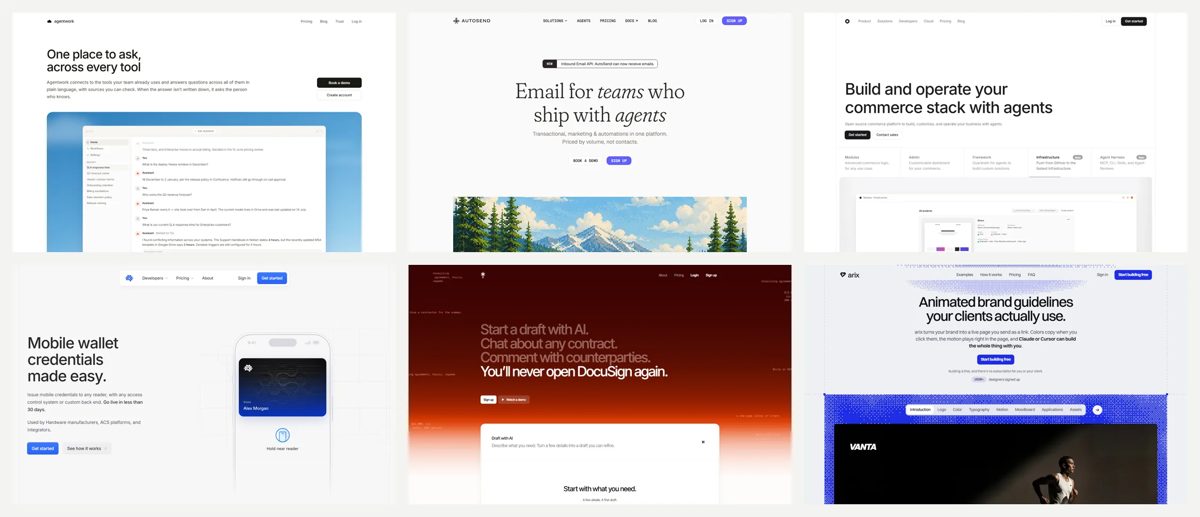
design-to-code: six sites built from design images
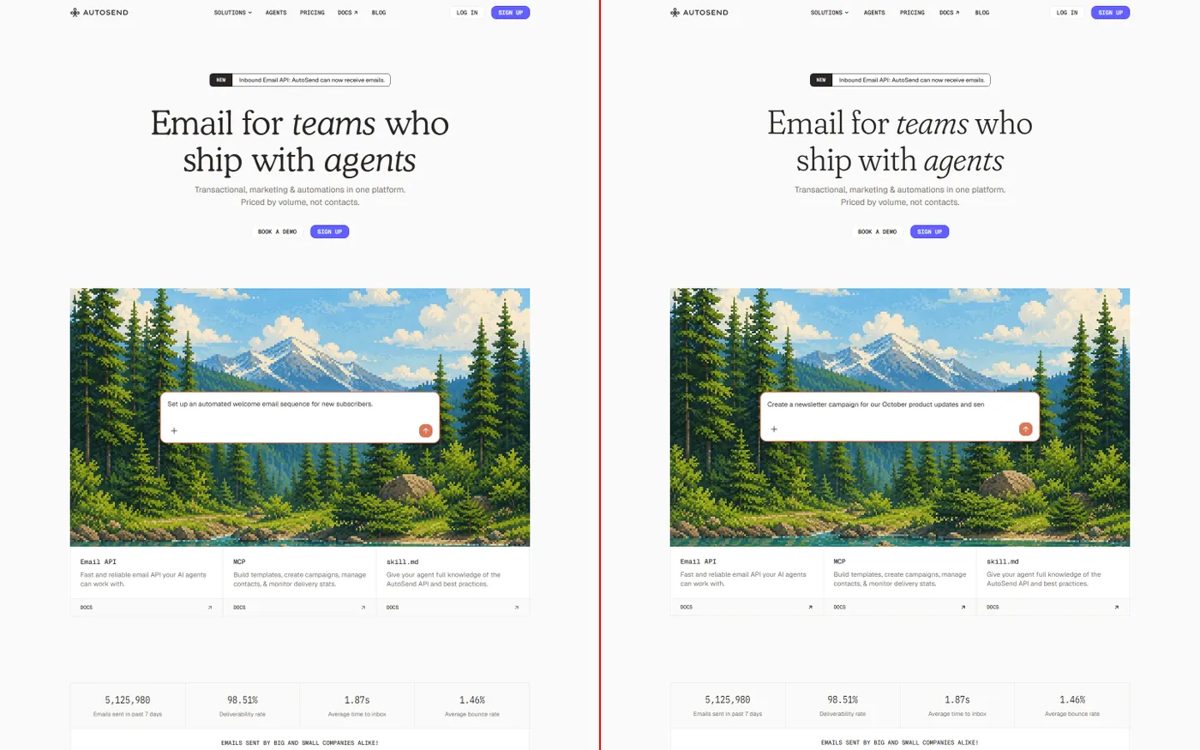
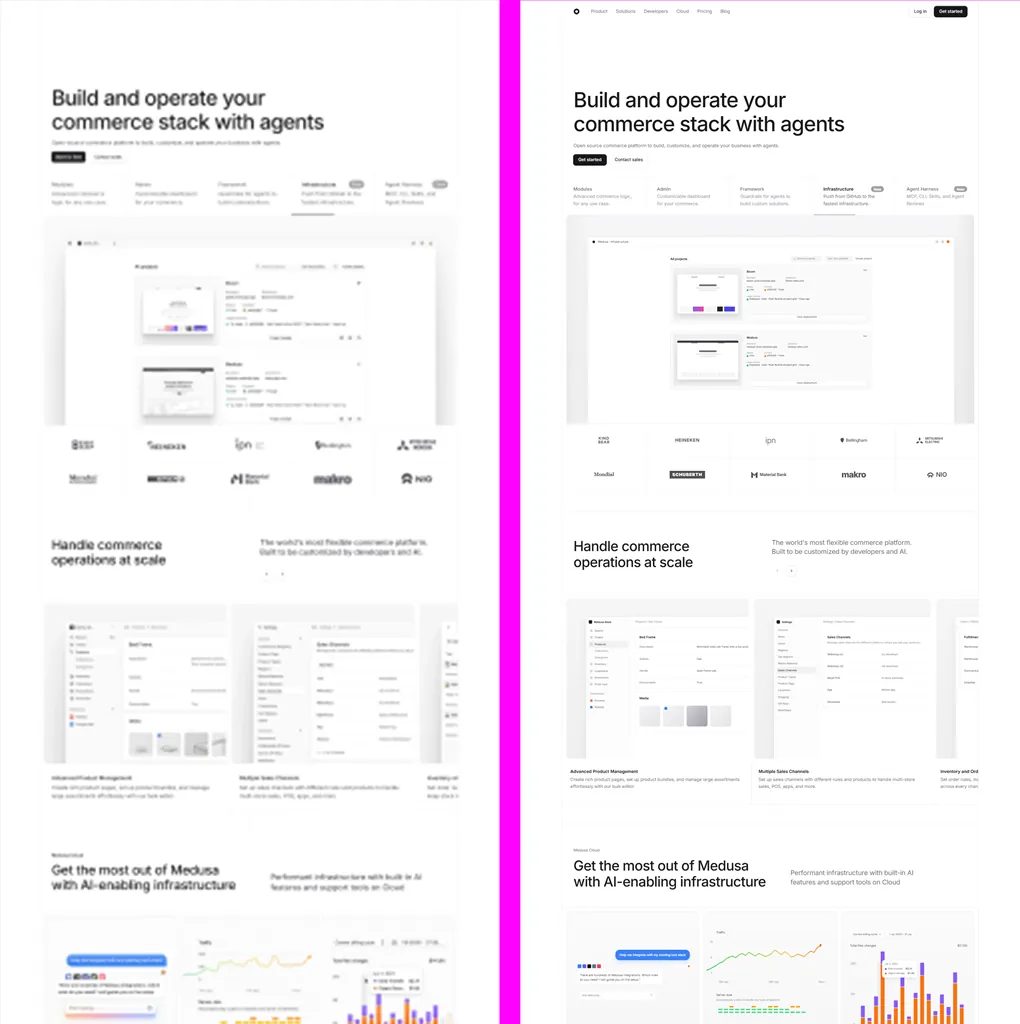
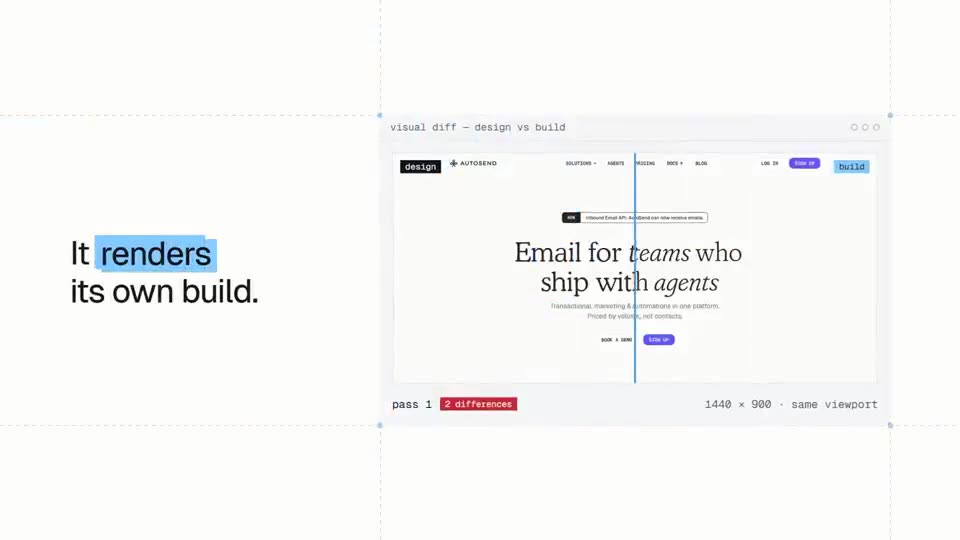
The author's 35-second demo: a design image goes in, the agent rebuilds it as code, renders its own build and lines it up against the design in a visual diff, then flips through the six landing pages it made, each from one picture and one prompt.
Install command copied from the project README. Check the README for the latest version.
What it does
A skill that turns a screenshot, Figma frame or mockup into real, responsive frontend code, then screenshots its own build, compares it with the design and fixes the differences before it calls the job done.
design-to-code gives your agent a full playbook for turning a picture of a page into real code. It first decides what kind of job it is (exact rebuild, new art direction, filling in missing screens, variants or…
I built these websites from design images onlyDesign image vs. shipped codeWhat's in this repoInstallUse itHow it worksWhat makes the output differentRun the example sitesFAQCreditsDisclaimerMade by Atharv Jadav
A prompt to try
Here is our Figma frame for the new pricing page. Build it in our Next.js app with our existing components, compare your render against the frame and fix the differences, then make it work on mobile.
Here is our Figma frame for the new pricing page. Build it in our Next.js app with our existing components, compare your render against the frame and fix the differences, then make it work on mobile.
Written by us so you can reuse it. Replace each [bracket] with your details.
Step by step
Open the GitHub repo and compare the six design images with the sites the agent built from them.
Install it with npx skills add https://github.com/Atharvsinh-codez/skills --skill design-to-code (or copy the design-to-code folder into your agent's skills folder).
Drop a design image, Figma frame or screenshot into your agent and say which stack to use (React, Next.js, Vue, Svelte or plain HTML/CSS).
Let it build, render the page at the same size as the design, list the differences and fix them; then check the mobile layout it inferred.
Watch out for
Only rebuild designs you own or have the right to use: copying another company's live site, logos or text is not OK. The design shows one screen size, so test phone and tablet layouts yourself.
A skill that turns a screenshot, Figma frame or mockup into real, responsive frontend code, then screenshots its own build, compares it with the design and fixes the differences before it calls the job done.
Which AI agents can use design-to-code?
It works with Claude Code, Codex and Cursor. The code is on GitHub at Atharvsinh-codez/skills.
Is design-to-code free?
Free & open source (MIT). No account or API key. Runs with the agent plan you already pay for.
How do I install design-to-code?
Run the install command from the README: “npx skills add https://github.com/Atharvsinh-codez/skills --skill design-to-code”. Check the README on GitHub for the latest version, then follow the steps on this page.
Is design-to-code safe to install?
We read 72 instruction and code files in the repo and found no red flags. That is not a guarantee, so review anything that runs commands on your machine. How to check a skill before you install it →
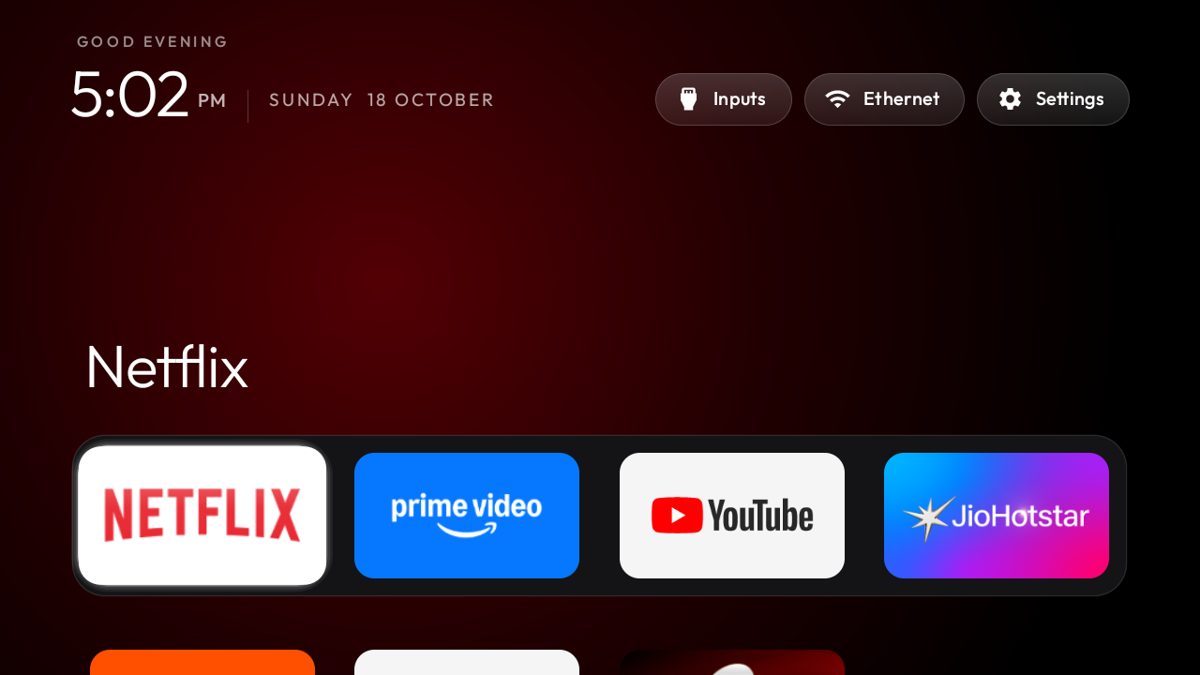
CleanYourTV: your agent removes the ads from your TV
Your coding agent connects to an Android or Google TV over Wi-Fi, switches off the ad and tracking apps, and puts in a clean, Apple TV-style home screen. Nothing is uninstalled.
Claude Code +2★ 14.8k
SKILL
Interfaces skills: 14 design-engineering skills for your agent
A pack of 14 skills from a design engineer that make your agent review and polish interfaces with exact rules: ranked UI reviews, typography, colour, accessibility, layout and product writing, plus tools that stress-test components and draw technical illustrations.
Claude Code +2★ 10.3k
SKILL
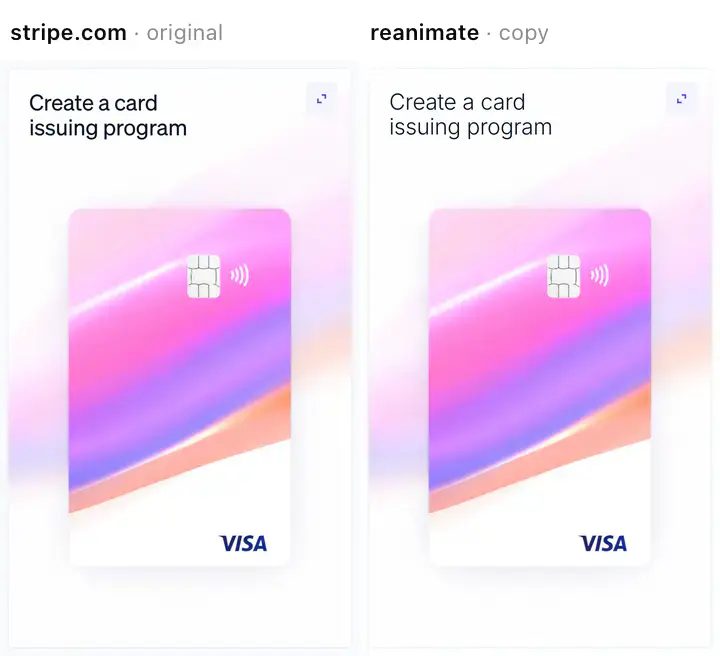
reanimate: copy an animation you like and prove the copy matches
A Claude Code skill that records an animation from a live site, a screen recording, a gif or a Lottie file, rebuilds it in your own code, then films the copy the same way and compares the two, round after round, until timing and motion match.
Claude Code★ 809
SKILL
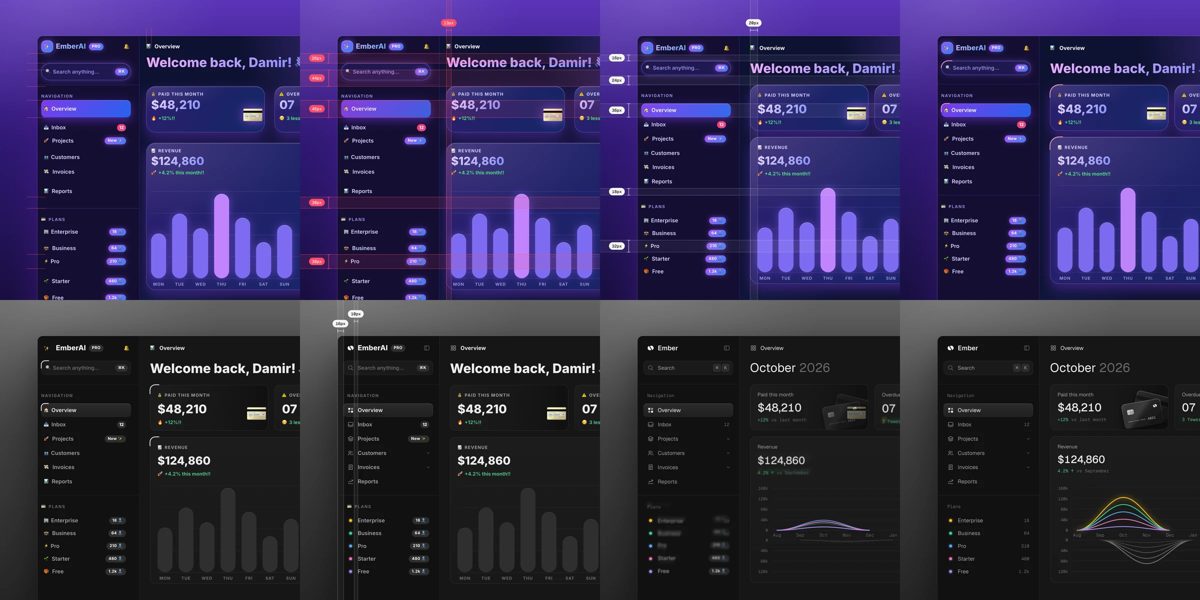
unslop: turn AI-looking UI into a designed interface
A Claude skill that reviews a vibecoded screen like a designer: it lists the tell-tale AI touches, proposes a direction from your own product, then fixes spacing, colour, icons, copy, type and layout pass by pass. Works on dashboards, apps, landing pages, or a live site from a link.
Claude Code★ 540
SKILL
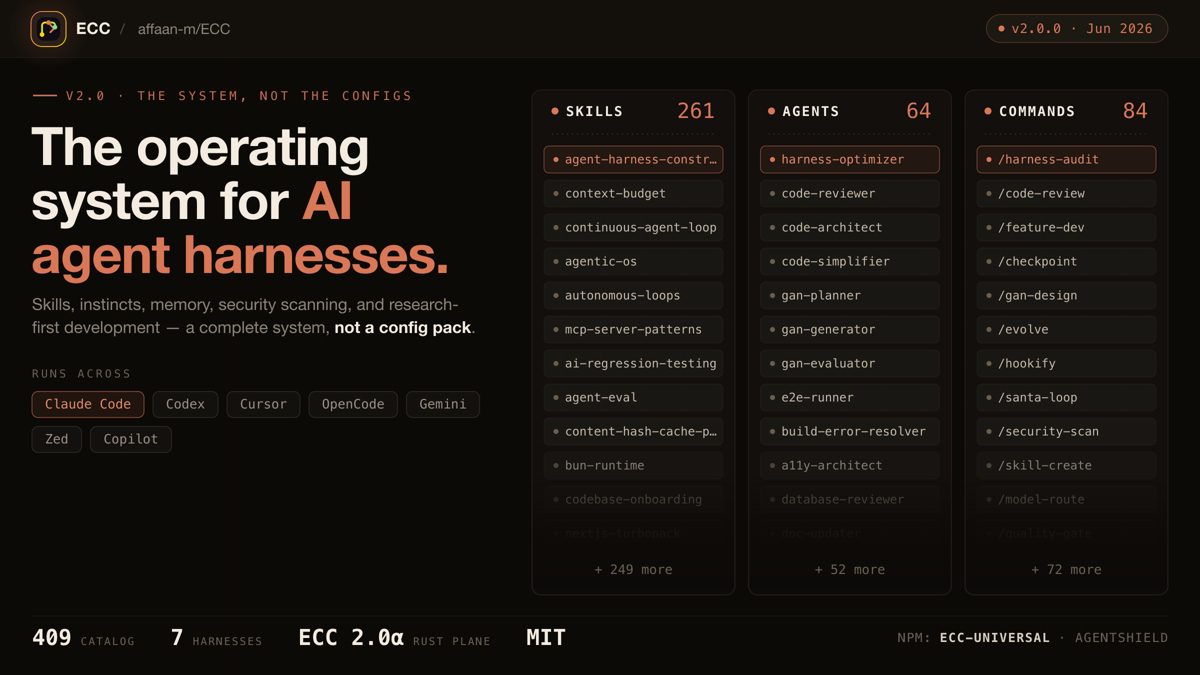
ECC: a full work system for your coding agent
One install gives your agent a plan, test, build, review and remember routine, with 71 helper agents, about 300 skills, memory between sessions and a built-in scanner for risky agent settings.
Claude Code +3★ 285.3k
SKILL
Superpowers: plan, test and debug before coding
A skills framework that makes agents brainstorm, plan, test and debug systematically.
Claude Code +1★ 299.2k
Free newsletter
Friday Picks
New AI tools you can use right away, in plain words. Every Friday.


 APP DEMO0:35