baoyu-design: Claude Design-style mockups and decks in your own agent
Brings the Claude Design way of working into Claude Code, Codex or Cursor: your agent produces UI mockups, clickable prototypes, landing pages, slide decks and dashboards as plain HTML in your repo, then opens them in local editors you can tweak by hand.
In short: Brings the Claude Design way of working into Claude Code, Codex or Cursor: your agent produces UI mockups, clickable prototypes, landing pages, slide decks and dashboards as plain HTML in your repo, then opens them in local editors you can tweak by hand. It is a free skill for people who use Claude Code, Codex or Cursor and want help with coding agent skills.
Real videos made with this skill, credited to their creators. Hover to preview.
APP DEMO0:48
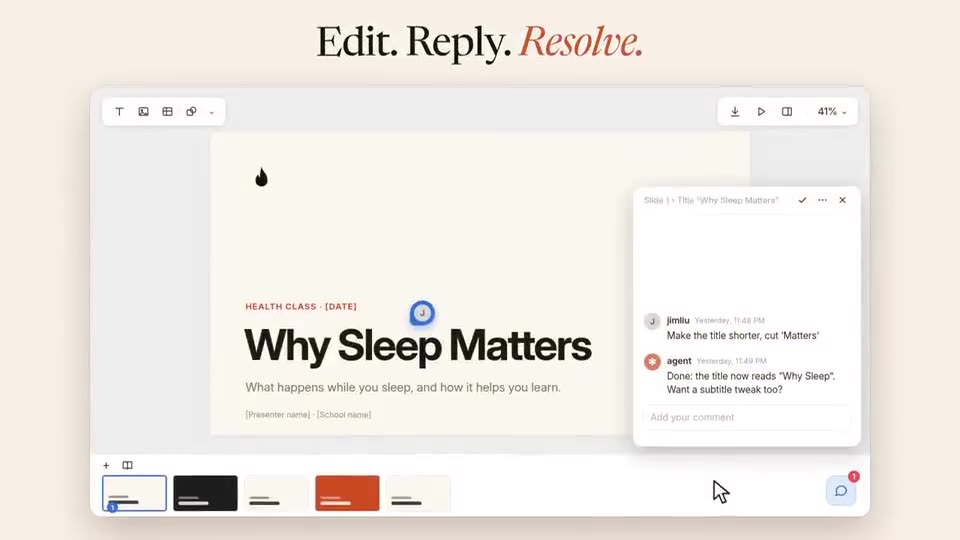
baoyu-design comments: mark it, your agent reads it and replies
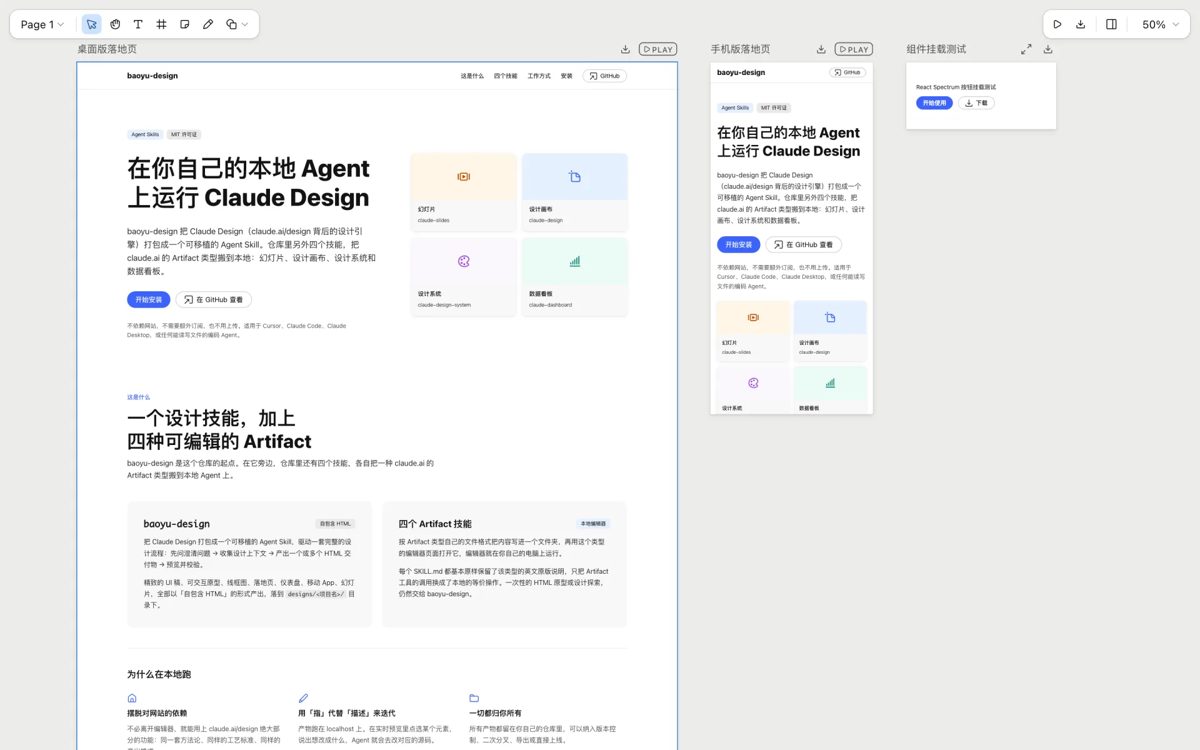
The author's 48-second demo of the v2.1 comments feature: you click anywhere on a design or slide to leave a note, the agent reads the thread in the terminal, answers and edits the page, and you resolve it, all stored in the project folder.
Install command copied from the project README. Check the README for the latest version.
What it does
Brings the Claude Design way of working into Claude Code, Codex or Cursor: your agent produces UI mockups, clickable prototypes, landing pages, slide decks and dashboards as plain HTML in your repo, then opens them in local editors you can tweak by hand.
baoyu-design packs six skills into one install. The main one turns a request into a self-contained HTML mockup, prototype, landing page or animation inside a designs/ folder, so you can preview it in your agent's…
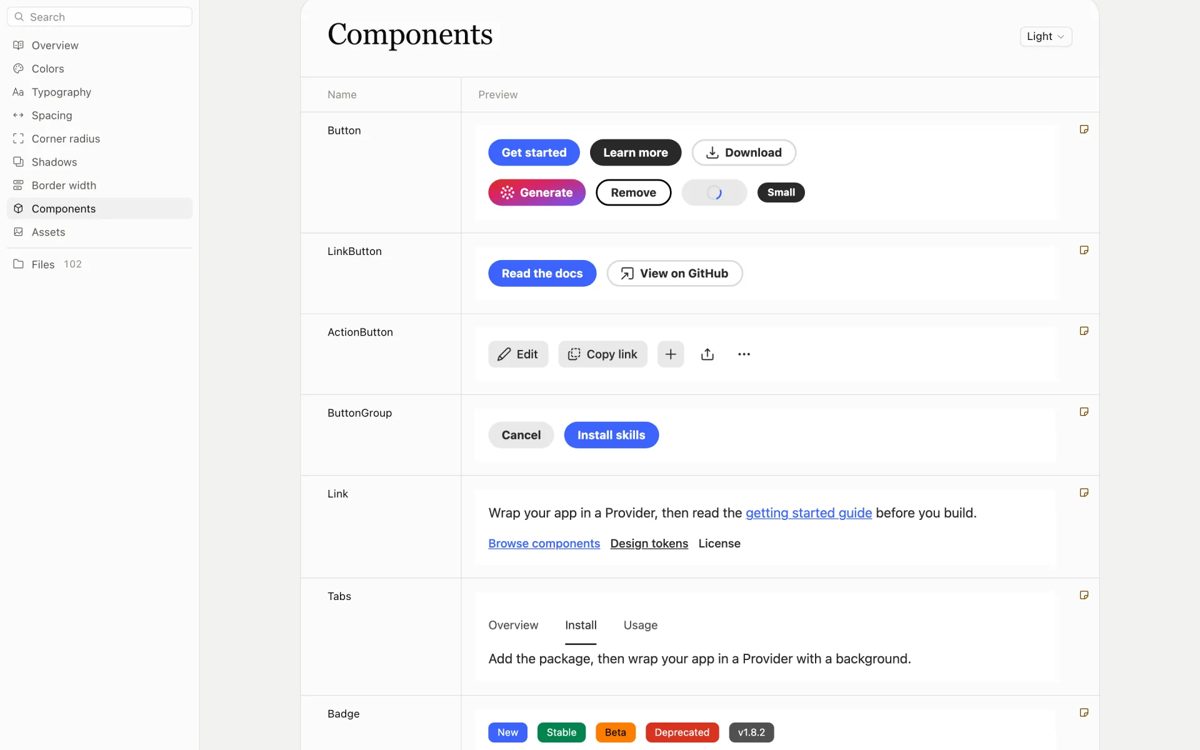
Skills in this repoArtifact skills: editable decks, canvases, design claude-slides: slide decksclaude-design: a canvas of artboardsclaude-design-system: design systemsclaude-dashboard: data‑backed dashboardsRun the editorsWhy run it locallyQuick startPrerequisitesInstallUpdate
A prompt to try
Design a settings screen for a meditation app as a clickable prototype, then make a five-slide deck that pitches it.
Design a settings screen for a meditation app as a clickable prototype, then make a five-slide deck that pitches it.
From the original post, credited below.
Step by step
Open the GitHub repo and look at the editor screenshots and the demo video.
Install with npx skills add JimLiu/baoyu-design (add -g for every project, or --skill to pick only some of the six skills).
Restart your agent so it loads the new skills.
Ask it for a design, deck or dashboard; it writes the files under designs/ and prints a local editor link where you can comment, retype and export.
Watch out for
An unofficial community port by Baoyu (JimLiu), not an Anthropic product: the skill files keep the original design instructions close to word for word. The brief is long and the author says results are best with the strongest Claude model, so expect weaker output and more tokens on small models. Each editor runs a small local server on your machine.
Brings the Claude Design way of working into Claude Code, Codex or Cursor: your agent produces UI mockups, clickable prototypes, landing pages, slide decks and dashboards as plain HTML in your repo, then opens them in local editors you can tweak by hand.
Which AI agents can use baoyu-design?
It works with Claude Code, Codex and Cursor. The code is on GitHub at JimLiu/baoyu-design.
Is baoyu-design free?
Free & open source (MIT). Runs on your own machine with the agent and model you already pay for; needs Node 20+ (22+ for dashboards). No extra subscription.
How do I install baoyu-design?
Run the install command from the README: “npx skills add JimLiu/baoyu-design”. Check the README on GitHub for the latest version, then follow the steps on this page.
Is baoyu-design safe to install?
We read 249 instruction and code files in the repo and found no red flags. That is not a guarantee, so review anything that runs commands on your machine.
CleanYourTV: your agent removes the ads from your TV
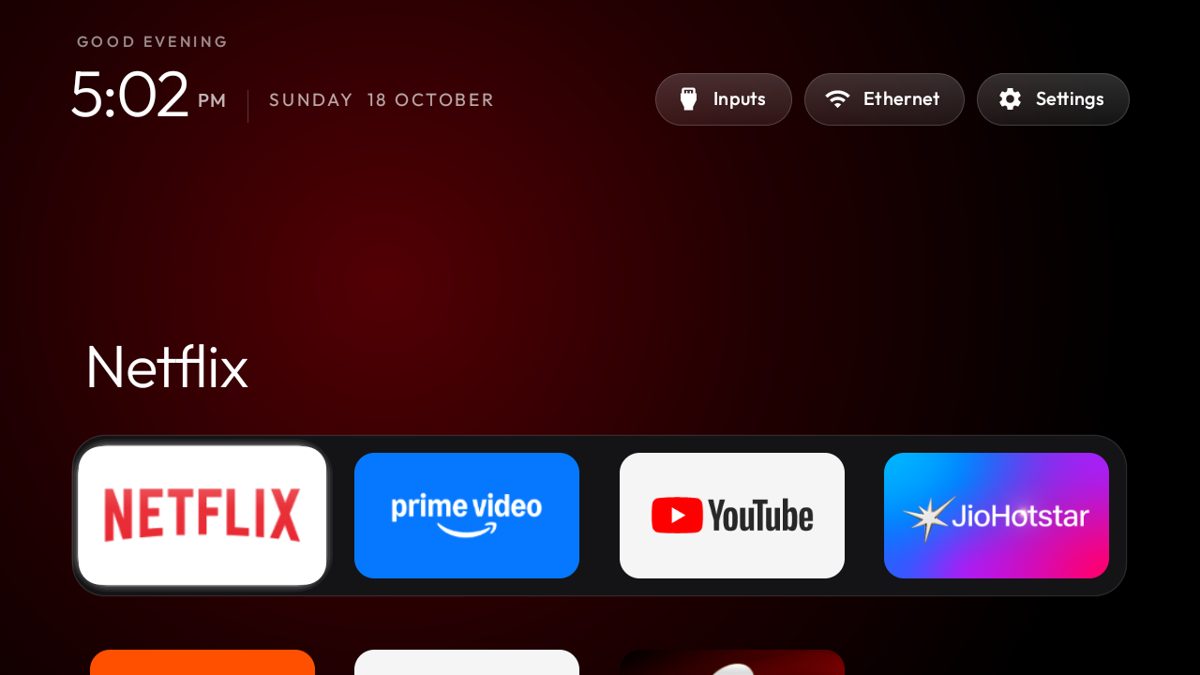
Your coding agent connects to an Android or Google TV over Wi-Fi, switches off the ad and tracking apps, and puts in a clean, Apple TV-style home screen. Nothing is uninstalled.
Claude Code +2★ 14.8k
SKILL
unslop: turn AI-looking UI into a designed interface
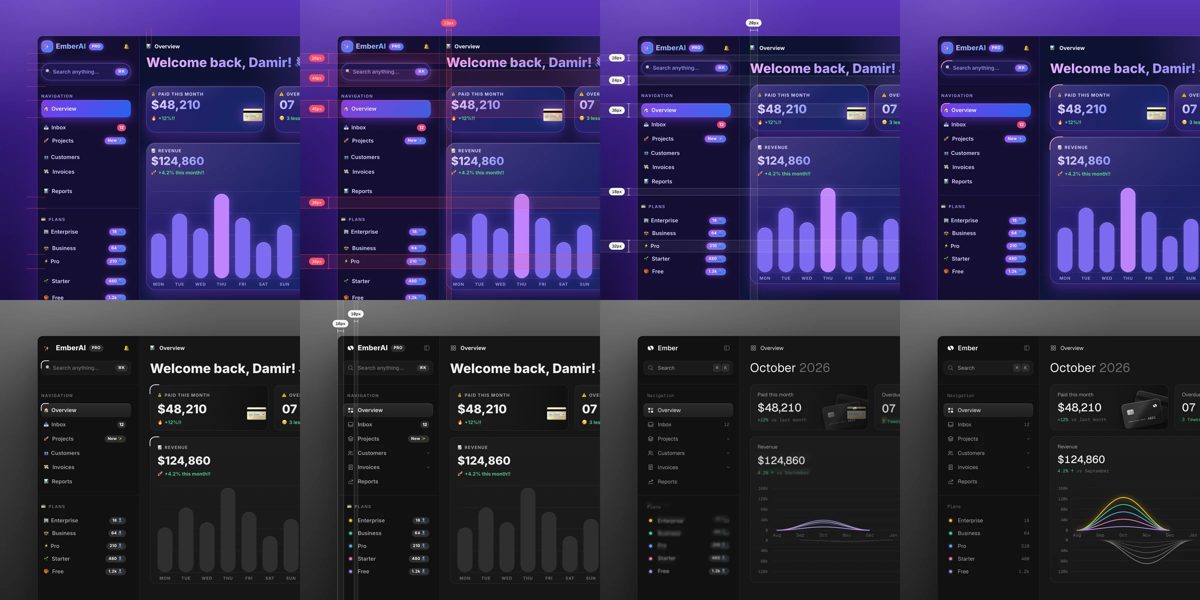
A Claude skill that reviews a vibecoded screen like a designer: it lists the tell-tale AI touches, proposes a direction from your own product, then fixes spacing, colour, icons, copy, type and layout pass by pass. Works on dashboards, apps, landing pages, or a live site from a link.
Claude Code★ 540
SKILL
ECC: a full work system for your coding agent
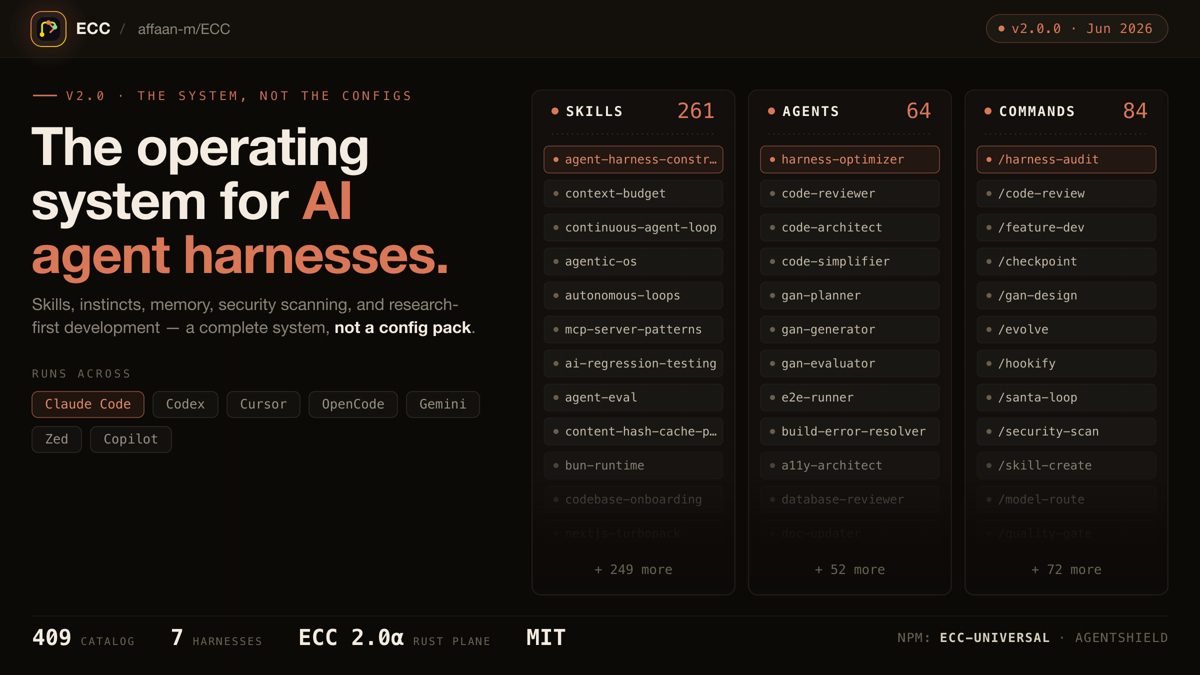
One install gives your agent a plan, test, build, review and remember routine, with 71 helper agents, about 300 skills, memory between sessions and a built-in scanner for risky agent settings.
Claude Code +3★ 285.3k
SKILL
Superpowers: plan, test and debug before coding
A skills framework that makes agents brainstorm, plan, test and debug systematically.
Claude Code +1★ 299.2k
SKILL
Matt Pocock's engineering skills
Real engineering skills from a well-known TypeScript educator's own .agents folder.
Claude Code +1★ 291.4k
SKILL
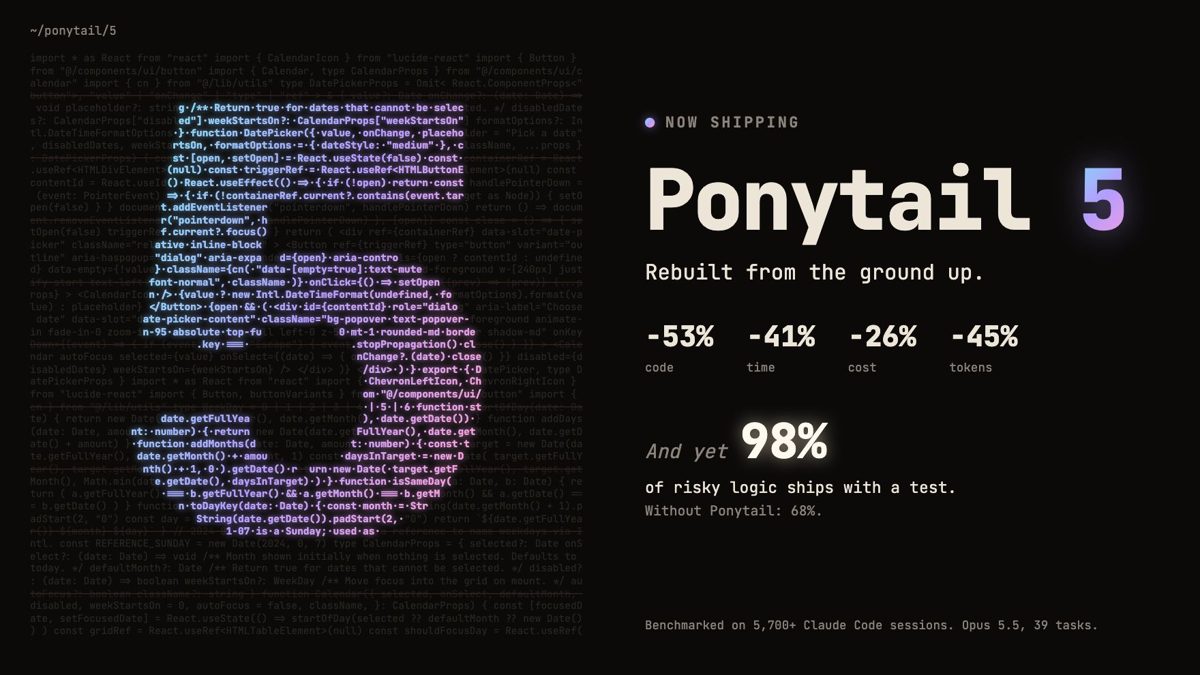
Ponytail: make your agent write less code
A skill that pushes coding agents to act like a lazy senior: fewer lines, more tests, lower cost — without skipping the hard checks.
Claude Code +2★ 164.8k
Free newsletter
Friday Picks
New AI tools you can use right away, in plain words. Every Friday.



 APP DEMO0:48