 APP DEMO0:41
One prompt, and the agent records a demo of its own pull request
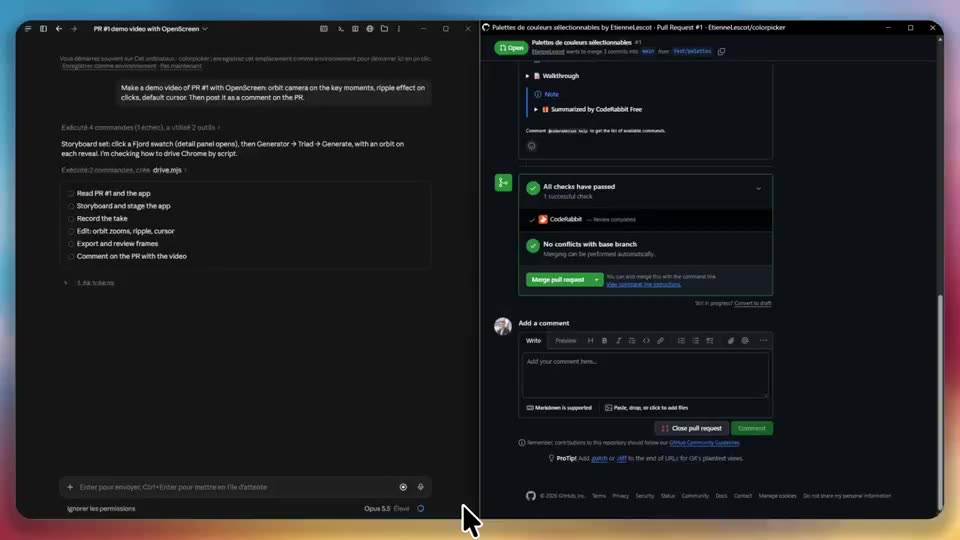
A coding agent is asked for a demo video of a pull request: it uses OpenScreen to record the new feature, edits the clip and posts it as a comment on the PR.
A short tour of the OpenScreen editor: a recorded app demo gets a new background in one click, a sentence deleted from the transcript is cut from the video, and an edit is typed into the built-in chat.
Video: @jaywcjlove on X, shown with credit. Press play; sound is on unless you mute it.
A reference for what OpenScreen can make. The creator links the repo in the post itself. We checked the link: github.com/getopenscreen/openscreen.
The video belongs to its creator and is shown with credit. Want it removed or credited differently? Tell us.
APP DEMO0:41A coding agent is asked for a demo video of a pull request: it uses OpenScreen to record the new feature, edits the clip and posts it as a comment on the PR.
 MOTION0:25
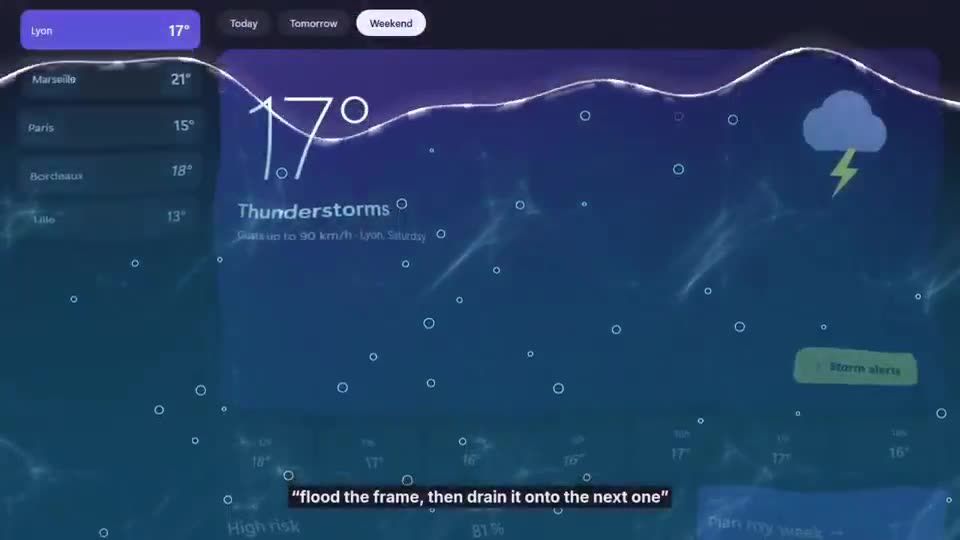
Each cut in this edit was described in plain words, like "shatter it like glass" or "bubbles that pop into the next shot", and the agent wrote the effect for OpenScreen.
 EDITING0:29
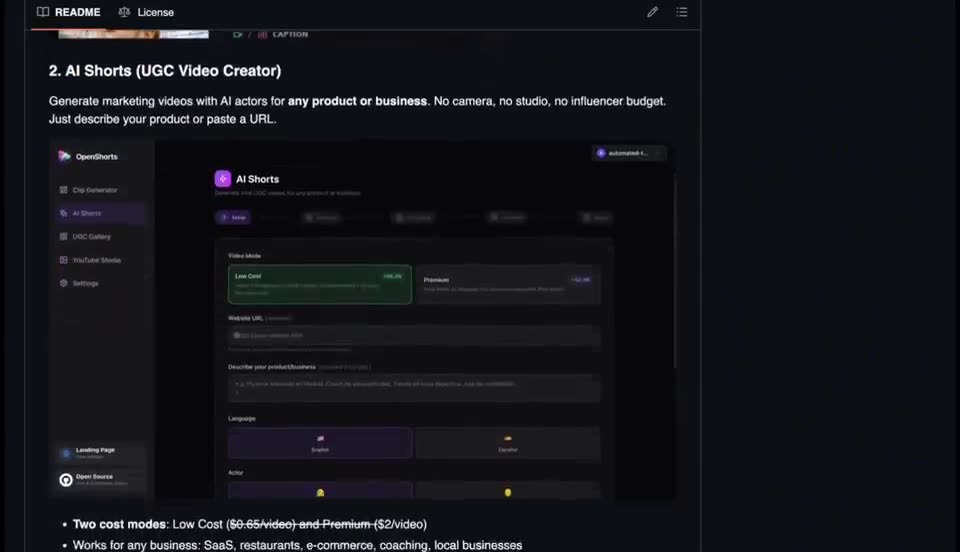
Paste a product link and OpenShorts handles script, voice, B-roll, subtitles and vertical clips, running locally.
 EDITING0:04
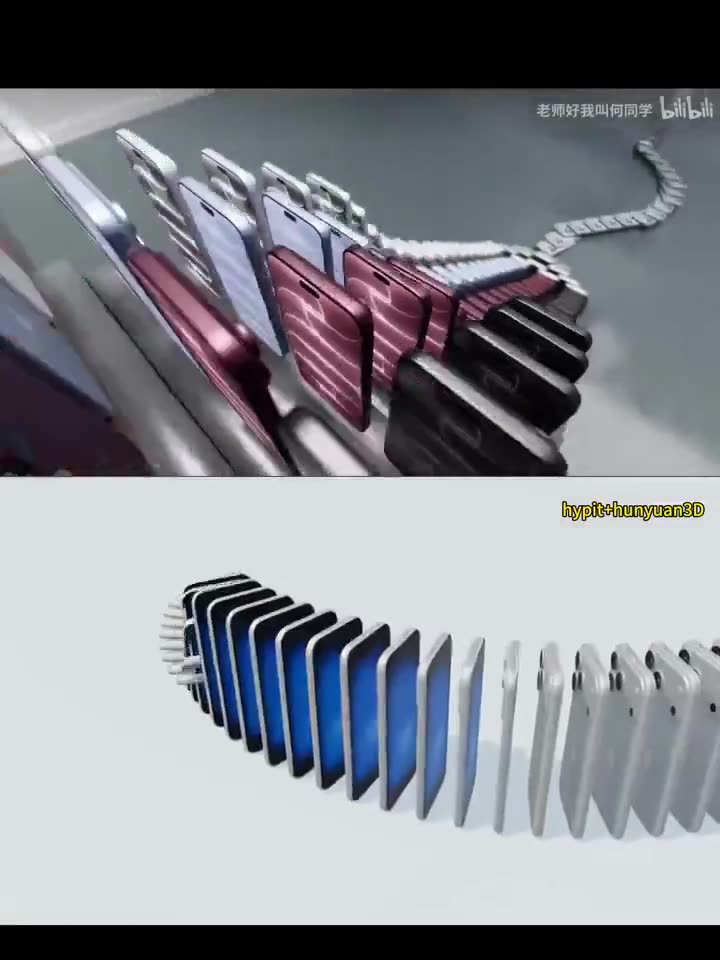
Hypit broke down the original edit and rebuilt it with a 3D model, with no video-generation model involved.
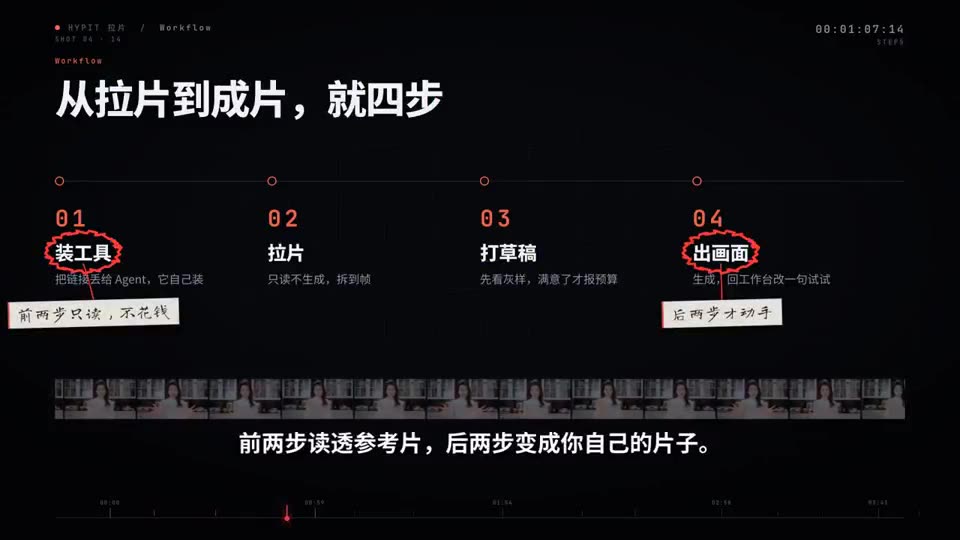 EDITING1:30
A walkthrough of Hypit copying the structure of a popular short so you can remake it with your own content.
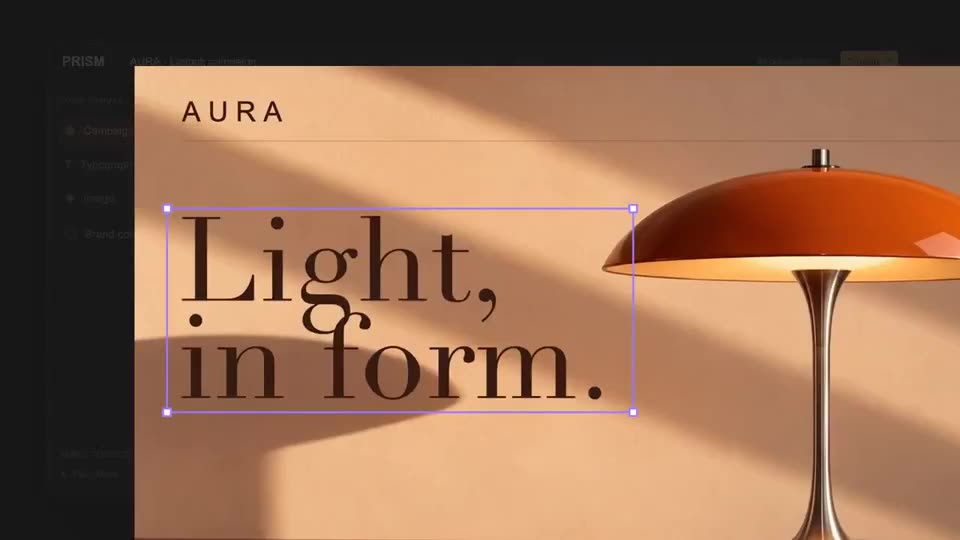 EDITING0:24
Example output showing Hypit copying an edit and also making its own motion and effects.