OpenScreen: your agent records and edits app demos
A free screen recorder and editor with an agent skill: ask your coding agent for a demo of a feature and it records the app, adds zooms, captions and effects, and exports a ready-to-post video.
In short: A free screen recorder and editor with an agent skill: ask your coding agent for a demo of a feature and it records the app, adds zooms, captions and effects, and exports a ready-to-post video. It is a free skill for people who use Claude Code or Codex and want help with video editing.
Real videos made with this skill, credited to their creators. Hover to preview.
EDITING0:12
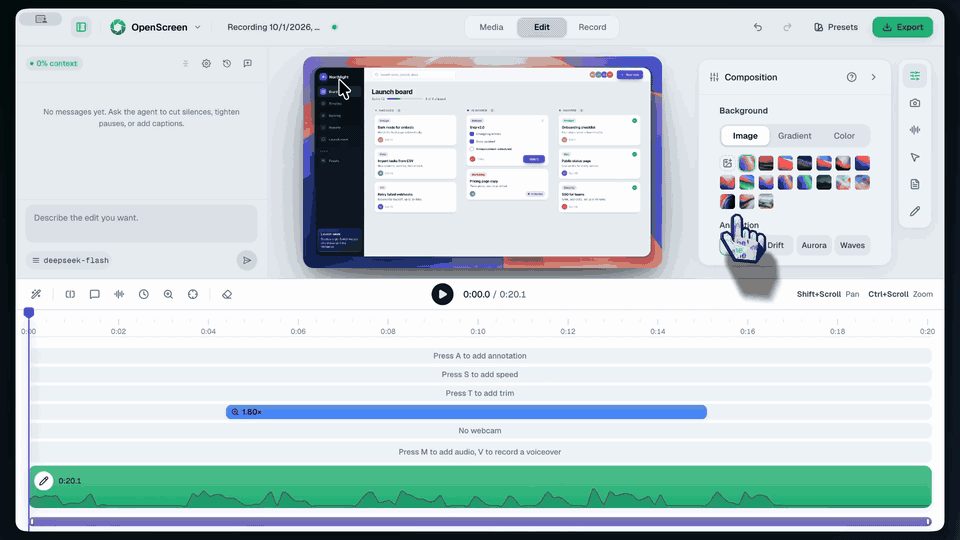
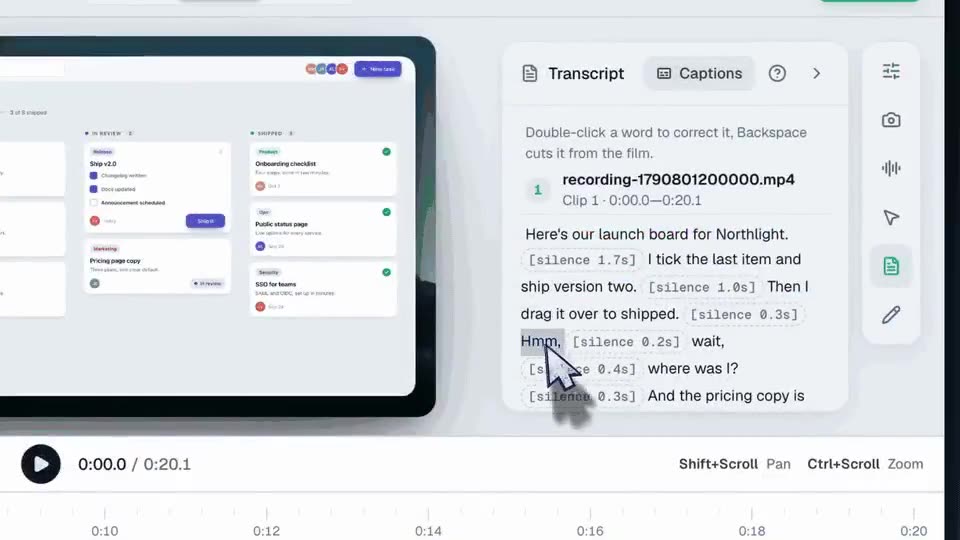
OpenScreen edits a screen recording with one click per change
A short tour of the OpenScreen editor: a recorded app demo gets a new background in one click, a sentence deleted from the transcript is cut from the video, and an edit is typed into the built-in chat.
OpenScreen@jaywcjlove♥ 50
APP DEMO0:41
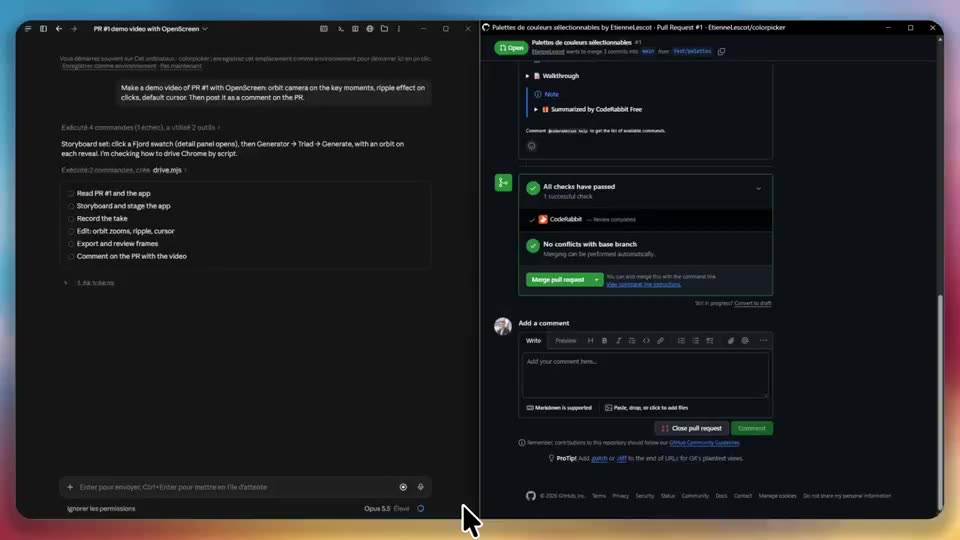
One prompt, and the agent records a demo of its own pull request
A coding agent is asked for a demo video of a pull request: it uses OpenScreen to record the new feature, edits the clip and posts it as a comment on the PR.
OpenScreen@LescotEtienne♥ 3
MOTION0:25
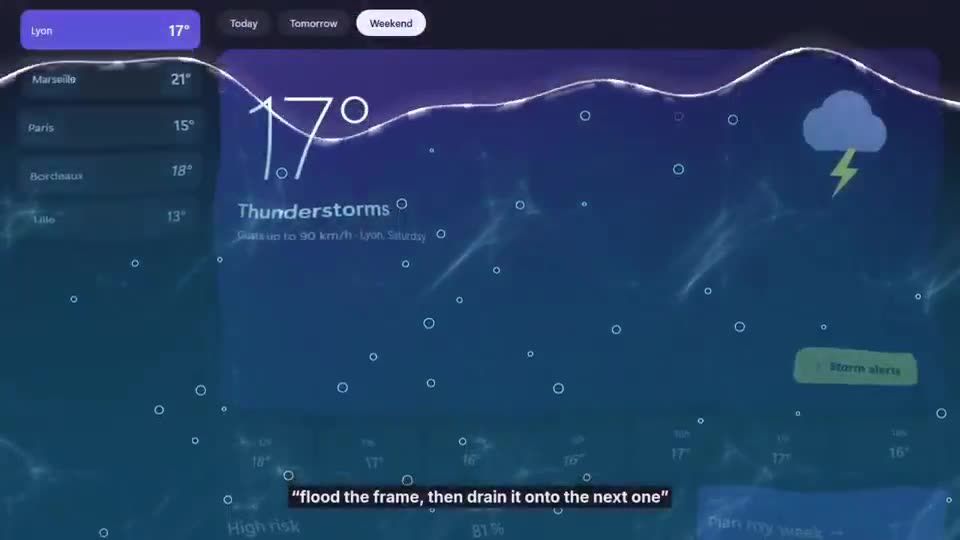
Video transitions written from one sentence each
Each cut in this edit was described in plain words, like "shatter it like glass" or "bubbles that pop into the next shot", and the agent wrote the effect for OpenScreen.
Install command copied from the project README. Check the README for the latest version.
What it does
A free screen recorder and editor with an agent skill: ask your coding agent for a demo of a feature and it records the app, adds zooms, captions and effects, and exports a ready-to-post video.
A free, open-source desktop app for recording your screen and turning the result into polished product demos and walkthroughs.
Core FeaturesCommand-line interface (headless)Let your AI agent ship the feature with its videoInstallationSystem requirementsmacOSWindowsLinuxPlatform differencesOfficial linksCommunityLicense
Step by step
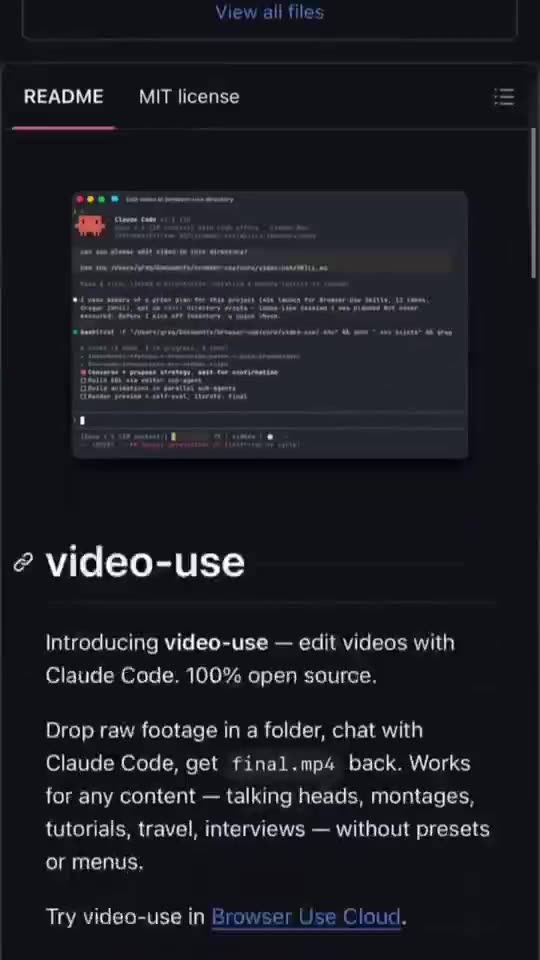
Open the GitHub repo and read the README.
In your agent run: npx skills add getopenscreen/openscreen --skill openscreen-demo -y
Ask it: "follow the OpenScreen skill and make a demo video of this feature". It offers to install the OpenScreen app and connect its MCP server.
Open a new session when it asks, let it record, then review the edit in OpenScreen and export MP4 or GIF.
Watch out for
It records your screen and can record your microphone and webcam, so close private windows first. The project says it is under active development, with rough edges and breaking changes. It continues the original openscreen repo, which its creator archived.
A free screen recorder and editor with an agent skill: ask your coding agent for a demo of a feature and it records the app, adds zooms, captions and effects, and exports a ready-to-post video.
Which AI agents can use OpenScreen?
It works with Claude Code and Codex. The code is on GitHub at getopenscreen/openscreen.
Is OpenScreen free?
Free & open source (MIT), for personal and commercial use, no watermark. The built-in AI edit chat is optional and uses your own Claude, OpenAI or Gemini key.
How do I install OpenScreen?
Run the install command from the README: “npx skills add getopenscreen/openscreen --skill openscreen-demo -y”. Check the README on GitHub for the latest version, then follow the steps on this page.
Is OpenScreen safe to install?
We read 1134 instruction and code files and flagged 1 pattern worth a look before installing (often normal for installers). They are listed on this page.


 EDITING0:12