AI Design Skills: landing pages and design-to-motion loops
Two design skills from a product designer: one interviews you about the offer and buyer, then builds a landing page with strict type, spacing and motion rules; the other rebuilds a static design pixel-exact and animates it into a looping MP4 and GIF.
In short: Two design skills from a product designer: one interviews you about the offer and buyer, then builds a landing page with strict type, spacing and motion rules; the other rebuilds a static design pixel-exact and animates it into a looping MP4 and GIF. It is a free skill for people who use Claude Code, Codex or Cursor and want help with seo & web.
Real videos made with this skill, credited to their creators. Hover to preview.
APP DEMO0:14
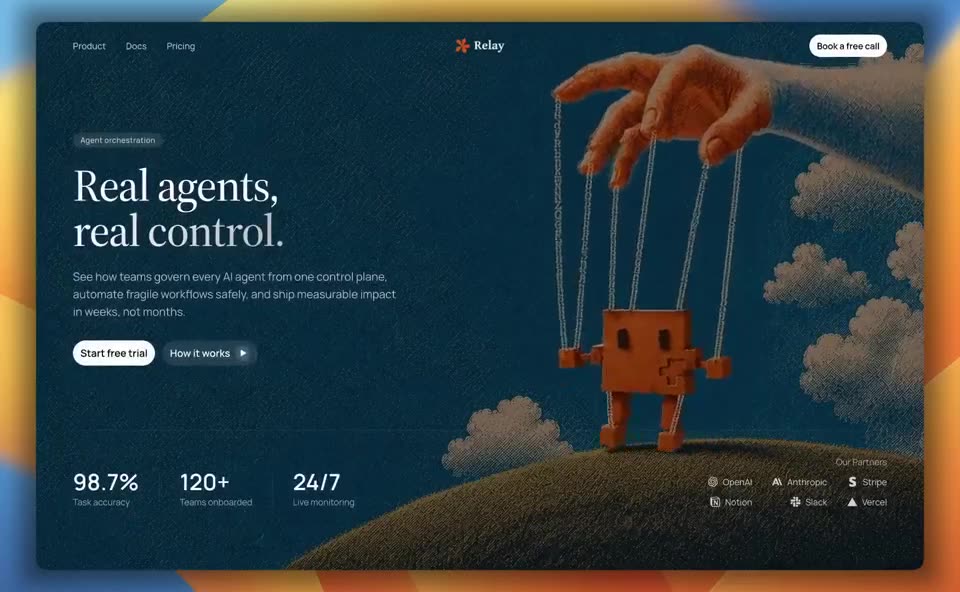
Two months of landing pages made with AI Design Skills
A 15-second reel of landing pages the author designed in two months with this open-source designer skill, Claude, Cursor and Higgsfield: a blue-tile coastline, a pixel-cloud fintech page, a lighthouse hero, a chef mascot, a puppet-string agent page and a cockpit travel site.
Install command copied from the project README. Check the README for the latest version.
What it does
Two design skills from a product designer: one interviews you about the offer and buyer, then builds a landing page with strict type, spacing and motion rules; the other rebuilds a static design pixel-exact and animates it into a looping MP4 and GIF.
landing-page-design starts with intake questions (offer, buyer, the one action you want), picks a page structure and layout, writes conversion copy and then applies a strict visual system for type, spacing, corner…
Use the landing-page-design skill to build a one-page site for [my product] aimed at [who it is for]. Ask me the intake questions first.
Use the landing-page-design skill to build a one-page site for [my product] aimed at [who it is for]. Ask me the intake questions first.
Written by us so you can reuse it. Replace each [bracket] with your details.
Step by step
Open the GitHub repo and pick a skill: landing-page-design or design-to-motion.
Claude Code: clone the repo and copy skills/<skill-name> into .claude/skills/. Codex: paste the SKILL.md into AGENTS.md. Cursor: save it under .cursor/rules/.
Ask in plain words, e.g. "build a landing page for my app" or "animate this Figma frame".
Answer the intake questions, then review the page or the exported MP4/GIF before you ship it.
Watch out for
Opinionated: it bans many common phrases and layouts, so expect it to push back on generic copy. The design values (fonts, colours, spacing) sit in one section near the bottom of each file; change them to match your brand. design-to-motion is for showcase loops, not for hover and menu motion inside an app. Our scan flags "reads browser/keychain data" in design-to-motion/SKILL.md; we read it by hand: it is a line telling the agent to keep your Figma token in an environment variable or the OS keychain and never print it, not code that reads your keychain.
Two design skills from a product designer: one interviews you about the offer and buyer, then builds a landing page with strict type, spacing and motion rules; the other rebuilds a static design pixel-exact and animates it into a looping MP4 and GIF.
Which AI agents can use AI Design Skills?
It works with Claude Code, Codex and Cursor. The code is on GitHub at elayadesign/ai-design-skills.
Is AI Design Skills free?
Free & open source (MIT, no attribution needed). Both skills are plain SKILL.md files; design-to-motion uses FFmpeg for the export and a Figma personal access token if you start from a Figma link.
How do I install AI Design Skills?
Run the install command from the README: “git clone https://github.com/elayadesign/ai-design-skills.git /tmp/ai-design-skills”. Check the README on GitHub for the latest version, then follow the steps on this page.
Is AI Design Skills safe to install?
We read 3 instruction and code files and flagged 1 pattern worth a look before installing (often normal for installers): reads browser/keychain data (in skills/design-to-motion/SKILL.md). Read the flagged lines before you install it.
Styles, palettes and UX rules so agent-built sites stop looking generic.
Claude Code +2★ 135.9k
SKILL0:39
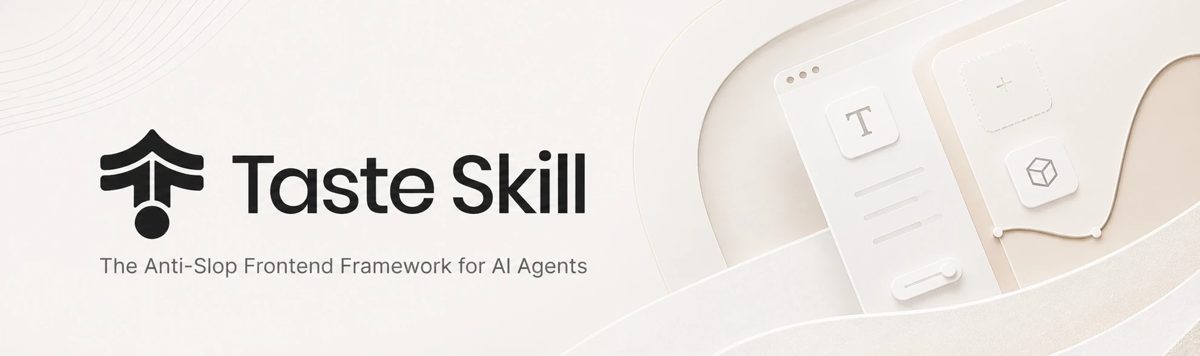
Taste Skill: art direction for coding agents
Set taste dials and references so agent UIs don't look AI-generated.
Claude Code +2★ 96.5k
SKILL
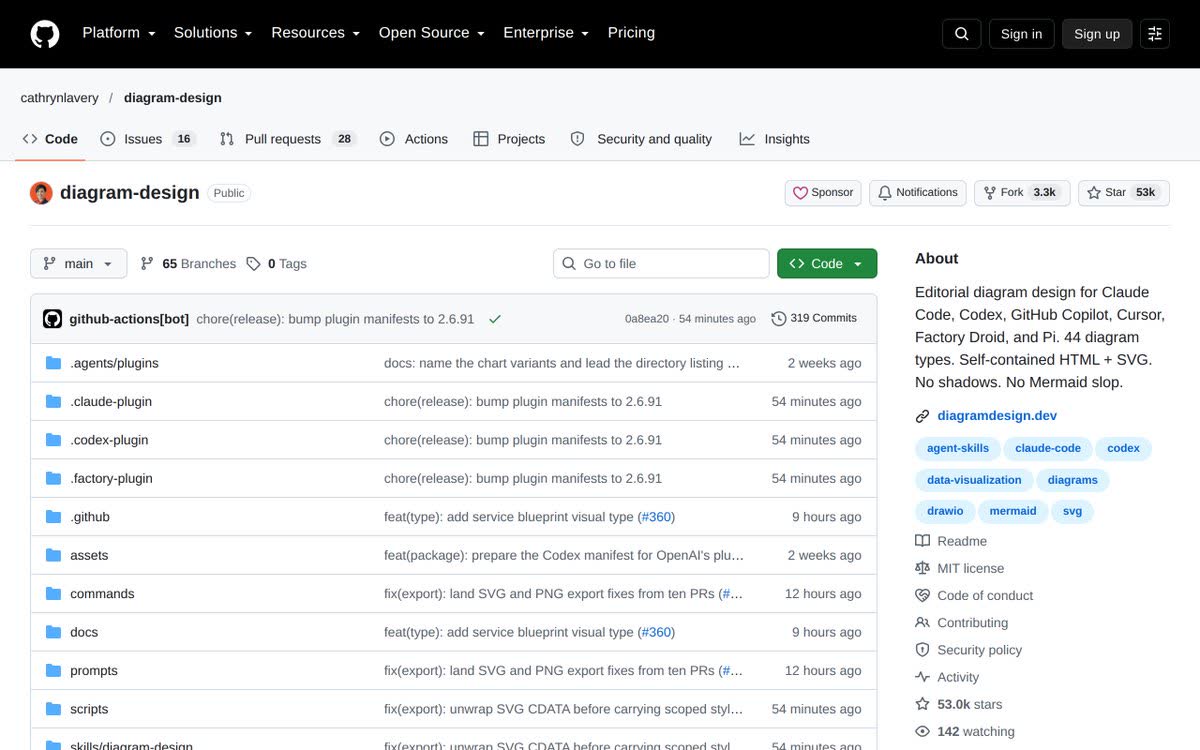
Diagram Design: branded diagrams as one HTML file
45 diagram types as self-contained HTML+SVG in your brand, great for decks and carousels.
Claude Code +2★ 55.4k
SKILL
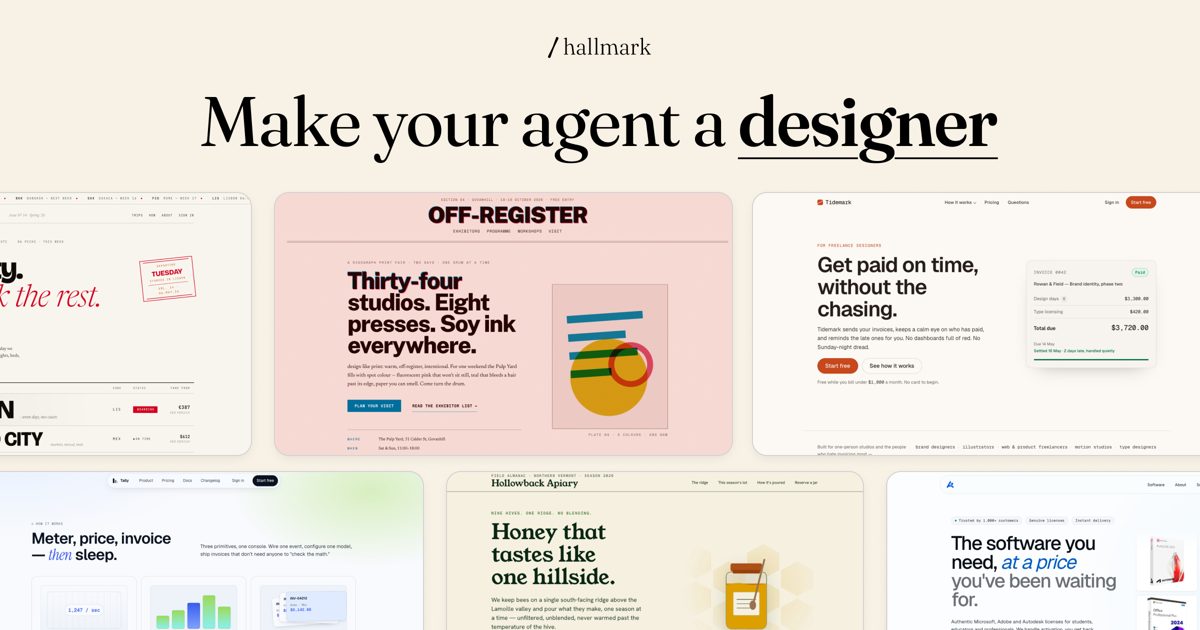
Hallmark: web pages that don't look AI-made
A design skill that gives each page its own layout and look from a set of themes, then checks the result against a long list of tired AI design habits before handing it over. It can also audit or rebuild a page you already have.
Claude Code +2★ 30.6k
SKILL
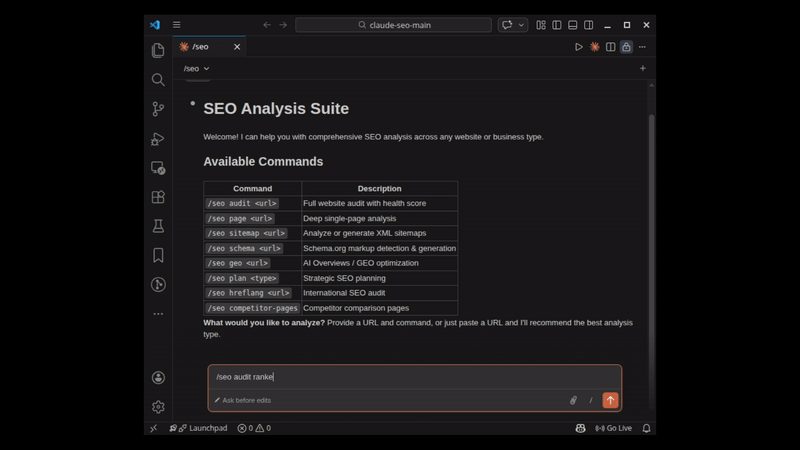
Claude SEO: a full SEO and AI-search audit of any site
Give Claude Code a website and /seo audit checks crawling, speed, schema, content quality, local SEO and whether AI answer engines are likely to cite the pages, then returns a fix list sorted by what matters most. 26 focused SEO skills and 19 helper agents, with smaller commands for a single page, schema, sitemaps or a content brief.
Claude Code★ 23k
SKILL
oil-motion: scroll and cursor web animations
A web animation skill that builds animations that follow scrolling and mouse movement on your pages.
Claude Code +1★ 2.6k
Free newsletter
Friday Picks
New AI tools you can use right away, in plain words. Every Friday.


 APP DEMO0:14